23
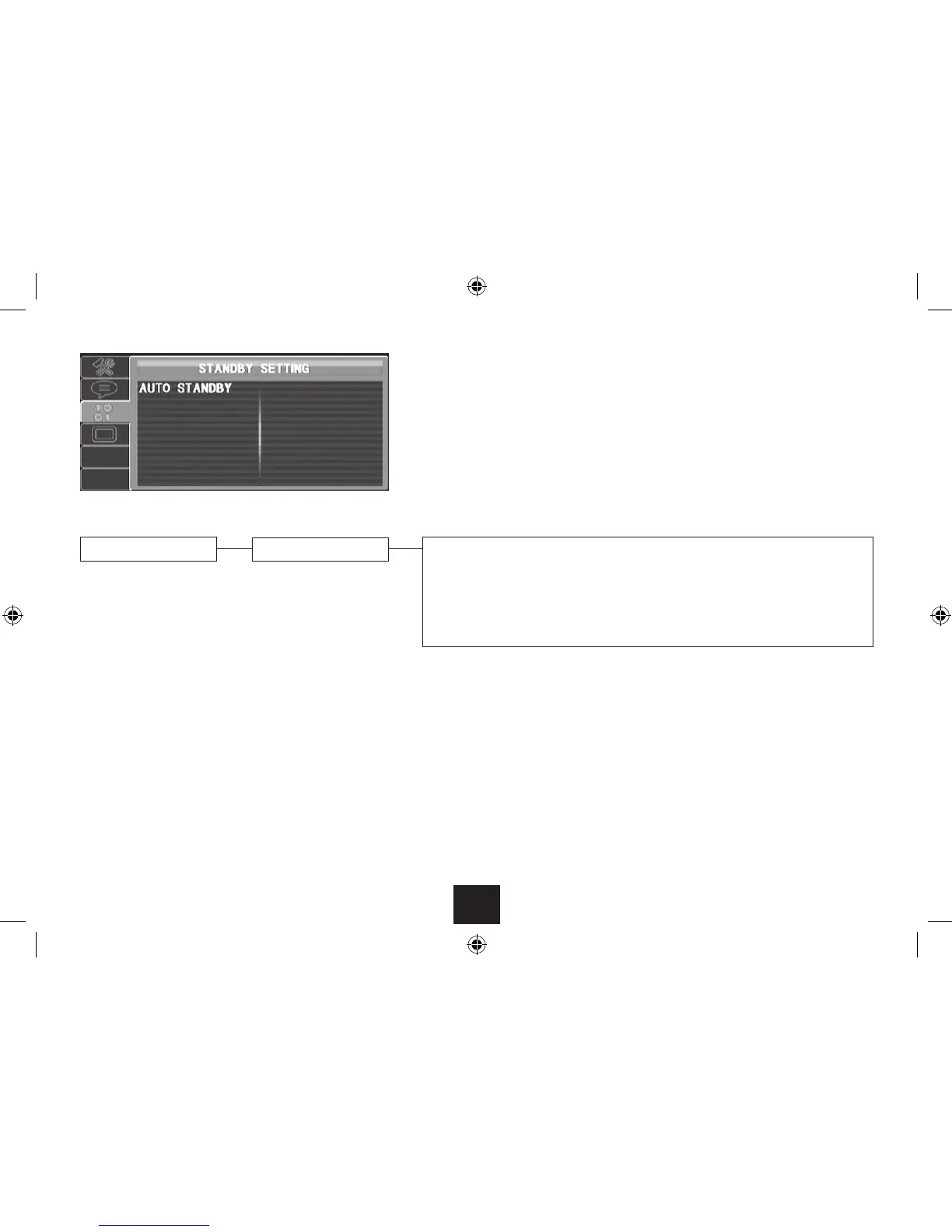
STANDBY SETTING PAGE
Auto Standby
When Auto Standby is enabled, the player will automatically set to Standby when it has not been •
used for the set period.
Choose ‘O’ to disable Auto Standby.
Choose 3 hours to set the Auto Standby time to 3 hours.
Choose 4 hours to set the Auto Standby time to 4 hours.
STANDBY SETTING PAGE
Choose the Standby setting page to:
Enable or disable Auto Standby and change the Auto Standby time.•



 To Next Page