24
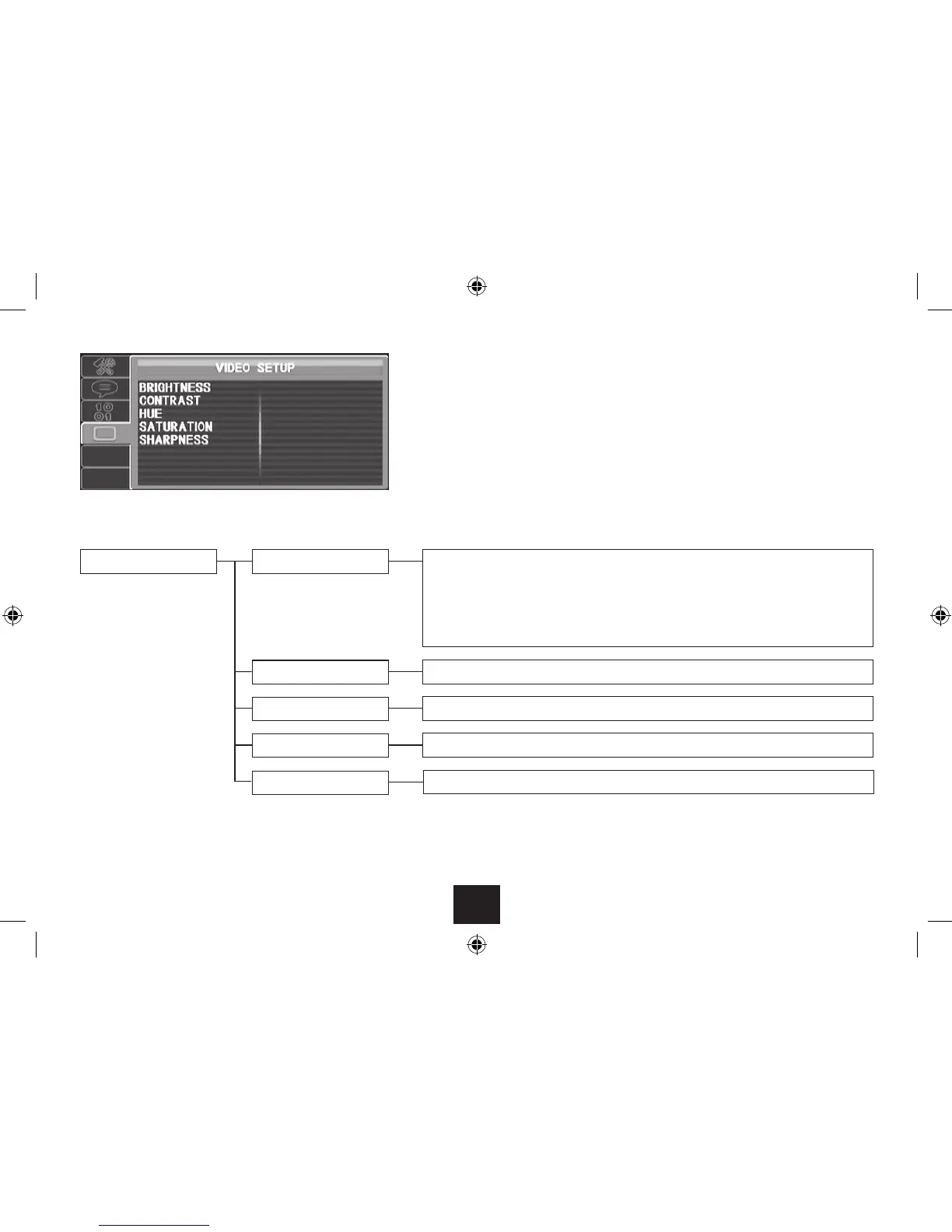
VIDEO SETUP PAGE
Choose the Video Setup page to:
Set the picture brightness.•
Set the picture contrast.•
Set the picture hue.•
Set the picture saturation.•
Set the picture sharpness.•
VIDEO SETUP PAGE
Brightness
Contrast
Hue
Saturation
Sharpness
Select the Brightness option from the Video setup page.•
A bargraph is displayed with the current brightness setting.
Press • / to set the brightness setting you want.
Press ENTER to store the new brightness setting and return to the Video setup settings.•
Select the Contrast option and adjust the picture contrast in the same way as Brightness.•
Select the Hue option and adjust the picture hue in the same way as Brightness.•
Select the Saturation option and adjust the picture saturation in the same way as Brightness.•
Select the Sharpness option and adjust the picture saturation in the same way as Brightness.•



 To Next Page