A QUICK GUIDE FOR OWNERS
2
USING YOUR KEY
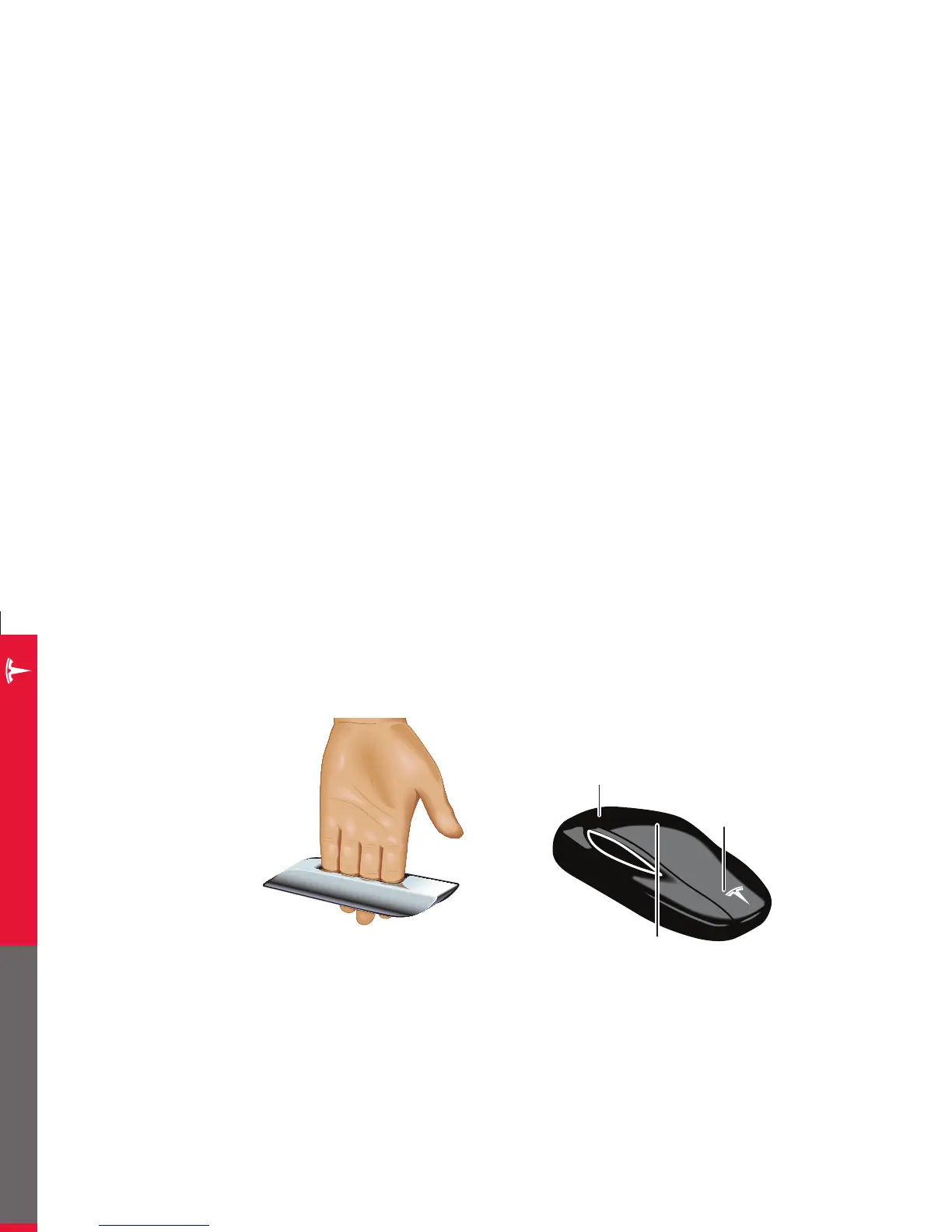
To familiarize yourself with the key, think of it as a miniature version of
Model S, with the Tesla badge representing the front.
NOTES:
You don’t need to point the key at Model S, but you must be within operating
range (which varies depending on the strength of the key’s battery).
Radio equipment on a similar frequency can affect the key. If this happens,
move the key at least a foot away from other electronic devices (phone,
laptop, etc).
If the key doesn’t work, you may need to change its battery. Even if the key’s
battery is discharged, you can open Model S by following the procedure
described on
page 30.
From inside Model S, you can lock and unlock doors, trunks, and the
charge port using the touchscreen (see page 10).
OPENING DOORS
If your Model S is equipped with
the Tech Package option, walk
up to the driver’s door when you
have your key with you, and the
door handles extend.* Insert your
hand into the handle and pull to
open the door. Without this option,
unlock Model S with the key, then
press the handle to extend it.
Open the trunk without using the
key simply by touching the switch
located under the liftgate handle.
NOTES:
If keyless entry doesn’t work, use your key as described on this page.
Door handles retract if you don’t use them within a minute after they
extend. Press a handle to extend it again. Door handles also retract a
minute after the last door closes, when ModelS begins moving, and when
you lock it.
TRUNK
Double-click to unlock or to open/close a powered liftgate.
Single-click to stop/start the movement of a powered liftgate.
FRONT TRUNK
Click to unlock.
LOCK/UNLOCK ALL
Double-click to unlock doors (lights flash twice and handles extend).
Single-click to lock doors and the trunks (lights flash once and handles retract).
Press and hold to lower all windows.
TO GET IN AND DRIVE
* Door handles extend automatically only if the AUTO-PRESENT HANDLES setting is turned ON
(see page 9).
















 To Next Page