Using the product 15
Using the product
To ensure correct readings:
· Position instrument so that flow impacts at the rear.
· Keep temperature and humidity sources which may falsify the
measurement (e.g. hands) away from the sensor.
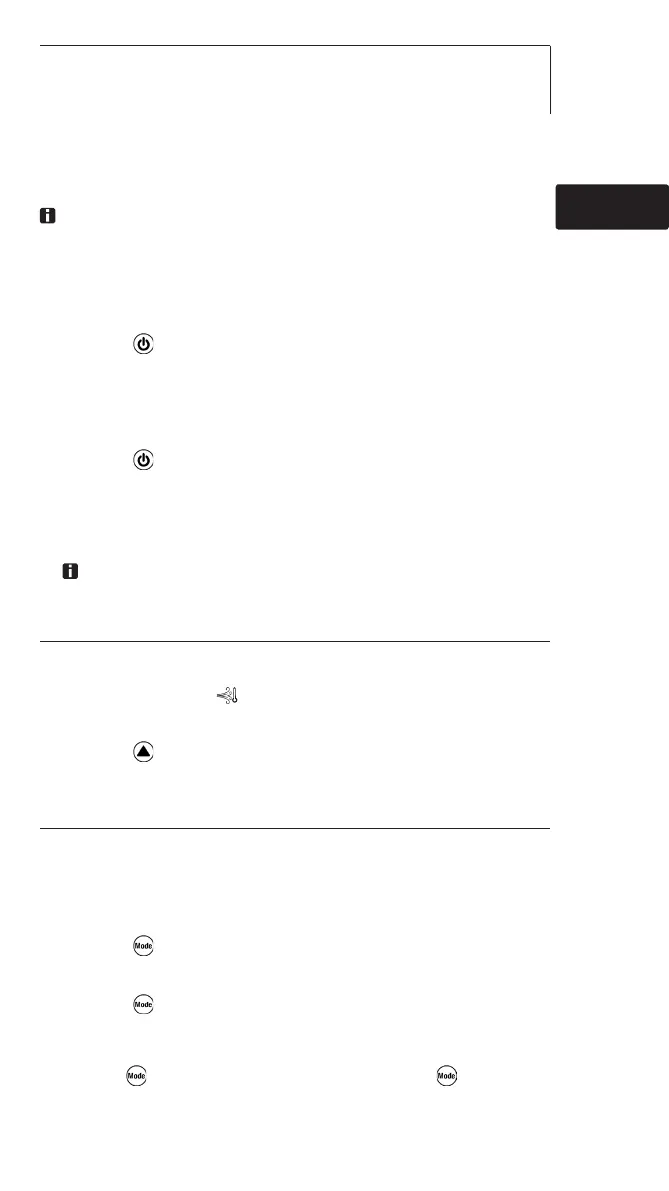
ã Switching the instrument on:
> Press .
- Measuring mode is opened.
ã Switching the display light on:
3 The instrument is switched on.
> Press .
- The display light goes out automatically if no key is
pressed for 10 seconds.
ã Changing the parameter:
The parameter in the top display line can be changed. The
bottom display line always shows the temperature.
Adjustable parameters
· Velocity
· Humidity
· Wind chill temperature ( ): perceived temperature (only deviates from
ambient temperature at temperatures <10°C / <50°F and wind speeds
>1.34m/s / >264 fpm)
> Press several times until the desired parameter appears.
ã Changing the display view:
Adjustable views
· Current reading
· Hold: Readings are held.
· Max: Maximum values since the instrument was last switched on or last reset.
· Min: Minimum values since the instrument was last switched on or last reset.
· Hold Avg: Timed mean value calculation, see below.
> Press several times until the desired view appears.
ã Timed mean value calculation for flow:
1 Press several times, until Hold and Avg appear in the
display. The last result of mean value calculation is
displayed.
2 Hold down until - - - - appears. Releasing starts
mean value calculation automatically, the current readings
are displayed.
de
enfres
it
pt
sv
nl
??
??



 To Next Page
 Loading...