6 Using the product
15
Example: Setting refrigerant R401B
1. Press [▲] or [▼] several times, until R401B flashes.
2. Press [R, ►, ■] to confirm the setting.
Quitting the refrigerant selection
> Press [R, ►, ■] or automatically after 30 s, if no other key has
been pressed.
Pos: 30 /TD/Produk t verwenden/testo 550/B luetooth Übersc hrift 550 @ 16\mod_14210585 14340_79.docx @ 206201 @ 3 @ 1
6.1.3. Switching Bluetooth® on and off (testo 550)
Pos: 31 /TD/Produk t verwenden/testo 557/B luetooth ein-aussc halten @ 16\mod_141873 2441244_79.docx @ 2054 97 @ @ 1
In order to be able to establish a connection via Bluetooth,
you need a tablet or smartphone with the Testo app
Refrigeration already installed on it.
You can get the App for iOS instruments in the App Store
or for Android instruments in the Play Store.
Information about compatibility can be found in the relevant
app store.
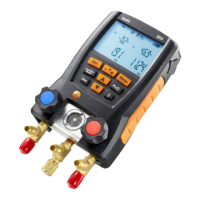
1. Press [▲] and [▼] simultaneously and hold down for
3 seconds.
- Once the Bluetooth icon is shown on the display, Bluetooth is
switched on.
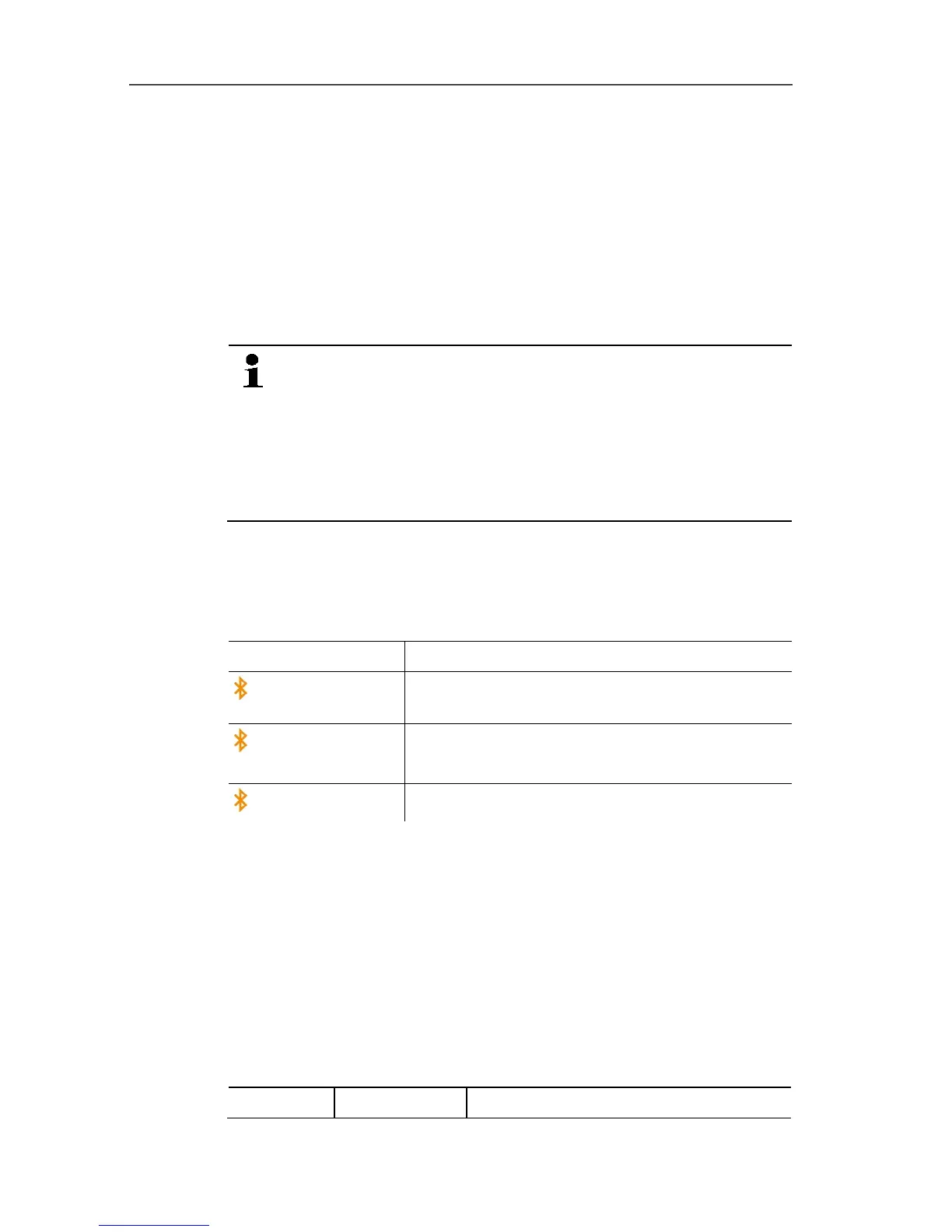
Display Explanation
flashes
There is no Bluetooth connection, or a
potential connection is being searched for.
is permanently
displayed
There is a Bluetooth connection.
is not displayed
Bluetooth is disabled.
2. Press [▲] and [▼] simultaneously and hold down for
3 seconds.
- Once the Bluetooth icon is no longer shown on the display,
Bluetooth is switched off.
Pos: 32 /TD/Produk t verwenden/testo 550/ Messmodus testo 5502 @ 17\ mod_1423131750000_7 9.docx @ 207342 @ 3 @ 1
6.1.4. Selecting the measuring mode
1. Press [Set] several times.
2. Select function with [▲] or [▼].
3. Save setting: press [Set].
- Measuring mode is dsplayed.
Display Mode Function


 To Next Page