6 Using the manifold
17
6.1.5. Choosing the measuring mode
1. Press [Set] several times
2. Press [▲] or [▼] to select the function.
3. Saving settings: Press [Set].
- The measuring mode is displayed.
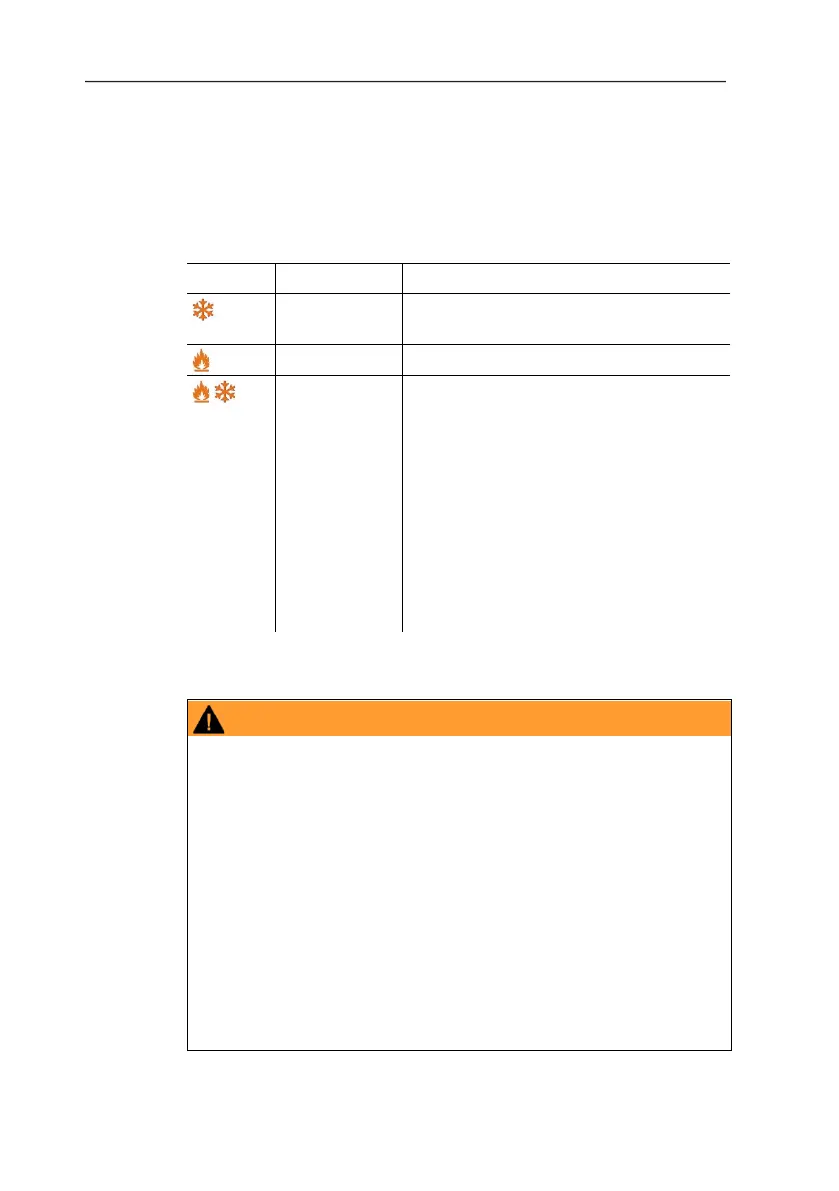
Display Mode Function
Refrigeration
system
Normal function of the digital manifold
Heat pump Normal function of the digital manifold
Automatic
mode
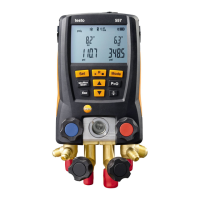
When automatic mode is activated the
digital manifold testo 557 automatically
reverse the display of high and low
pressure. This automatic reversal
occurs when the pressure in the low
pressure side is 1 bar higher than the
pressure in the high pressure side. This
switching over is indicated by ----
flashing in the display. This mode is
particularly suitable for air conditioning
systems that provide cooling and
heating.
6.2. Performing the measurement
Risk of injury caused by refrigerant that is at high pressure,
hot, cold, or poisonous!
> Wear safety goggles and protective gloves.
> Before applying pressure to the measuring instrument: Always
fasten the measuring instrument on the suspension attachment
to prevent it from falling down (danger of breakage)
> Before each measurement check the refrigerant hoses for
flawless condition and correct connection. Do not use any tools
to connect the hoses, tighten hoses only hand-tight (max.
torque 5.0 Nm / 3.7 ft*lb).
> Comply with the permissible measuring range (-14.7…870 psi
/ -1…60 bar). Pay particular attention in systems with
refrigerant R744, since these are frequently operated with
higher pressures.


 To Next Page