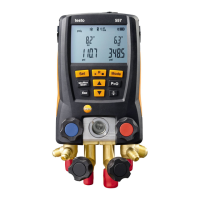
6 Using the manifold
20
Evacuation / vacuum display
5. Connect Vakuum probe
Vacuum measurement
✓ The vacuum probe is plugged into the front connection of the
manifold and connected to the system.
1. [Mode] 2 x press.
- The vacuum measurement menu appears. If ambient pressure
is applied to the vacuum probe, then oooo is shown on the
display.
2. Start the vacuum pump.
- Once the measuring range 0 to 20,000 microns is reached, the
current vacuum value is shown on the instrument display. The
instrument also displays the current ambient temperature, the
water evaporation temperature, which corresponds to the
vacuum reading, and the delta between these two
temperatures.
3. To leave vacuum mode, remove the vacuum probe from the
testo 557 or switch to the standard measurement view using the
[Mode] button.
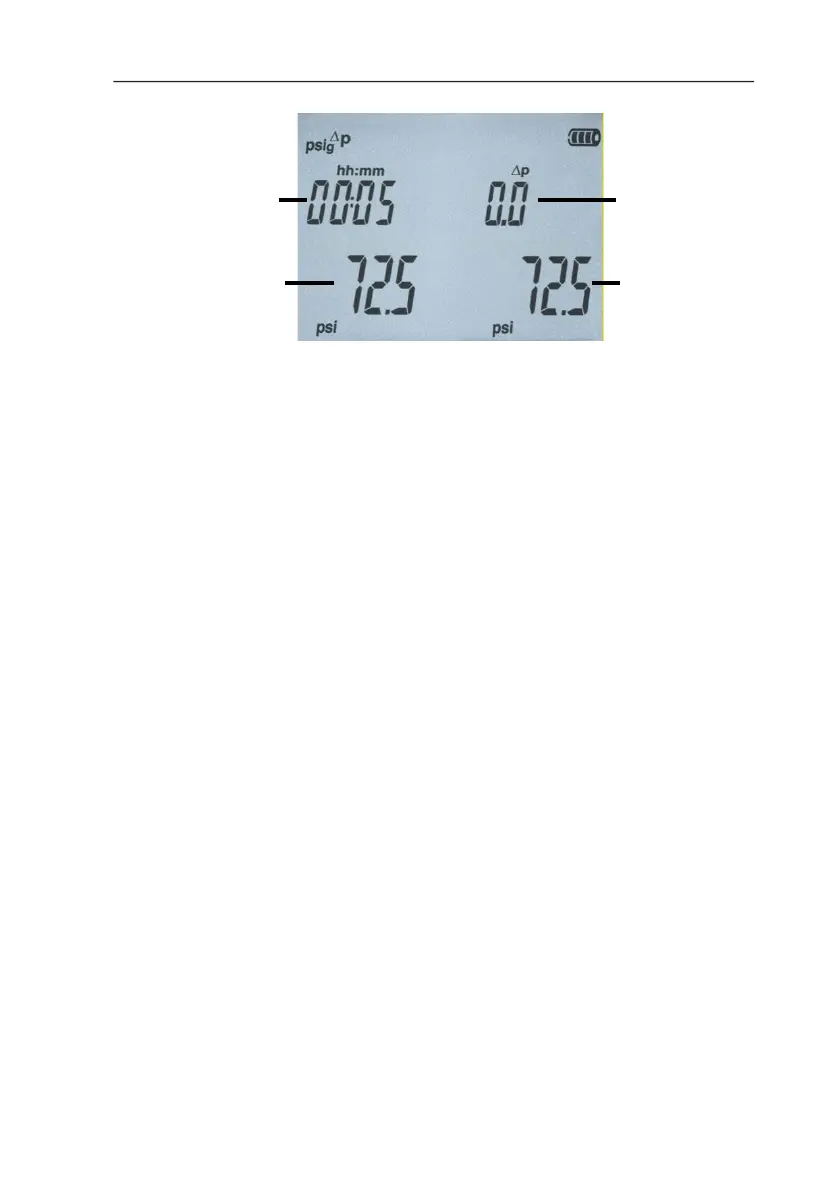
Differential
pressure start
compared to
actual
Measured
pressure
beginning
of test


 To Next Page