38
Averaging is called up via and multi-point measurement is selected.
While the vane is moved over the duct cross-section, each confirmation stores a single
value.
The number of logged single values appears at the top left of the display. calculates the
arithmetic mean from these single values. This corresponds to the average velocity value and the
volume flow in m
3
/h.
sets up a new log.
extends the measurement series by a new “n x start” sequence.
Quit by pressing .
Return to measurement menu by pressing again.
Note: Switching off volume flow calculation: Press and
leave the next window by pressing .
Printing mean calculation
Press button to print out the whole mean calculation
procedure (do not forget to switch on the printer).
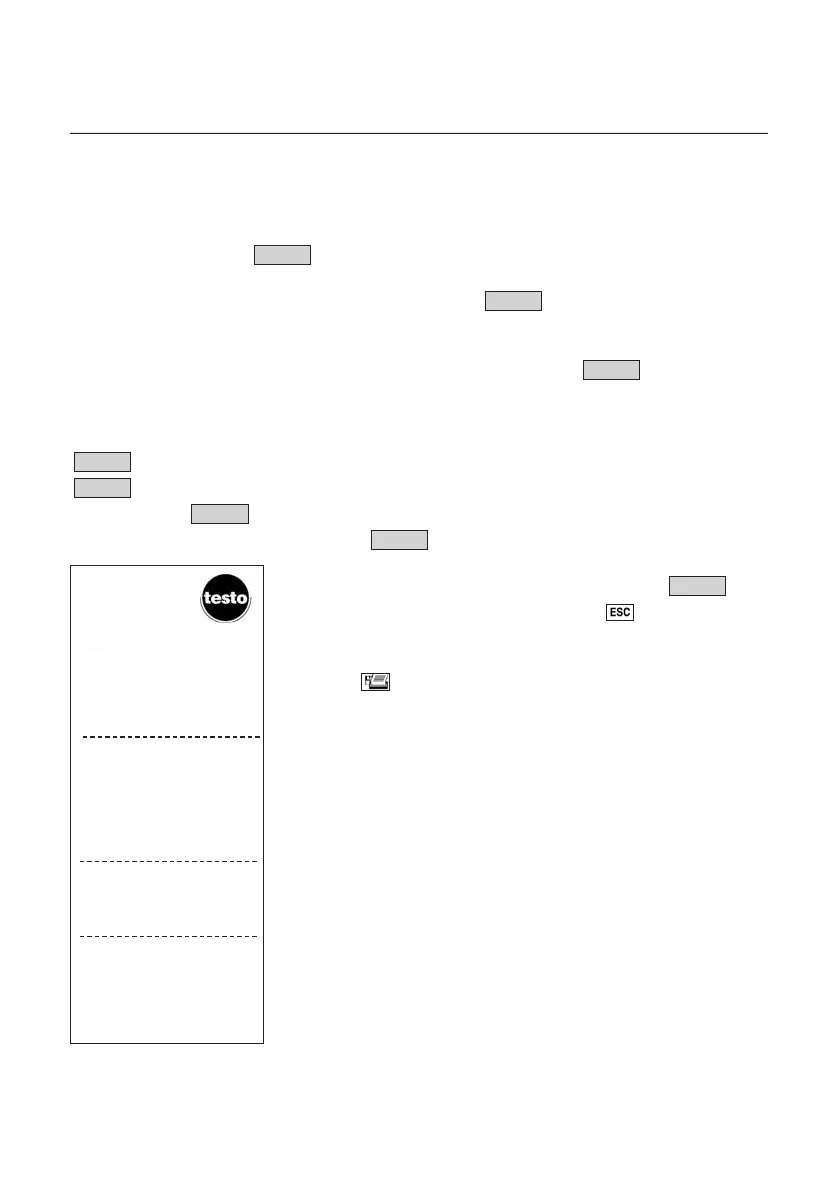
Example: Printout of a mean calculation with vane (incl.
volume flow)
Vol.
End
End
Continu e
New
End
Start
Mean
Velocity measurement
2266..0099..0000 0000::0055::0000
MMiitttteellwweerrtt
ppuunnkkttuueellll
KKaannaall DD550000 PPkktt44
11 mm//ss 22 mm
33
//hh 33 °°CC
0011 11..55 11003300 2277..22
0022 22..11 11446600 2277..22
0033 11..11 778800 2288..66
0044 33..00 22009900 2288..99
0055 33..55 22446600 2299..11
0066 66..33 44445500 2277..77
11
22..99
mm//ss
22
22004455
mm
33
//hh
33
2288..11
°°CC
2266..0099..0000
1100::1100::4488
MMeeaann
MMuullttii--ppooiinntt
DDuucctt



 To Next Page