52
Update on disk
testo 650 and testo 950 can be upgraded to have the full functions of testo 400. We will gradually
introduce branch-specific and user-specific software updates for the instruments.
Please ask your Testo service department or Testo dealer.
A simple instrument update e. g. firmware V1.20 to V1.21 can be performed by you.
Remove the lithium battery, batteries/rechargeable batteries and mains unit from the measuring
instrument. Reconnect the mains unit. At the same time keep the button on the instrument
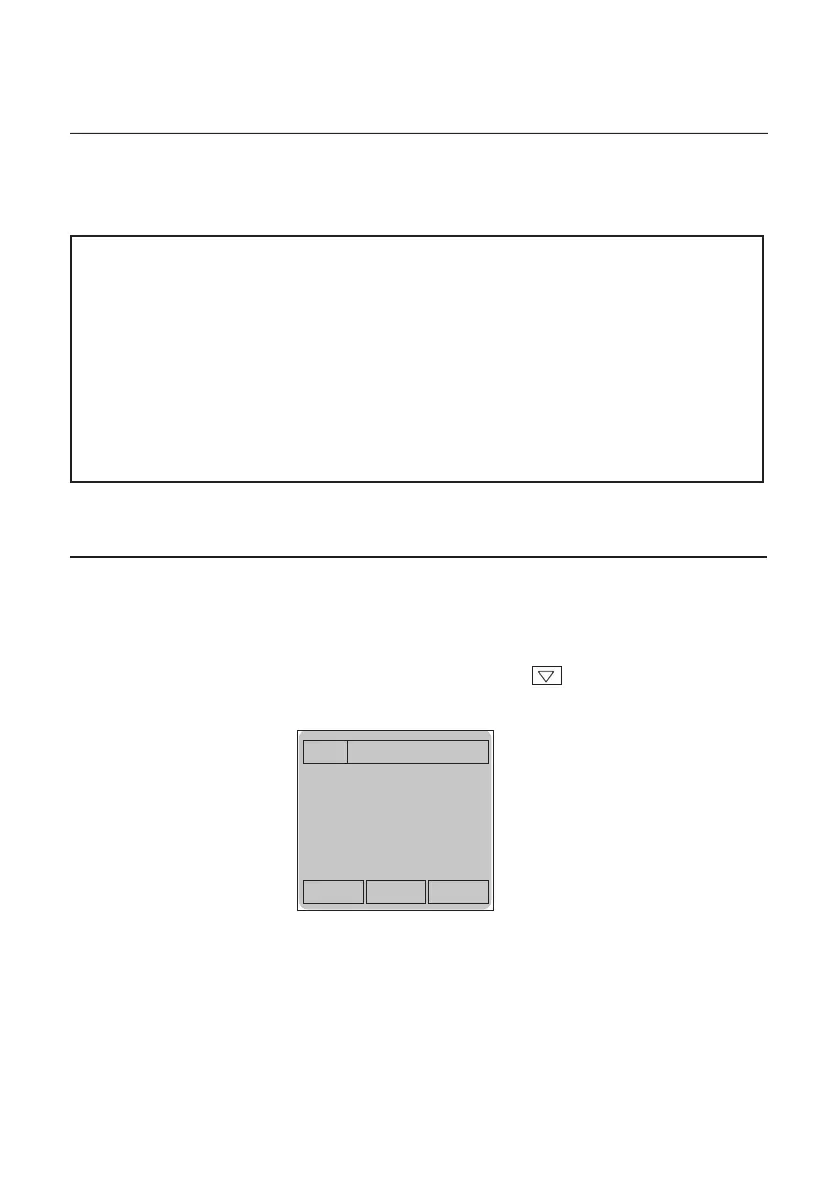
pressed. The following message appears :
Connect your measuring instrument with an interface lead to your PC. Place the disk in disk drive
A:. Change to DOS input command (C:\). Type “A:\ <Enter> and then “Update” <Enter>.
All you have to do now is select the interface to which your Testo instrument is connected. A
progress bar indicates how far the update is...
Once the update has been installed successfully, switch off the instrument and replace the
batteries/rechargeable batteries.
Flash-Kernel
Active
No Connection
Notes: The given times refer to batteries/rechargeables with the capacities mentioned
opposite. This standard data is supplied by the manufacturers. The values are
subject to fabrication spreads - the storage times and storage temperatures also
play a role.
Rechargeable batteries have to be charged and discharged regularly in order to
retain their rated capacity. After not using the almost empty batteries they will
only have a fraction of their capacity available..
If the system has not been used for a longer period of time (e.g. more than 4 weeks)
remove all the batteries/rechargeable batteries from the instrument. Rechargeable
batteries should be stored in a charged condition separately.
Power supply



 To Next Page