37
Task: Measuring the volume flow in a duct with a 500 mm diameter and vane probe
(Ø 16 mm), printout on attachable printer.
Procedure:
To measuring velocity connect the vane to the telescope and secure, then connect to the
measuring instrument and switch on the instrument.
Assign the function buttons with and .
To do this activate the function bars for the function buttons with
and select the required function by pressing .
Return to the measurement window via or .
1.) Press to enter the main menu from where you can check or edit the measuring instrument
configurations:
• INSTRUMENT - D
ATE/TIME: Current time?
• PRINT - PRINTER TYPE
: Attachable printer?
2.) Return to
current measurement
via .
Select the print symbol in the top left function bar and the measuring location on
the top right (e.g. “Duct D500) via and , or if not available set
up with CHANGE
- NEW LOCATION
.
Reactivate the current measurement via .
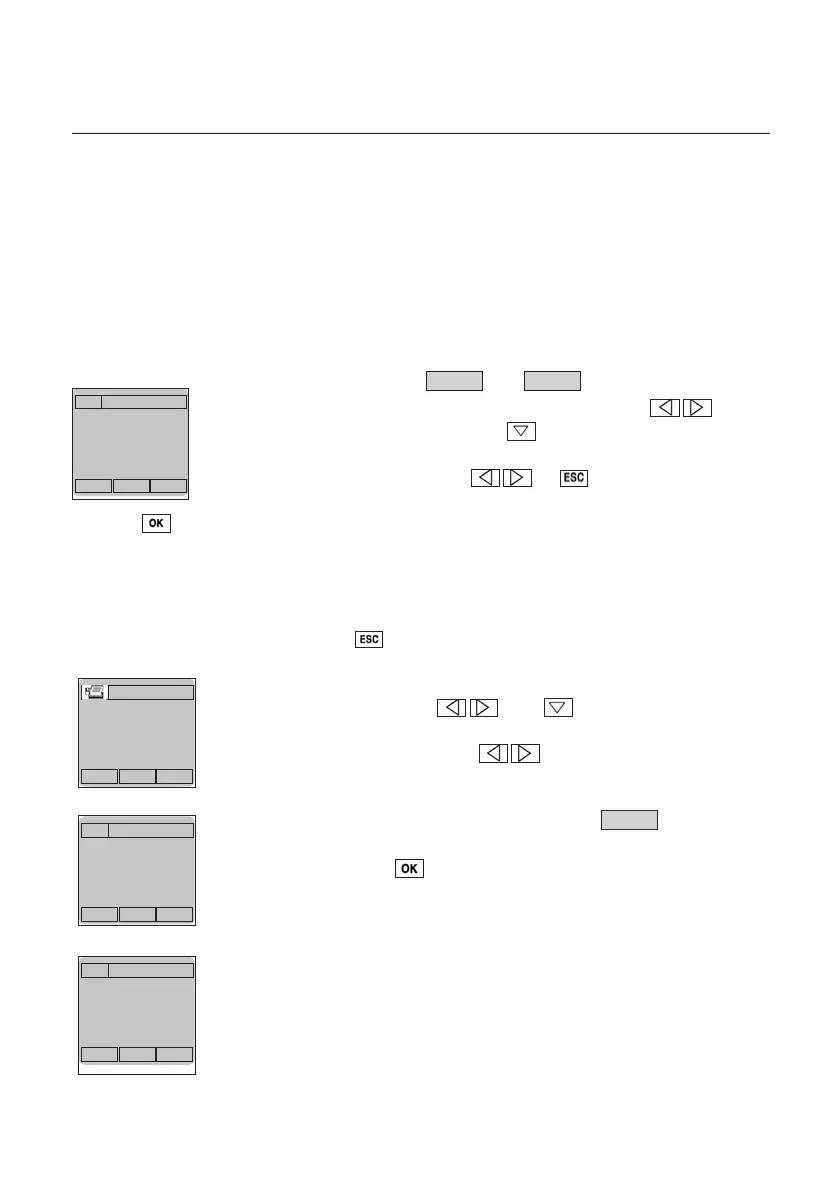
Activate volume flow calculation (see figure on left) via the function
button and enter the correct duct dimensions (e.g. via the diameter function
button → 50.00 cm; press ).
The instrument goes through a restart and the volume flow will now appear in the
display.
In DEVICE-UNITS -Flow, instead of volume flow it is possible to activate the
corresponding standard volume flow (reference to 1013 mbar, 0 °C) - marked by
capital letters M3/h -.
The required information appears on the display.
Vol.
Vol.Mean
00..00
2222..22
m/s
°C
Location
Mean Vol
00..00
2222..22
m/s
°C
Duct D500
Mean Vol
Ø
005500
ccmm
Volume flow
a x b
Unit
Multi-point meas.
Start
000
End
00..00
00
2222..22
m/s
m
3
/h
° C
Velocity measurement



 To Next Page