40
Density “rho”: setting parameters manually
Density can be entered directly in g/m
3
under SPECIAL - PARAMETER (factory setting:
1293 g/m3).
When confirmed with , this value is used for the calculation, the individual variables are not
taken into consideration.
Alternatively you can enter the variables which influence the air density at the point of measurement:
temperature, relative humidity and absolute pressure.
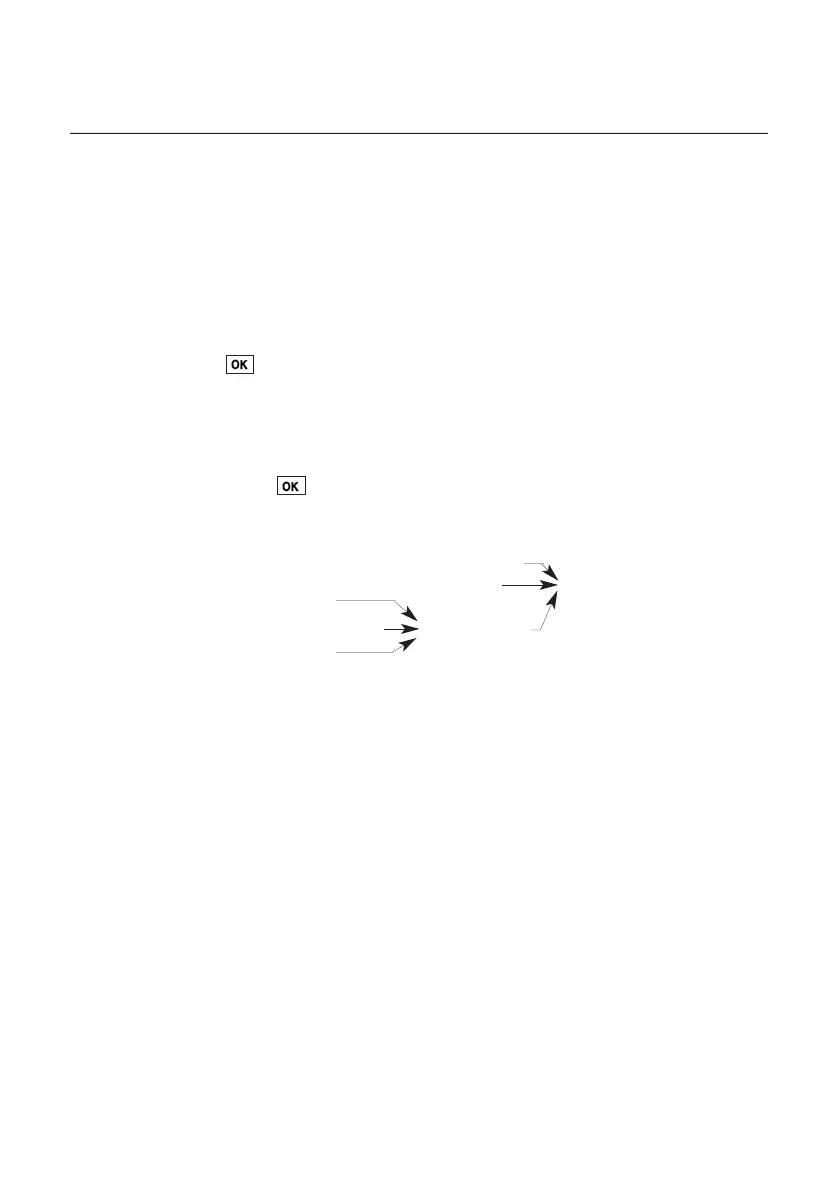
Once input is confirmed with the density is automatically calculated from this variable. The
result is as follows:
Temperature
Humidity Density
Absolute altitude
Barometric pressure Abs. pressure
Differential pressure
Absolute pressure is calculated from
• Altitude (Absolute altitude)
The annual mean is 1013 mbar, the higher the location above sea level, the lower the
pressure
• Barometric pressure
This is independent of the annual average of 1013 mbar. Depending on the weather
this pressure can differ from the annual average by approx. ±20 mbar (See barometer
display on location).
• Differential pressure
This is a reference to over or underpressure in the duct.
Note: The input of absolute pressure (only in hPa; it is not possible to switch to other
parameters) also affects other parameters which are dependent on pressure. The
pressure is compensated automatically in the following cases: humidity (g/kg, J/g),
CO
2
and in all thermal probes!
Velocity measurement



 To Next Page