5 First steps
15
File formats and file names
The images are saved according to the following pattern:
XX_YYYYY.ZZZ
XX: IR for infrared image without attached real image, IV for
infrared image with attached real image, VI for real image.
YYYYY: 5-digit consecutive number
ZZZ (file extension): BMT for infrared image without/with attached
real image, BMP for real image, .jpg.
Save JPEG function
Infrared images are saved in BMT (image with all temperature data)
format. The image is saved in parallel in JPEG format (without
temperature data). The image content corresponds to the infrared
image shown on the display, including scale display and image marks
for the selected measuring functions. The JPEG file is saved under
the same file name as the associated BMT file and can be opened on
the PC, even without using the IRSoft PC software.
5 First steps
5.1. Commissioning
Connect rechargeable battery
The imager is delivered with a rechargeable battery that is inserted
in the rechargeable battery slot but not connected.
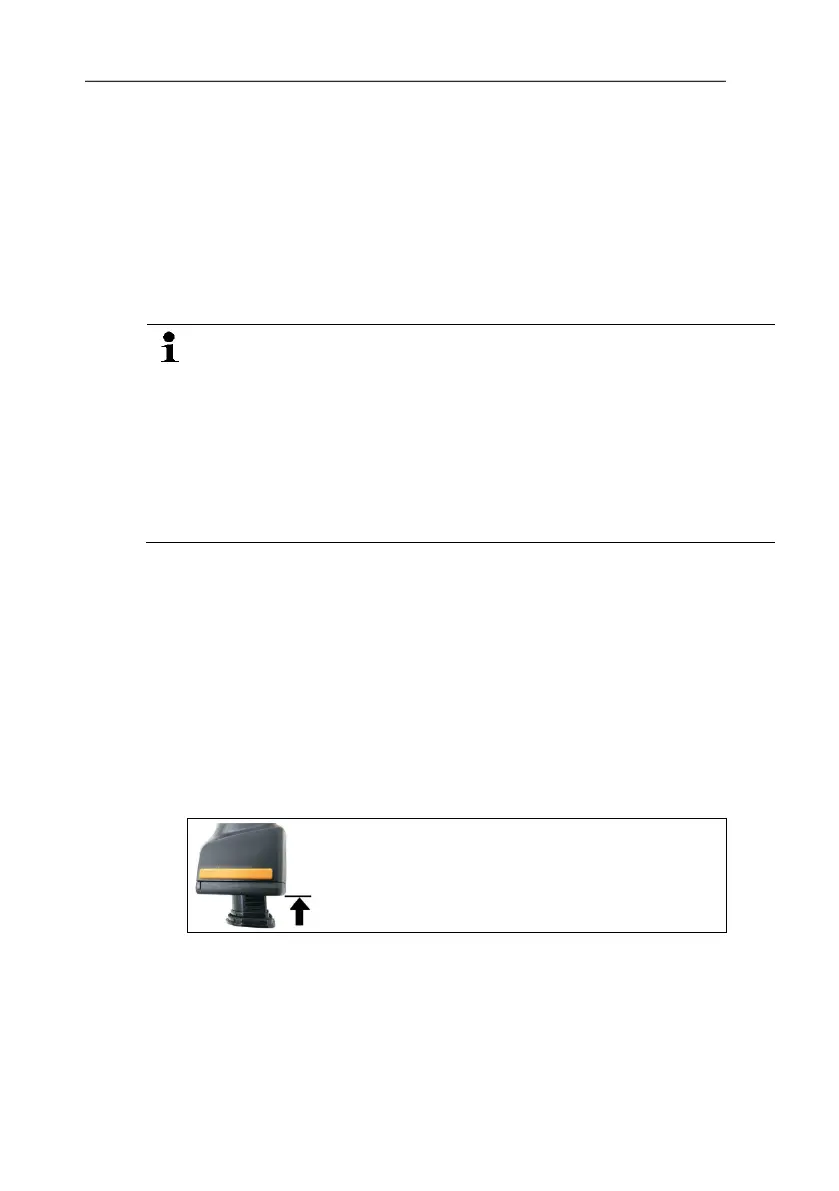
> Push the battery all the way into the rechargeable battery slot
until this is flush with the bottom of the handle.
- The
- The thermal imager starts automatically.



 To Next Page