5 First steps
22
Pos: 51 /TD/Übersc hriften/5. Erste Sc hritte @ 0\mod_1173774895 039_79.docx @ 319 @ 1 @ 1
5 First steps
Pos: 52 /TD/Übersc hriften/5.1 Inbetr iebnahme @ 0\mod_118534 2823812_79.docx @ 1885 @ 2 @ 1
5.1. Commissioning
Pos: 53 /TD/Erst e Schritte/WBKs/ testo 885/Inbetriebnah me/885, 890: Akku kontakti eren @ 9\mod_13045198 90176_79.docx @ 79970 @ 3 @ 1
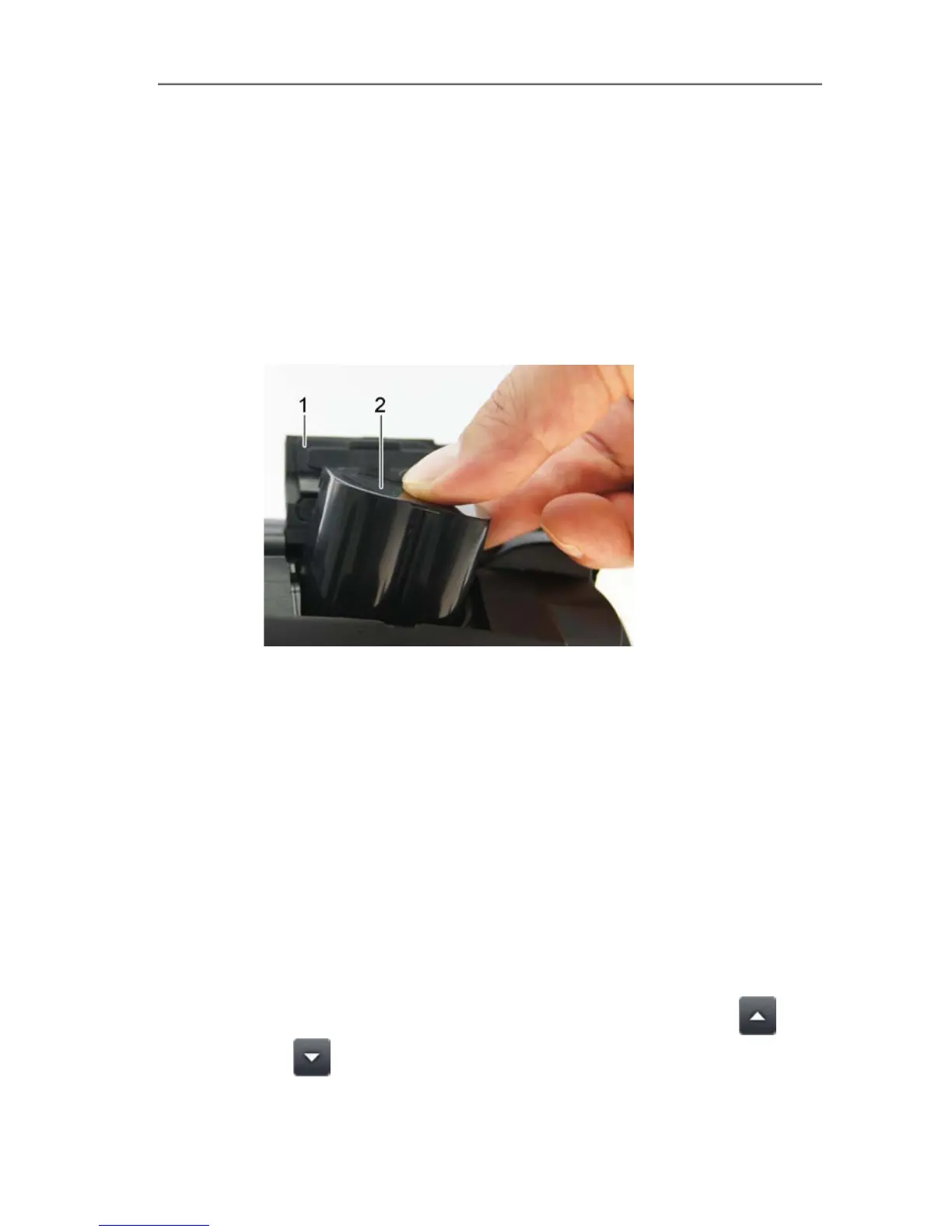
5.1.1. Connecting the rechargeable battery
1. Open battery compartment cover (1).
2. Slide rechargeable battery (2) fully into the battery compartment
until it clicks into place.
-
T
h
e
i
m
a
g
e
r
s
- The imager starts automatically.
3. Close the battery compartment cover.
Pos: 54 /TD/Erst e Schritte/WBKs/ Inbetriebnahme/885, 890: Grundeinstellungen vornehmen @ 9\mod_13045976 98030_79.docx @ 80003 @ 355 @ 1
5.1.2. Performing basic settings
> Flip open the display and remove the protective film.
- The start screen appears on the display.
- When you first switch on the imager: the Country settings and
Set time/date dialogue boxes are opened one after the other to
set the instrument language, temperature unit (°C/°F) and
time/date.
Touchscreen operation
✓ The Country settings dialogue box is opened.
1. Touch the required language. If necessary, scroll with
/
to display other languages.
- The activated language is indicated with a tick.



 To Next Page