6 Using the App
16
6.7. Settings view
1. Press and select Edit View.
- An overview of parameters is displayed.
2. Deselect the check mark to hide a Smart Probe reading.
3. Press ▼ to select the unit for a reading.
4. Press OK to confirm your settings
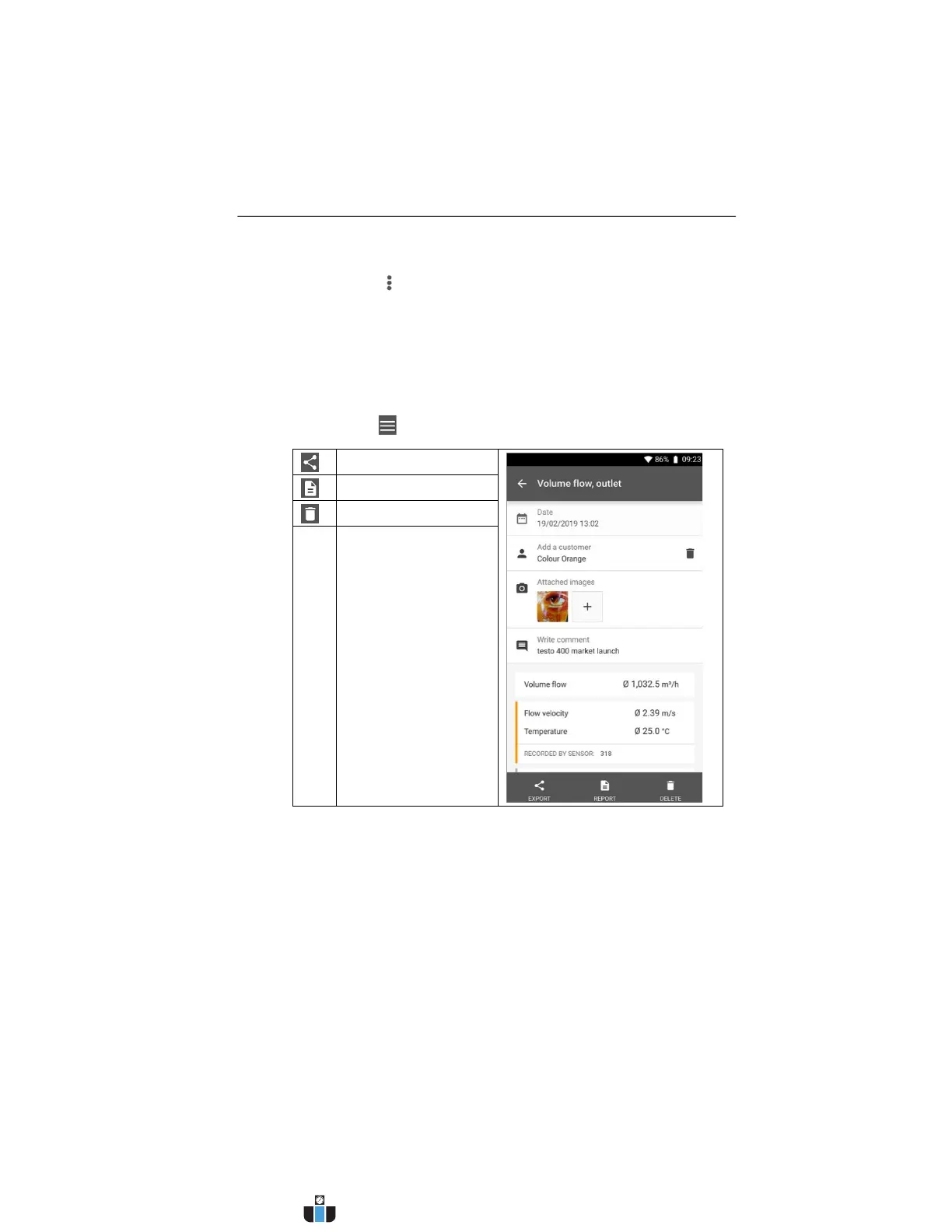
6.8. Exporting readings
1. Press -> Memory -> Select measurement.
Export
Report
Delete
www.calcert.com sales@calcert.com1.800.544.2843
0
5
10
15
20
25
30



 To Next Page