3.1 Connecting instrument
1
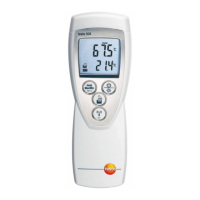
Connect measuring instrument via a serial interface
to your PC.
2
Boot PC.
3
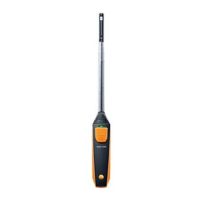
Connect measuring instrument to probes.
4
Switch on measuring instrument.
5
Start Testo Comfort Sofware.
3.2 Setting up connection
1
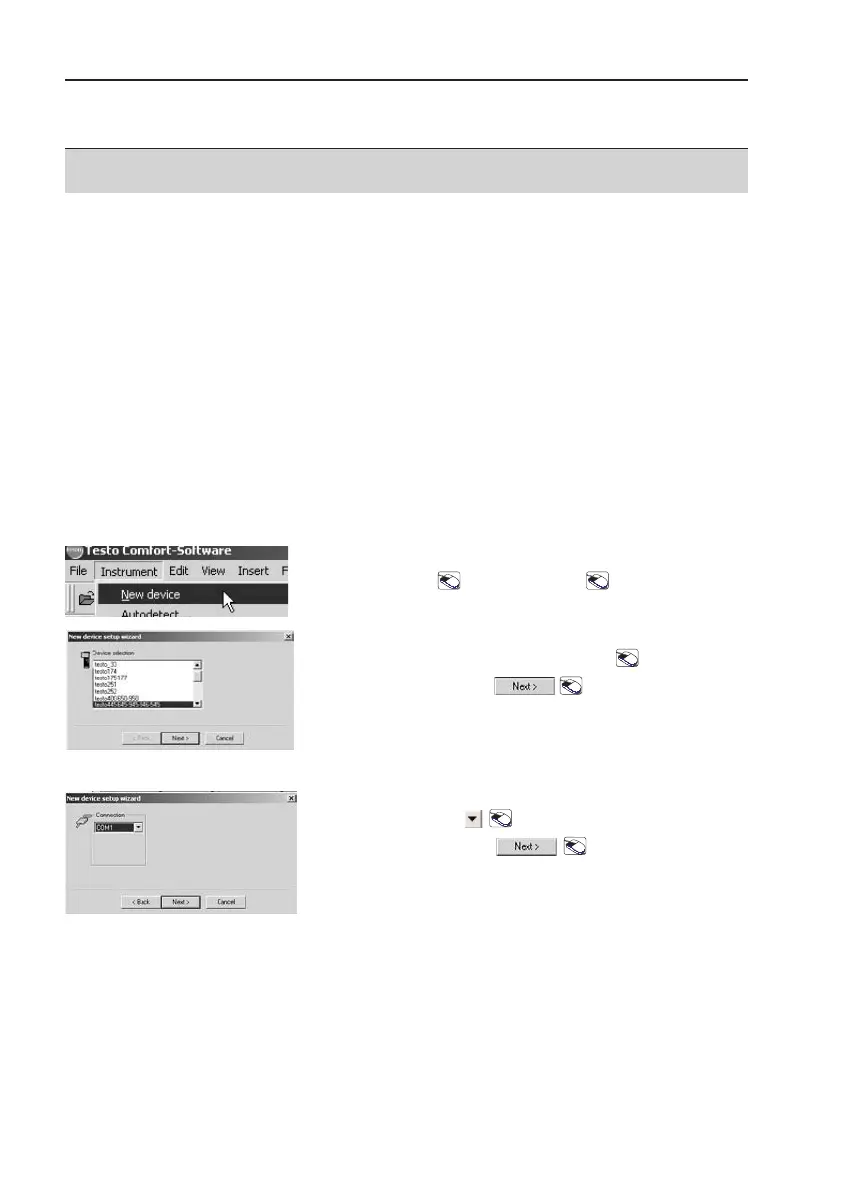
Open Setup wizard:
Instrument
->
New ddevice
.
2
Select instrument driver:
testo 4445 - 6645 - 9945 - 9946 - 5545
.
3
Confirm selection: .
4
Select the interface used in the Connection
selection box: .
5
Confirm selection:
If it has not been possible to set up a connection to
the instrument, check the connection lines. Check
also if the setting (COM1, COM2 ...) corresponds to
the interface used.
3. Setting up connection to instrument
27
3. Setting up connection to instrument



 To Next Page