30
1
Open
Device ccontrol
window:
Instrument
->
Device ccontrol
.
The
Device control
window is divided up into three
registers:
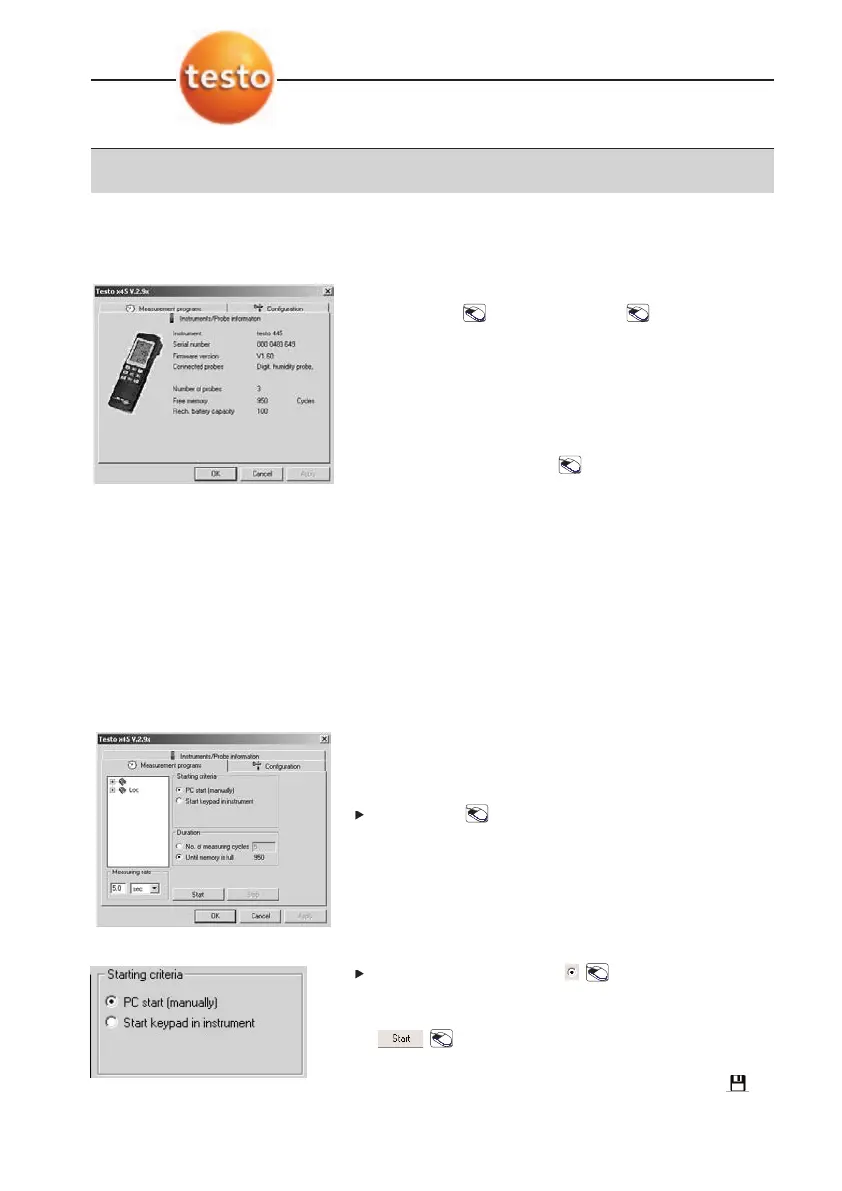
· Instruments/Probe iinformation
· Measurement pprograms
· Configuration
2
Open register required: on register.
5.1 Instruments/
Probe information
Important information about the instrument system
connected is shown.
5.2 Measurement programs
5.2.1 Set up the measurement
program
A measurement program can be set up and
connected to the instrument.
Select site: on site name.
If a site is not available, the program sets up a new
site.
Starting criteria
Select starting criterion: .
· PC sstart ((manually)
Measurement program starts once
is activated.
· Start kkeypad iin iinstrument
Measurement program is started once the
button on the measuring instrument is
activated.
5. Device control
5. Device control



 To Next Page