5. Device control
33
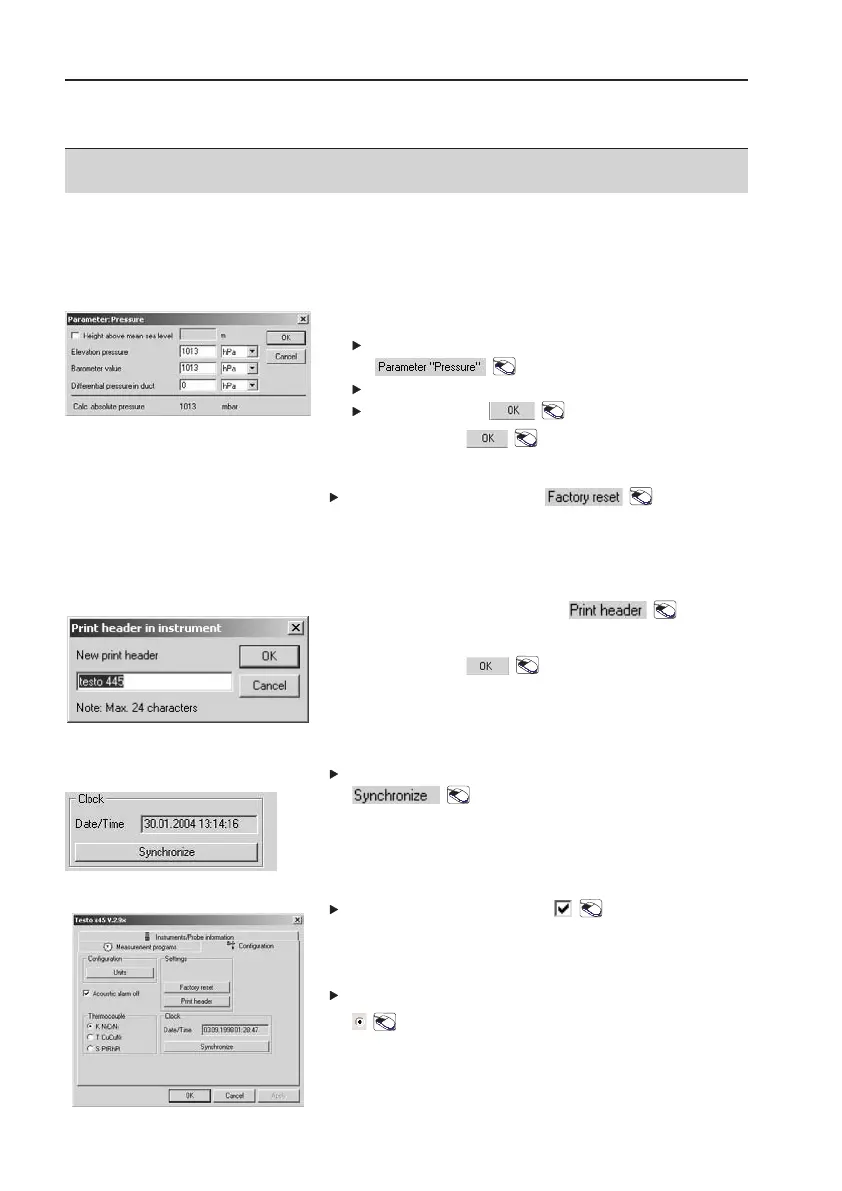
Absolute pressure
Calculate Absolute pressure :
Open
Parameter PPressure
window:
.
Enter values.
Confirm input: .
3
Confirm input: .
Factory reset
Carry out
Factory rreset
: .
All settings in the instrument configuration are reset.
One exception: Time.
Print header
1
Open
Print hheader
window: .
2
Enter values.
3
Confirm input: .
The print header appears when printed on the testo
infrared printer.
Clock
Synchronise time with PC:
.
Acoustic alarm (testo 945 and testo 946 only)
Select
Acoustic aalarm ooff
: .
- Acoustic alarm is deactivated
Thermocouple (testo 945 and testo 946 only)
Select thermocouple probe used:
.



 To Next Page