9 Alarms
29
• E-mail recipient: addressees who are informed when an
alarm occurs. Click on the checkbox in front of the recipient
or enter the name and e-mail address of other recipients
and click on the + Add button.
• SMS recipient: addressees who are informed when an
alarm occurs. Click on the checkbox in front of the recipient
or enter the name and mobile phone number of other
recipients and click on the + Add button.
• Save
: click on the button to save the settings.
• Delete
: click on the button to delete the alarm setting.
9.3 System warnings
Creating and displaying system warnings
• Click on the + New system warning button to create a
new system warning.
Existing system warnings are displayed below the button.
• Click on the title of a system warning to display it.
Configuring and editing a displayed system warning
The following settings can be defined and edited:
• Title: designation of the system warning (required field).
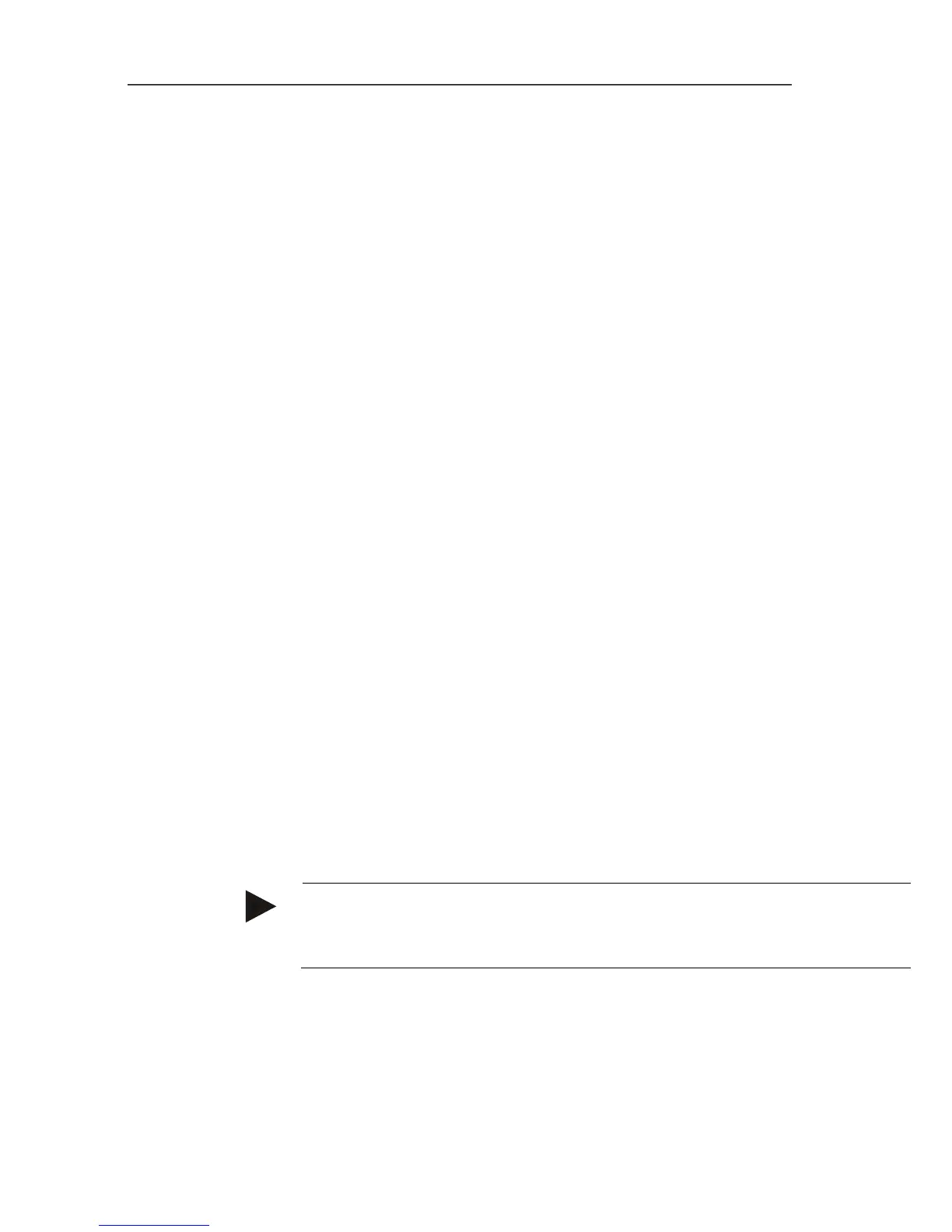
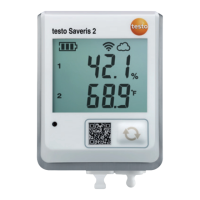
• Battery almost discharged: monitor the WiFi data logger
for discharged battery.
• Power supply interrupted: monitor the external power
supply of the WiFi data logger for interruptions.
• WiFi data logger is not responding: monitor the WiFi
data logger for data transmission failure. Click on the
Activate button and configure the monitoring cycle using
the slide control.
Note
The set time should be greater than the WiFi data logger's
communication cycle.
• WiFi data logger: measuring point group/measuring point
which is to be monitored. Click on the checkbox in front of
the measuring point group/measuring point.
• E-mail recipient: addressees who are informed when an
alarm occurs. Click on the checkbox in front of the recipient


 To Next Page