5 First steps
9
5.1.2. Switching off
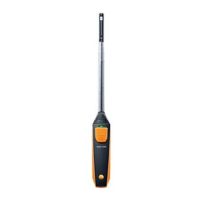
1. Press and hold the button on your Smart Probe.
- The Smart Probe switches off.
5.2. Establishing Bluetooth
®
connection
You need a tablet or smartphone with the testo Smart Probes App
already installed on it to be able to establish a Bluetooth connection.
You can get the App for iOS instruments in the App Store or for
Android instruments in the Play Store.
Compatibility:
• requires iOS 8.3 or later/Android 4.3 or later
• requires Bluetooth 4.0
• Tested with the following smartphones/tablets:
www.testo.com/smartprobesmanuals.html
✓ The testo App Smart Probe is installed on your terminal device
and ready for use.
1. Press the button on the Smart Probe.
- The Smart Probe switches on.
- The LED flashes yellow while connecting via Bluetooth and
then flashes green once the connection is established.
- The connection between the Smart Probe and your mobile
terminal device is established.
5.3. Transmitting readings
✓ The Smart Probe is switched on and connected to your mobile
terminal device via Bluetooth.
- The current readings are automatically displayed in the App.
www.GlobalTestSupply.com
Find Quality Products Online at: sales@GlobalTestSupply.com



 To Next Page
 Loading...