11
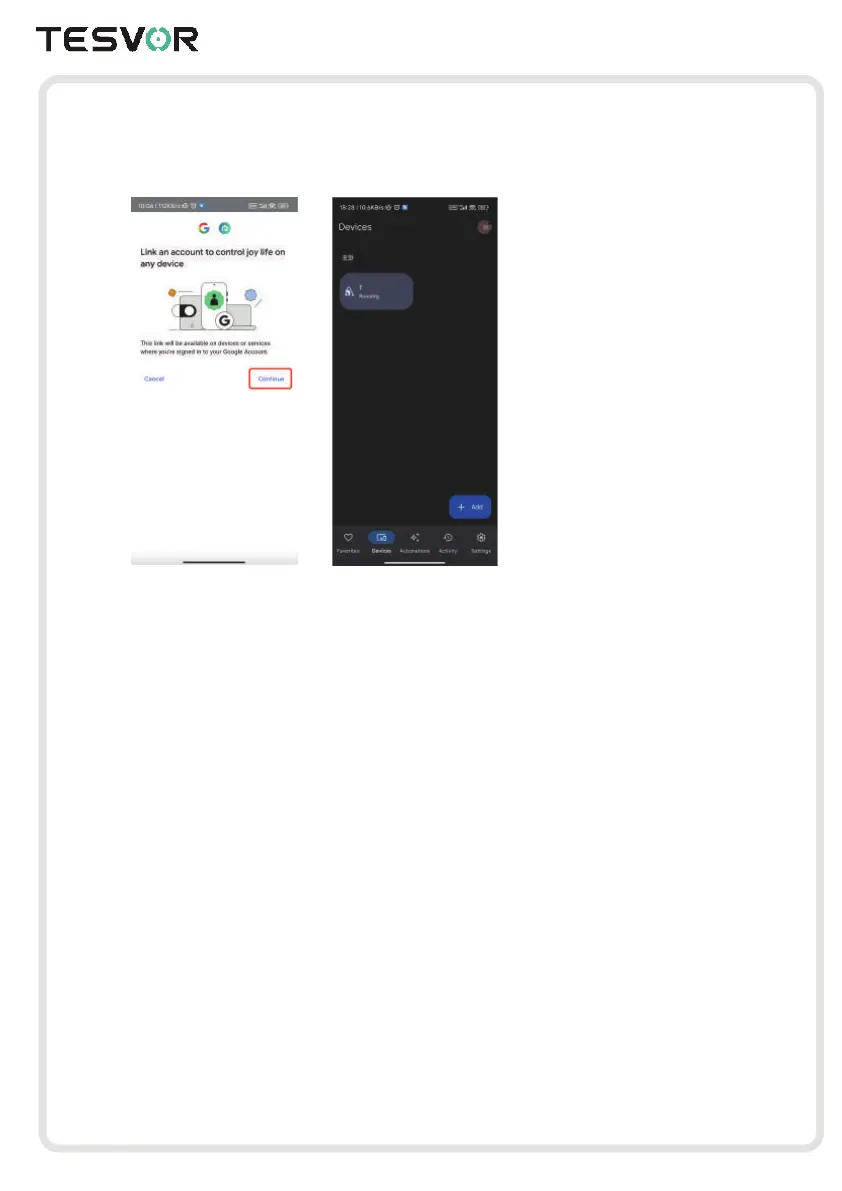
4.Click “ Continue”, then your robot vacuum is successfully connected. And you can control
your device via Google Home App
5.Here are several voice demands for reference:
Device Location:Google, location Tom
Start Cleaning:Google, turn on Tom
Start Charging:Google, turn off Tom
Stop Cleaning:Google, charge Tom
(Note: Tom is the name of your device, which you can change it)



 To Next Page