8
EasyCrystal FilterBox 600
UK
PRODUCT BASICS
Product description
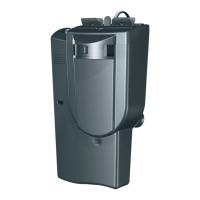
The Tetra EasyCrystal FilterBox 600 is an aquarium filter with the
option to integrate a Tetra heater. Its triple filtration (mechanical,
biological and chemical) produces crystal-clear, healthy water
for your ornamental fish and aquatic plants.
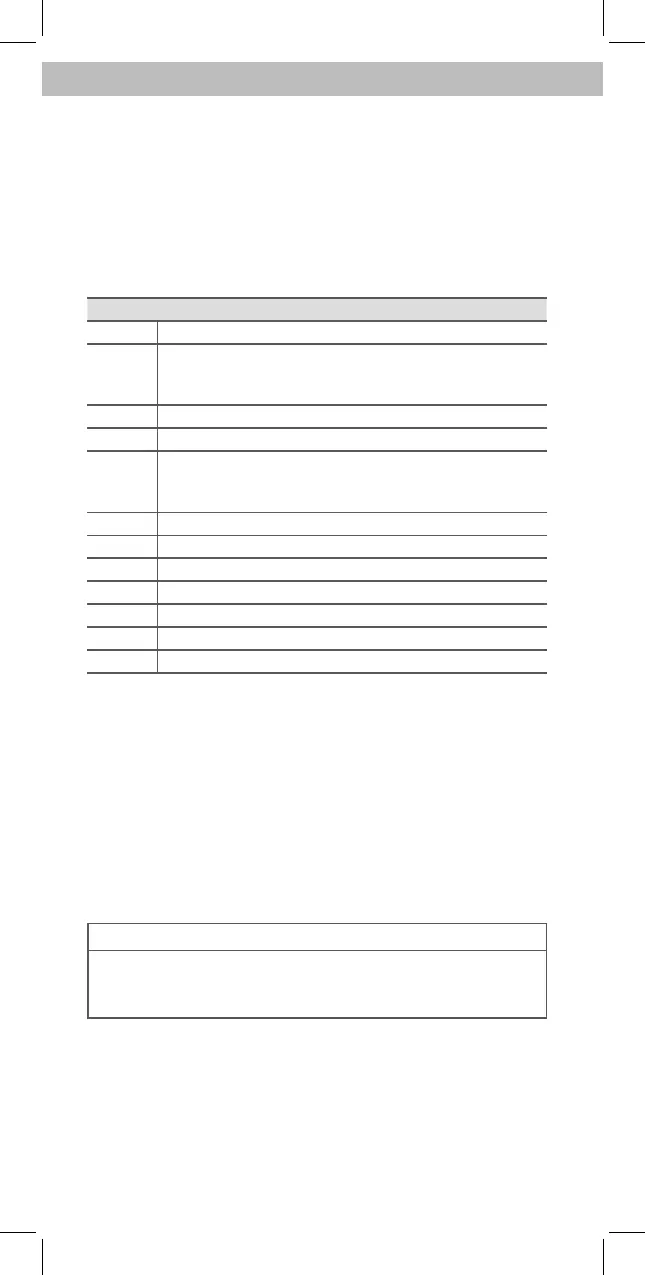
Fig. A Description
1 Filter clip for simple removal of the Tetra EasyCrystal Filter
2 Tetra EasyCrystal filter cartridge 600
• The white side is the coarse filter and faces the back.
• The beige side is the fine filter and faces the front.
3 BioGrid to encourage the settlement of beneficial bacteria
4 Plug
5 Suction cup holder for attaching the FilterBox to the aquar-
ium wall. (The Tetra AquaArt Evolution Line Aquarium has
an integrated bracket for the FilterBox.)
6 Motor housing with pump
7 Lower housing
8 Upper housing
9 Slider for adjusting the direction of the current
10 Housing lid
11 Tetra heater (not included in the set)
12 Bracket for a Tetra heater
Intended use
Use the EasyCrystal FilterBox only
• to filter aquarium water,
• in indoor areas,
• for private use,
• in line with the technical data.
SET-UP
NOTE
To stop the FilterBox pump from drawing up sand from the
aquarium, there must be more than 10 cm distance between
the FilterBox and the sand.


 To Next Page
 Loading...