EasyManua.ls Logo

Teufel Cinebar Duett - User Manual

Teufel Cinebar Duett
28 pages
Print Icon
To Next Page IconTo Next Page
Loading...
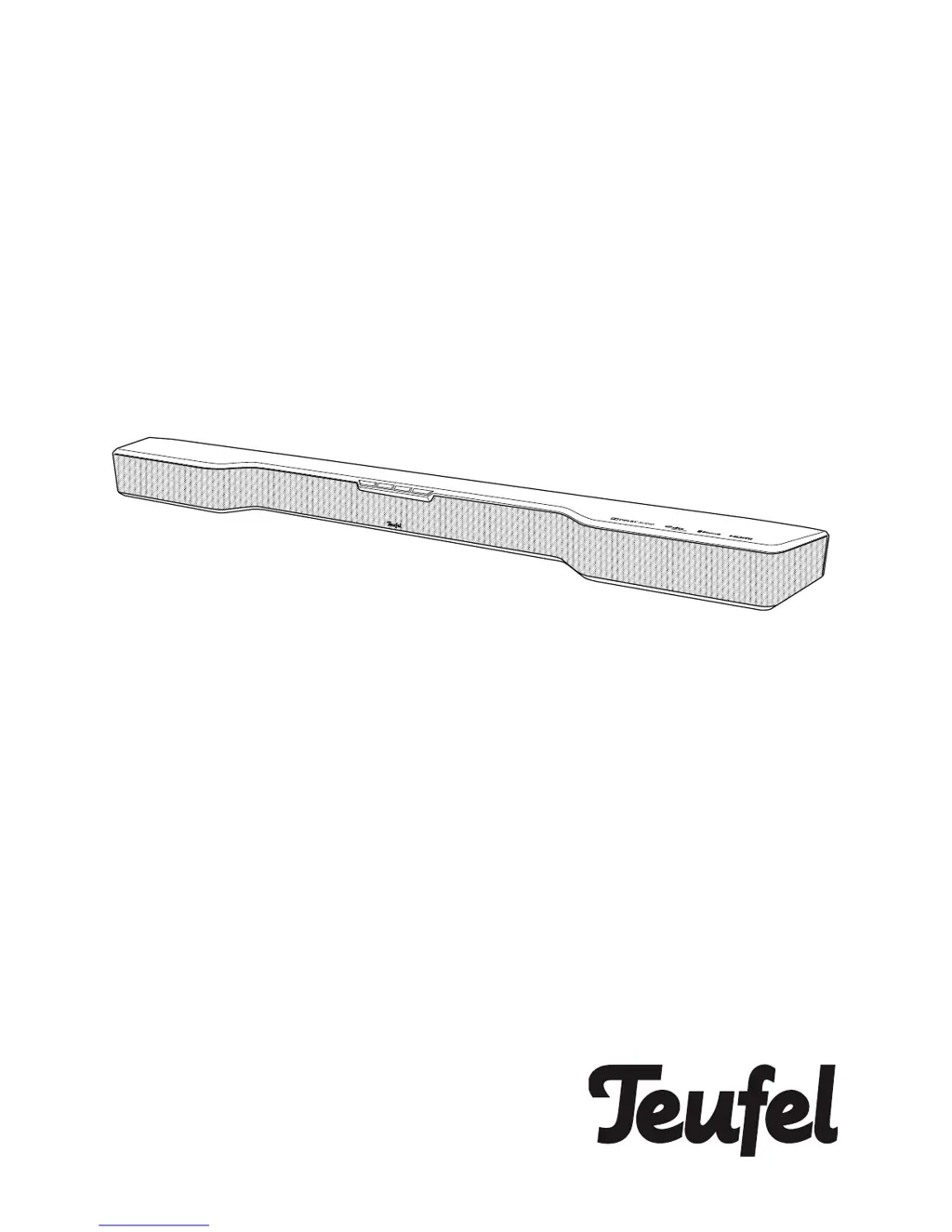
Cinebar Duett
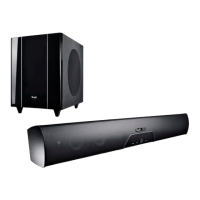
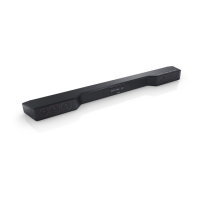
2.1 Soundbar with wireless technology
Technical Description
and User Manual

Questions and Answers

  • E
    Eric HendersonJul 28, 2025
    What to do if my Teufel Speakers don't emit any sound?
    • M
      Mr. Jonathan CampbellJul 28, 2025
      If your Teufel Speakers aren't producing sound, there might be a few reasons: * The wrong source might be selected. Ensure you've selected the correct source. * The device could be muted. Try pressing the mute button or adjusting the volume. * The volume might be set to "0". Increase the volume. * If you're using an external player, its volume might be too low. Carefully increase the volume on the external player.
  • H
    Heather JohnsonAug 2, 2025
    Why is there no sound during TV playback with my Teufel Cinebar Duett?
    • M
      Mr. Phillip ThomasAug 2, 2025
      If you're not getting any sound during TV playback with your Teufel Speakers, here are some possible causes: * The ARC function on your TV might not be activated. Make sure to switch ARC on in your TV's menu. * The HDMI jack on your TV might not support the ARC function. Use the HDMI jack that supports the ARC function. * You might be using an HDMI cable without ARC function. Try using a suitable HDMI cable.
  • E
    Erica MartinezAug 8, 2025
    How to fix Teufel Speakers when there is no sound with Bluetooth®?
    • K
      Kimberly BlakeAug 9, 2025
      If you're experiencing no sound with Bluetooth® on your Teufel Speakers, consider the following: * There might be no Bluetooth® connection established. Ensure you establish a connection. * The Cinebar Duett might not be selected as the output device. Select “Teufel Cinebar Duett” as the Bluetooth® output device on your external player. * The Bluetooth® connection might be impaired by another radio system (e.g. cordless telephone, Wi-Fi). Try setting up the Cinebar Duett and/or external player in another location or move to another room to test.
  • R
    Ricky JonesAug 15, 2025
    What to do if Teufel wireless subwoofer doesn’t work?
    • M
      Margaret WilsonAug 15, 2025
      If your Teufel wireless subwoofer isn’t working, here are a couple of things to check: * The subwoofer might be off or doesn’t have any power. Switch the subwoofer on and check the mains cord and socket. * There might be no wireless connection. Establish a connection.
  • K
    Kelly MooreAug 21, 2025
    How to stop Teufel subwoofer from humming?
    • M
      michaelcastilloAug 21, 2025
      If your Teufel subwoofer is humming, it could be due to a couple of reasons: * The hum might be due to line disturbance. Try buying a mains filter and connect both devices to it. * The humming might be caused by a multiple socket strip. Use a different multiple socket strip or connect the subwoofer directly to the wall socket. It may also help to insert the mains plug in the socket the other way around.

Summary

For Your Safety

Proper Use Guidelines

Defines the intended use of the speaker and manufacturer liability.

General Safety Notes

Crucial safety precautions for protecting users and third parties.

For Your Safety

Child Safety Precautions

Warnings regarding children playing with packaging and operating electrical equipment.

Battery Safety Warnings

Risks of swallowing batteries and leaking battery acid.

For Your Safety

Battery Handling and Explosion Risk

Precautions for handling batteries to prevent explosion or leakage.

Improper Use and Fire Hazards

Warnings against placing open flames, ensuring ventilation, and avoiding direct sunlight.

Overview

Remote Control

Remote Control

Setup;Wall Mounting

Wall Mounting Procedure and Safety

Instructions and critical safety precautions for securely mounting the soundbar on a wall.

Connecting

Connecting

Operation

Activating and Deactivating the Device

How to turn the Cinebar Duett on, off, and put it into standby mode.

Adjusting Volume Levels

Controls for adjusting the main volume and subwoofer volume.

Operation

Sound Customization Options

Adjusting bass, treble, using the equalizer presets, and stereo widening.

Bluetooth Mode

Pairing External Bluetooth Devices

Step-by-step instructions for connecting smartphones or other players via Bluetooth.

Bluetooth Mode

Software Update

Installing New Software via USB

Detailed procedure for updating the device's firmware using a USB stick.

Care And Cleaning

Troubleshooting

Resolving Power and Sound Issues

Solutions for common problems like no power, no sound, and mute settings.

Troubleshooting TV Audio Problems

Steps to fix issues with sound during TV playback, including ARC problems.

Bluetooth Connectivity Issues

Solutions for problems related to Bluetooth connection and output device selection.

Troubleshooting

Subwoofer Functionality Problems

Diagnosing and fixing issues with the wireless subwoofer not working or humming.

Technical Data

Teufel Cinebar Duett Specifications

General IconGeneral
Mid-range driver diameter44 mm
Number of tweeter drivers2
Soundbar speaker RMS power90 W
Number of mid-range drivers8
Tweeter diameter (imperial)20 \
Audio decodersDTS, Dolby Digital, Dolby Pro Logic, Dolby Pro Logic II
RMS rated power- W
Audio output channels2.1 channels
Product colorBlack
Wall mountableYes
Built-in displayNo
Apple docking compatibilityNot supported
HDMI version1.4b
Bluetooth version4.0
Connectivity technologyWired & Wireless
Digital audio coaxial in0
Digital audio optical in1
Number of amplifier channels6 channels
AC input voltage220-240 V
AC input frequency50 Hz
Power consumption (standby)0.4 W
Cables includedAC
Subwoofer sensitivity104 dB
Subwoofer frequency range33 - 200 Hz
Weight and Dimensions IconWeight and Dimensions
Depth140 mm
Width960 mm
Height85 mm
Soundbar weight2200 g
Subwoofer depth380 mm
Subwoofer width210 mm
Subwoofer height400 mm
Subwoofer weight8570 g

Related product manuals