EasyManua.ls Logo

Teufel BOOMSTER GO - User Manual

Teufel BOOMSTER GO
32 pages
Print Icon
To Next Page IconTo Next Page
Loading...
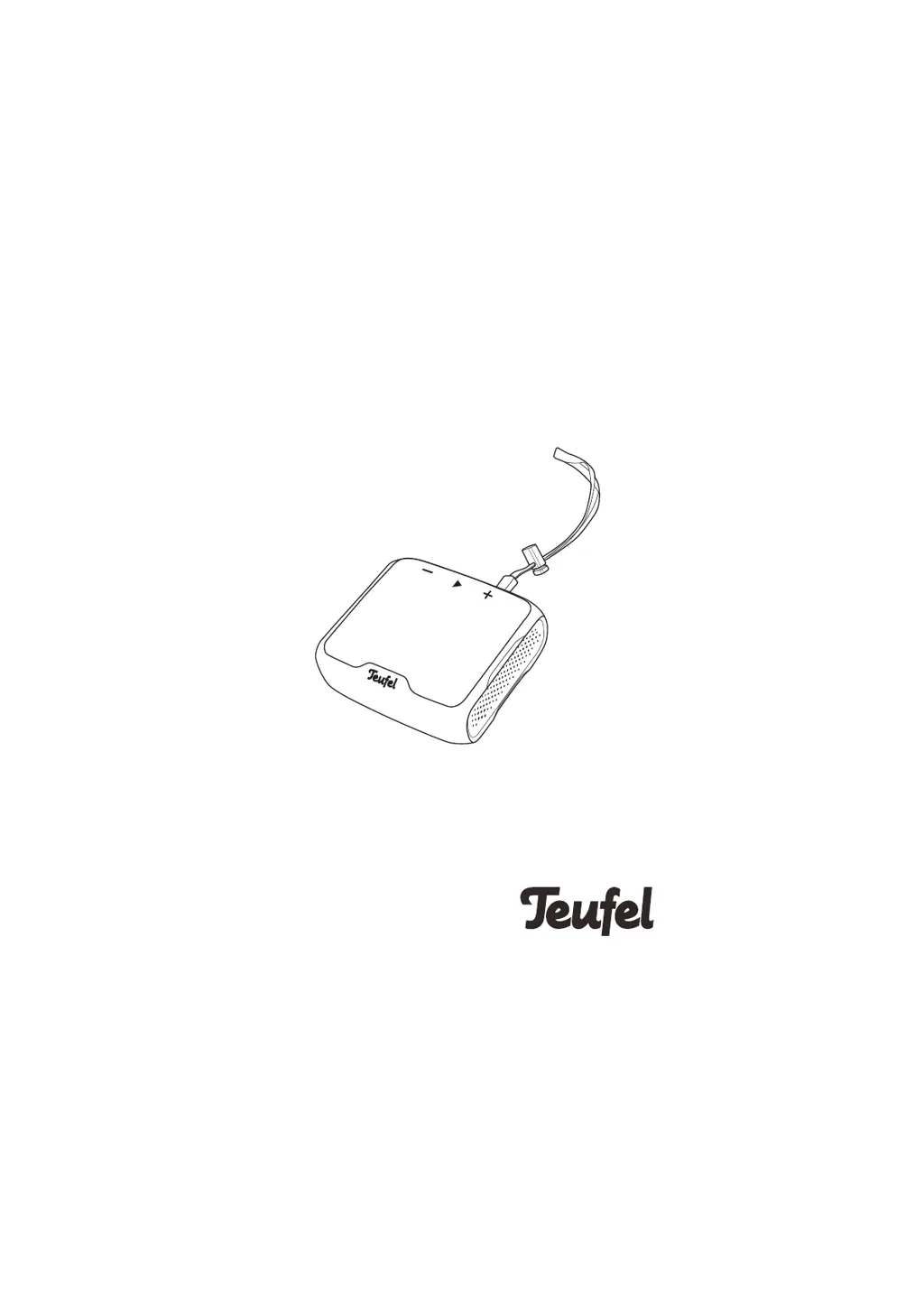
BOOMSTER GO
Technical Description And
User Manual
Water-resistant active Bluetooth
®
speaker with True Wireless Stereo

Other manuals for Teufel BOOMSTER GO

Questions and Answers

Summary

Product Complaints and Support

Proper Use and Safety Guidance

Safety Information Overview

General Safety Notes

Specific Safety Warnings

Unstable Setup Hazards

Addresses risks from unstable setups that could cause injury or damage.

Child Safety and Battery Risks

Warns about children playing with packaging and the risks associated with lithium batteries.

Usage Hazards and Precautions

Battery Care and Longevity

Package Contents and Device Layout

Controls and Connection Points

Introduces the physical controls and connection ports of the BOOMSTER GO with a diagram.

Detailed Control Functions

Bluetooth and Volume Buttons

Explains the functions of Bluetooth pairing/clearing buttons and volume adjustment buttons.

The Rechargeable Battery System

Battery Safety and Charging Basics

Covers battery explosion risks, charging before first use, and charging specifications.

Battery Charging Process

Charging Status Indicators

Explains the three white LEDs that indicate the battery's charging progress and status.

Monitoring Battery Charge Level

Displaying Current Battery Status

Describes how to check the battery level using the device buttons and the LED indicators.

Low Battery Alerts and Protection

Explains low battery warnings and the deep discharge protection feature.

Setup and Placement Guidelines

Device Operation and Environmental Considerations

Safe Listening Practices

Warns about potential hearing damage from prolonged loud listening and advises on safe volume levels.

Basic Device Functions

Powering On and Off

Instructions on how to activate and deactivate the BOOMSTER GO using the power button.

Volume Adjustment Methods

Explains how to gradually or continuously adjust the volume using the device buttons.

Bluetooth Connectivity and Features

Connecting External Players

Guides on establishing a wireless Bluetooth connection with external audio devices like smartphones.

Bluetooth Device Pairing

Provides step-by-step instructions for pairing the BOOMSTER GO with a smartphone or other Bluetooth device.

Playback and Communication Features

Advanced Connectivity and Modes

Troubleshooting Common Issues

Advanced Troubleshooting Scenarios

Summary

Product Complaints and Support

Proper Use and Safety Guidance

Safety Information Overview

General Safety Notes

Specific Safety Warnings

Unstable Setup Hazards

Addresses risks from unstable setups that could cause injury or damage.

Child Safety and Battery Risks

Warns about children playing with packaging and the risks associated with lithium batteries.

Usage Hazards and Precautions

Battery Care and Longevity

Package Contents and Device Layout

Controls and Connection Points

Introduces the physical controls and connection ports of the BOOMSTER GO with a diagram.

Detailed Control Functions

Bluetooth and Volume Buttons

Explains the functions of Bluetooth pairing/clearing buttons and volume adjustment buttons.

The Rechargeable Battery System

Battery Safety and Charging Basics

Covers battery explosion risks, charging before first use, and charging specifications.

Battery Charging Process

Charging Status Indicators

Explains the three white LEDs that indicate the battery's charging progress and status.

Monitoring Battery Charge Level

Displaying Current Battery Status

Describes how to check the battery level using the device buttons and the LED indicators.

Low Battery Alerts and Protection

Explains low battery warnings and the deep discharge protection feature.

Setup and Placement Guidelines

Device Operation and Environmental Considerations

Safe Listening Practices

Warns about potential hearing damage from prolonged loud listening and advises on safe volume levels.

Basic Device Functions

Powering On and Off

Instructions on how to activate and deactivate the BOOMSTER GO using the power button.

Volume Adjustment Methods

Explains how to gradually or continuously adjust the volume using the device buttons.

Bluetooth Connectivity and Features

Connecting External Players

Guides on establishing a wireless Bluetooth connection with external audio devices like smartphones.

Bluetooth Device Pairing

Provides step-by-step instructions for pairing the BOOMSTER GO with a smartphone or other Bluetooth device.

Playback and Communication Features

Advanced Connectivity and Modes

Troubleshooting Common Issues

Advanced Troubleshooting Scenarios

Teufel BOOMSTER GO Specifications

General IconGeneral
Weight355 g
Battery LifeUp to 10 hours
Water ResistanceIPX7
Output Power10 W
TypePortable Bluetooth Speaker
BluetoothBluetooth 5.0

Related product manuals