EasyManua.ls Logo

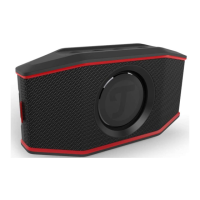
Teufel ROCKSTER GO - User Manual

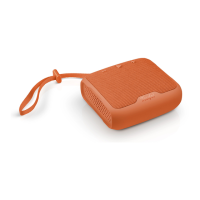
Teufel ROCKSTER GO
24 pages
Print Icon
To Next Page IconTo Next Page
Loading...
Technical Description And User
Manual
Water-resistant active Bluetooth® speaker with PC
sound card function and control for smartphone
voice assistant
ROCKSTER GO

Questions and Answers

Summary

General Notes And Information

Notice

Information provided may change without prior notice; Lautsprecher Teufel GmbH assumes no liability.

Trademarks

Details about Bluetooth and Qualcomm aptX trademarks and their respective ownership.

For Your Safety

Proper Use

Guidelines for using the splash-proof speaker correctly to avoid damage or injury.

Signal Terms Explained

Explanation of signal terms like WARNING, CAUTION, and NOTICE used throughout the manual.

General Safety Precautions

Essential safety notes to protect users and third parties, including warnings about live parts.

Unpacking

Package Contents

Lists items included in the ROCKSTER GO package: speaker, charging cable, and carrying strap.

Controls And Connections

Device Controls and Ports Overview

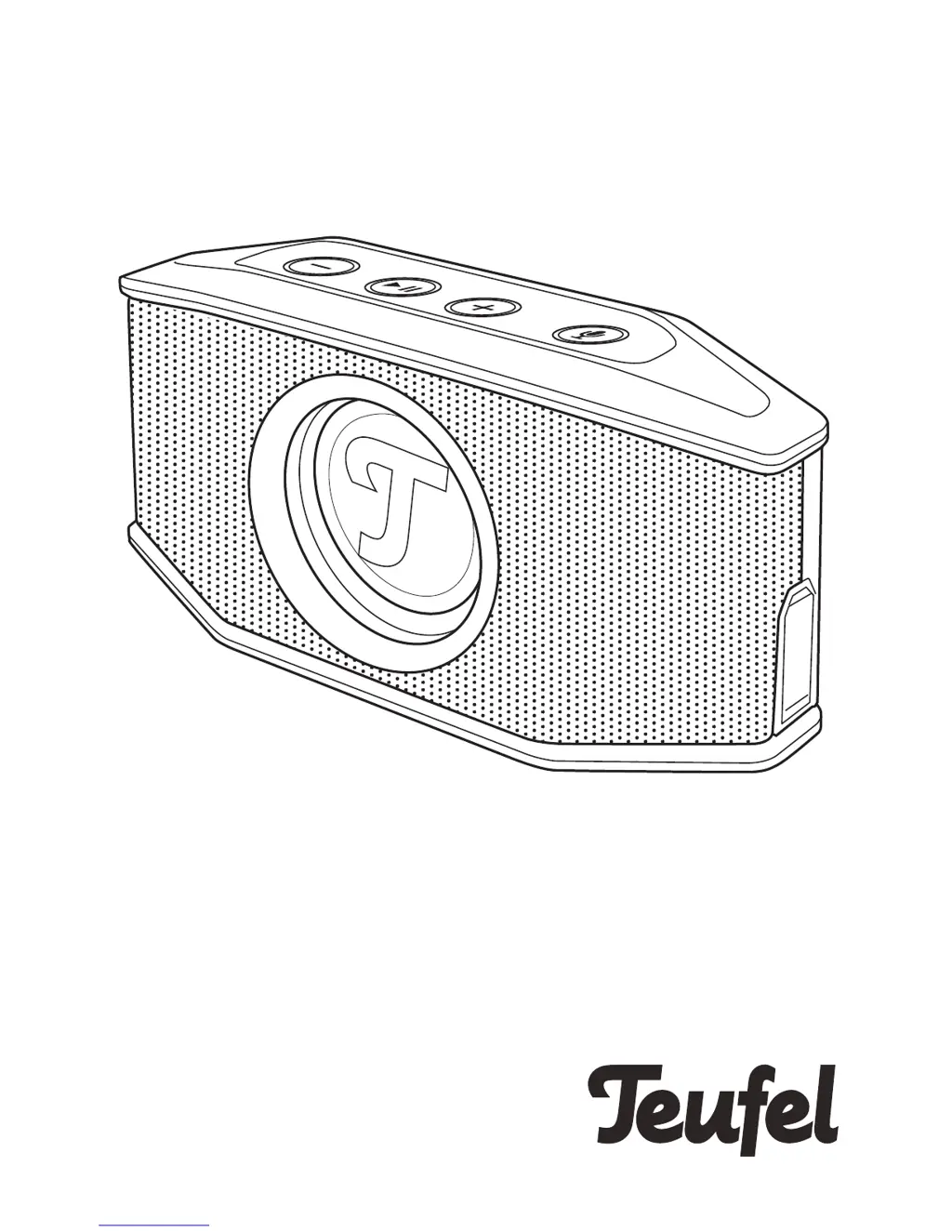
Detailed explanation of all buttons, ports, and indicators on the ROCKSTER GO speaker.

The Rechargeable Battery

Charging the Rechargeable Battery

Instructions for charging the integrated Li-Ion rechargeable battery for the first time.

Battery Charge Level Indicator

How to check battery charge using LEDs and interpret different LED indications.

Setup

Location Tips

Recommendations for selecting a stable, level location away from heat sources and direct sunlight.

PA Tripod Mounting

Information on mounting the ROCKSTER GO on a tripod using the threaded hole.

Carrying Strap Usage

Instructions on attaching and using the elastic carrying strap for securing the speaker.

Operation

Activating and Deactivating the Speaker

Steps for turning the ROCKSTER GO on/off and details on the auto-off function.

Volume Adjustment

How to adjust volume using buttons and the effect of external player volume on the output.

Bluetooth Connectivity

Bluetooth Options and Behavior

Details on how Bluetooth options may differ based on the external player's operating system.

Bluetooth Pairing Procedure

Step-by-step guide to connect your external player to the ROCKSTER GO via Bluetooth.

Bluetooth Playback Control

Instructions for controlling playback functions like play, pause, next/previous track via Bluetooth.

Party Mode Operation

How to use two external players simultaneously for synchronized music playback.

Voice Assistant Integration

How to activate and use voice assistants via Bluetooth connection.

Hands-Free Call Functionality

Using the ROCKSTER GO as a hands-free device for smartphone calls.

AUX Connection

AUX Cable Connection

How to connect an external player using a stereo cable with a 3.5 mm jack plug.

AUX Playback Control

Instructions for controlling playback when the device is connected via AUX.

TWS Mode

TWS Mode Setup and Use

Enabling and disabling True Wireless Stereo to pair two ROCKSTER GO speakers for synchronized playback.

PC Sound Card Functionality

PC Audio Playback Setup

Activating playback via the integrated USB sound card function and managing volume control.

Mac OS X Audio Output Setup

How to set the ROCKSTER GO as the audio output device on Mac OS X systems.

Windows Audio Output Setup

How Windows detects the ROCKSTER GO for playback and manages audio device switching.

Care And Cleaning

Cleaning Instructions and Precautions

Guidance on cleaning the device using appropriate materials and methods to avoid damage.

Troubleshooting

Common Issues and Solutions

A guide to troubleshooting common problems like no sound, Bluetooth issues, and voice assistant malfunctions.

Technical Data

Product Specifications

Details on charging voltage, dimensions, weight, frequency bands, and maximum transmission power.

Declaration of Conformity

Statement confirming compliance with EU directives and link to the full text.

Summary

General Notes And Information

Notice

Information provided may change without prior notice; Lautsprecher Teufel GmbH assumes no liability.

Trademarks

Details about Bluetooth and Qualcomm aptX trademarks and their respective ownership.

For Your Safety

Proper Use

Guidelines for using the splash-proof speaker correctly to avoid damage or injury.

Signal Terms Explained

Explanation of signal terms like WARNING, CAUTION, and NOTICE used throughout the manual.

General Safety Precautions

Essential safety notes to protect users and third parties, including warnings about live parts.

Unpacking

Package Contents

Lists items included in the ROCKSTER GO package: speaker, charging cable, and carrying strap.

Controls And Connections

Device Controls and Ports Overview

Detailed explanation of all buttons, ports, and indicators on the ROCKSTER GO speaker.

The Rechargeable Battery

Charging the Rechargeable Battery

Instructions for charging the integrated Li-Ion rechargeable battery for the first time.

Battery Charge Level Indicator

How to check battery charge using LEDs and interpret different LED indications.

Setup

Location Tips

Recommendations for selecting a stable, level location away from heat sources and direct sunlight.

PA Tripod Mounting

Information on mounting the ROCKSTER GO on a tripod using the threaded hole.

Carrying Strap Usage

Instructions on attaching and using the elastic carrying strap for securing the speaker.

Operation

Activating and Deactivating the Speaker

Steps for turning the ROCKSTER GO on/off and details on the auto-off function.

Volume Adjustment

How to adjust volume using buttons and the effect of external player volume on the output.

Bluetooth Connectivity

Bluetooth Options and Behavior

Details on how Bluetooth options may differ based on the external player's operating system.

Bluetooth Pairing Procedure

Step-by-step guide to connect your external player to the ROCKSTER GO via Bluetooth.

Bluetooth Playback Control

Instructions for controlling playback functions like play, pause, next/previous track via Bluetooth.

Party Mode Operation

How to use two external players simultaneously for synchronized music playback.

Voice Assistant Integration

How to activate and use voice assistants via Bluetooth connection.

Hands-Free Call Functionality

Using the ROCKSTER GO as a hands-free device for smartphone calls.

AUX Connection

AUX Cable Connection

How to connect an external player using a stereo cable with a 3.5 mm jack plug.

AUX Playback Control

Instructions for controlling playback when the device is connected via AUX.

TWS Mode

TWS Mode Setup and Use

Enabling and disabling True Wireless Stereo to pair two ROCKSTER GO speakers for synchronized playback.

PC Sound Card Functionality

PC Audio Playback Setup

Activating playback via the integrated USB sound card function and managing volume control.

Mac OS X Audio Output Setup

How to set the ROCKSTER GO as the audio output device on Mac OS X systems.

Windows Audio Output Setup

How Windows detects the ROCKSTER GO for playback and manages audio device switching.

Care And Cleaning

Cleaning Instructions and Precautions

Guidance on cleaning the device using appropriate materials and methods to avoid damage.

Troubleshooting

Common Issues and Solutions

A guide to troubleshooting common problems like no sound, Bluetooth issues, and voice assistant malfunctions.

Technical Data

Product Specifications

Details on charging voltage, dimensions, weight, frequency bands, and maximum transmission power.

Declaration of Conformity

Statement confirming compliance with EU directives and link to the full text.

Teufel ROCKSTER GO Specifications

General IconGeneral
TypePortable Bluetooth Speaker
Bluetooth Version4.2
Battery LifeUp to 12 hours
Water ResistanceIPX7
Frequency Range65 Hz - 20 kHz
Inputs3.5 mm AUX
Weight720 g

Related product manuals