EasyManua.ls Logo

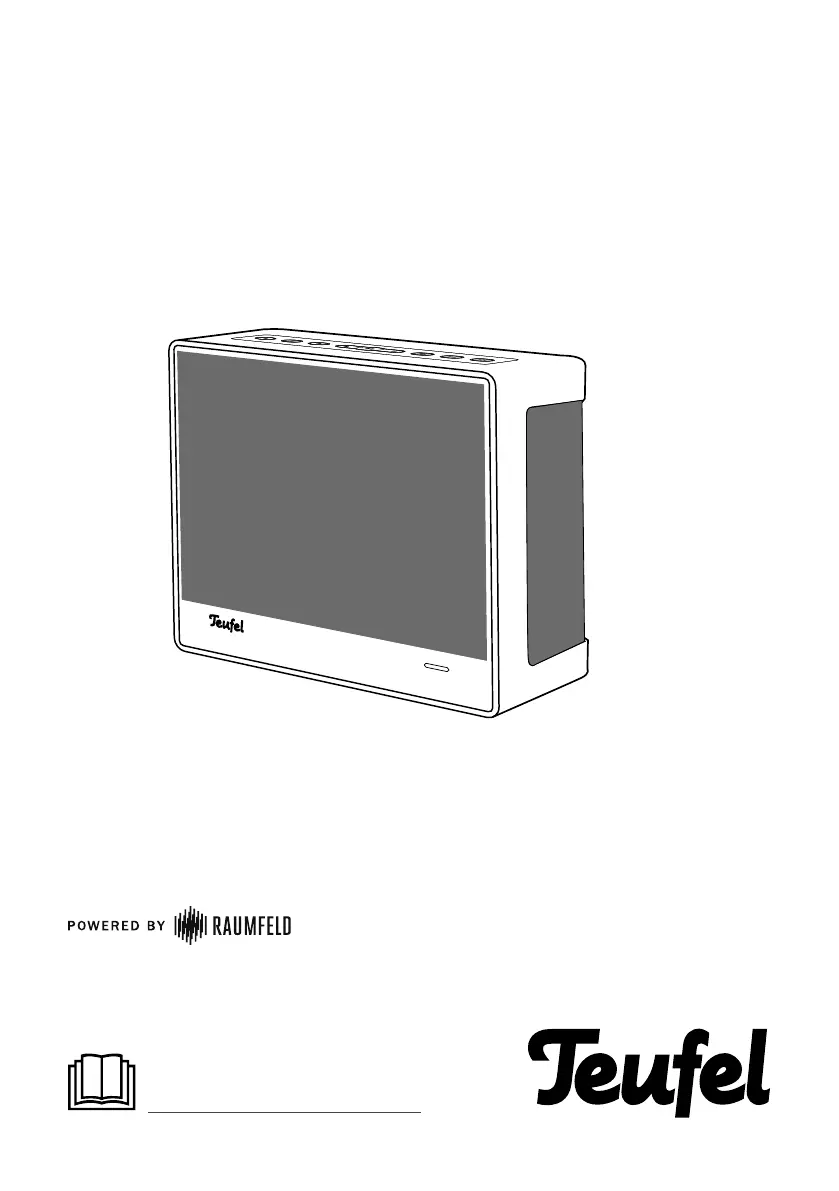
Teufel One S - User Manual

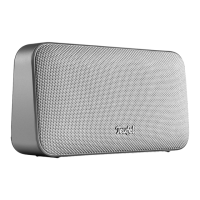
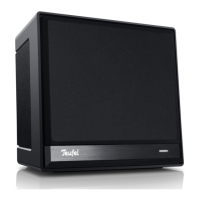
Teufel One S
16 pages
Print Icon
To Next Page IconTo Next Page
Loading...
Teufel One S
Quick reference guide
For detailed online documenta-
tion, please visit
http://manual.teufelaudio.com

Questions and Answers

  • T
    Thomas SanchezJul 29, 2025
    Why does music playback skip or get interrupted on my Teufel One S Speakers?
    • S
      Suzanne DuffyJul 29, 2025
      If music playback skips or is interrupted on your Teufel Speakers, it could be due to a weak Wi-Fi signal on one or more devices. To resolve this, try placing the speakers closer to the router, experimenting with different locations, or connecting distant speakers via Ethernet cable. For multi-room setups with three or more devices, it's recommended to connect at least one device (set as the host) via Ethernet. You might also try avoiding the use of repeaters, using a lower resolution audio stream, or consulting your router manufacturer's website for Wi-Fi improvement tips.
  • S
    Stacy TranAug 4, 2025
    What to do if the Teufel app is not connected or can't find the streaming devices?
    • A
      Andrew GonzalezAug 4, 2025
      If the app fails to connect to or locate your configured Teufel streaming devices, ensure that both the Teufel streaming devices and your smart device using the Teufel Raumfeld App are on the same Wi-Fi network. Try restarting your router. Also, briefly disconnect your Teufel streaming devices from the power supply and then restart them.
  • J
    Jonathan GrayAug 10, 2025
    How to reset Teufel Speakers?
    • T
      Thomas McmillanAug 10, 2025
      To reset your Teufel Speakers device, remember that all system configuration settings will be reset. With the device powered on, use a straightened paper clip to push and hold the reset button until the device restarts (at least 8 seconds).
  • K
    Kelly SmithAug 16, 2025
    What to do if Teufel One S Speakers setup fails?
    • M
      Matthew BlackAug 16, 2025
      If the setup of your Teufel Speakers fails, restart your router and your smartphone or tablet. Position the device closer to your router during setup, and temporarily disable any repeaters. If your router offers guest access, avoid using it for connecting your Teufel streaming devices.
  • C
    Charles FloresAug 21, 2025
    How to fix Teufel One S Speakers when the LEDs do not illuminate?
    • V
      Veronica AdamsAug 21, 2025
      If the LEDs on your Teufel Speakers do not illuminate, ensure that the power is supplied to the device. Check that the mains adapter is securely seated.

Summary

General Notes and Information

Safety Notes

Contains general safety notes and warnings to protect yourself and third parties. Read carefully before operation.

Operational Controls and Connections

Front Panel Controls

Describes the buttons and controls located on the front panel of the speaker.

Rear Panel Connections

Details the ports and buttons on the back top of the speaker for connectivity and functions.

Setup

Getting Started

Operation

Connecting via Bluetooth

Troubleshooting

Setup Failure

Restart router/device, position near router, avoid guest access, and check online setup guide.

Teufel One S Specifications

General IconGeneral
AC input voltage230 V
Power source typeAC
AC input frequency50 Hz
Power consumption (standby)2 W
AC (power) inYes
USB 2.0 ports quantity1
Connectivity technologyWired & Wireless
Amplifier classD
Amplifier output power50 W
Product colorBlack, White
Volume controlButtons
Housing materialPlastic
Recommended usageHome
Frequency range60 - 20000 Hz
RMS rated power- W
Speaker type2-way
Woofer diameter95 mm
Tweeter diameter25 mm
Number of drivers-
Speaker enclosureClosed
Speaker placementTabletop/bookshelf, Wall-mountable
Audio output channels- channels
Number of woofer drivers2
Mid-range driver diameter90 mm
Weight and Dimensions IconWeight and Dimensions
Depth110 mm
Width180 mm
Height130 mm
Weight1400 g

Related product manuals