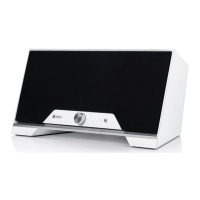
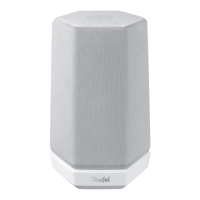
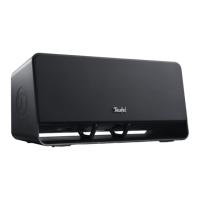
4 • One S
(9)
(14)
(15)
(12)
(13)(11)
(10)
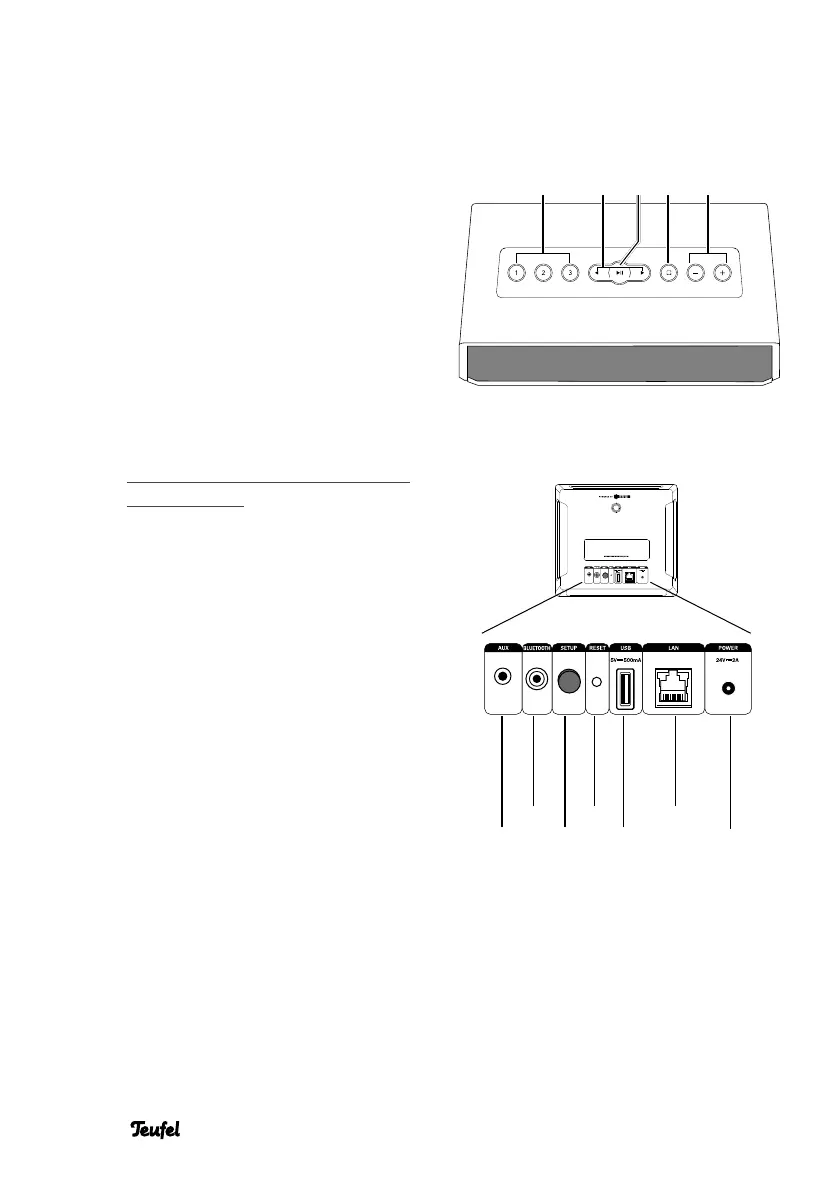
Operational controls and connections
*
)
Music saved on a USB stick is
made available under “My music”
if the stick is connected to the
USB port of the host device. In
the network settings, you can see
which device acts as a host in your
system.
(5) (7) (8)(4) (6)
Front side
(4) Direct selection buttons
Push and hold: save current
playback.
Tap: play saved music.
(5) Skip track forward/back
(6) Tap: pause/play.
Push and hold: standby
(7) Control button
Tap to switch to the input AUX(9).
Refer to the online documen-
tation for more possibilities to
assign the control button:
http://manual.teufelaudio.com/
controlbutton.
(8) Increase/decrease the volume
Back side top
(9) Audio input (3.5 mm jack) for
external players via LINE-IN.
(10) Bluetooth
®
pairing button: push
briefly to set the speaker to
pairing mode.
(11) Setup button: push during the
setup process once asked to do
so.
(12) Reset button: hold for 8 seconds
while the device is on to reset
the speaker to the factory
default settings.
(13) USB 2.0 jack: for restoring the
firmware and for sharing music *
)
.
(14) Network connection (LAN)
(15) Connector jack for mains
adapter


 To Next Page