EasyManua.ls Logo

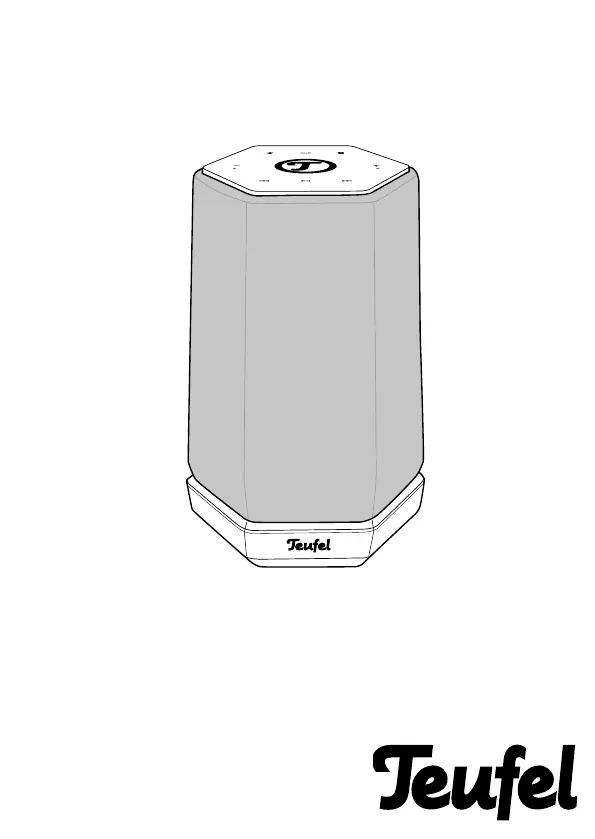
Teufel Holist S - User Manual

Teufel Holist S
32 pages
Print Icon
To Next Page IconTo Next Page
Loading...
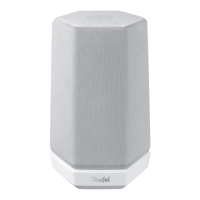
Holist S
360° Speaker with Alexa Voice Service
Technical Description
And User Manual

Questions and Answers

  • T
    Tricia LyonsJul 28, 2025
    What to do if my Teufel Speakers have no Bluetooth connection?
    • K
      Karen BlackJul 28, 2025
      If your Teufel Holist S Speakers won't connect via Bluetooth, ensure that “Teufel Holist” is selected as the Bluetooth output device on your external player. Interference from other radio systems like cordless phones or Wi-Fi can also disrupt the connection. Try relocating the Holist S and/or the external player, or test the connection in a different room.
  • M
    Michelle SmithAug 2, 2025
    What to do if my Teufel Holist S don't emit any sound?
    • K
      Kristi GilbertAug 2, 2025
      If your Teufel Speakers aren't producing sound, first, make sure the correct source is selected. Then, check that the volume isn't set to “0” and increase it. Also, verify that the volume on any external players connected to the speakers is adequately raised.
  • J
    Jacqueline LongAug 7, 2025
    Why does music playback skip or is interrupted on my Teufel Holist S?
    • M
      Mitchell LeeAug 7, 2025
      If music playback on your Teufel Holist S speakers skips or is interrupted, it could be due to a weak Wi-Fi signal. Try moving the Holist S closer to your router or experimenting with different locations. You can also try not using repeaters. If possible, use an audio stream with low resolution.
  • C
    Christopher HendersonAug 12, 2025
    What to do if the setup via app fails on Teufel Holist S?
    • E
      Erica WangAug 12, 2025
      If the app setup fails for your Teufel Holist S speakers, restart your router and your smartphone or tablet. Position the Holist S near your router and temporarily disable any repeaters during the setup. Avoid using guest access on your router to connect the Holist S.
  • C
    Cody YoungAug 17, 2025
    What to do if the Teufel Holist app is not connected or fails to locate the configured device?
    • S
      Shawn Hernandez Jr.Aug 17, 2025
      If the Teufel Holist app isn't connecting or can't find your configured device, ensure that the Holist S and the app are on the same Wi-Fi network. Restart your router, and avoid using a Guest Network. Briefly disconnect the Holist S from its power supply and then restart it.
  • K
    Katherine StricklandAug 22, 2025
    How to fix Teufel Speakers with no function?
    • H
      halecourtneyAug 22, 2025
      If your Teufel Speakers have no function, begin by checking the power supply. Test the socket with another device to ensure it's working. Also, verify that the small plug of the mains adapter is securely connected.

Summary

Proper Use

Safety Notes

Controls And Connections

Top Panel Controls

Identifies and describes the controls on the top surface of the device.

Back Side Ports

Identifies and describes the ports and indicators on the rear of the device.

Location

Connecting

Setup

Teufel Holist App Setup

Explains the function of the app for initial setup and configuration.

Amazon Alexa App Setup

Details on using the Alexa app for smart features, device settings, and grouping.

Operation

Activating and Deactivating

Instructions on turning the device on/off and deactivating the microphone.

Selecting a Source

How to choose between Bluetooth, AUX, or other audio sources.

Adjusting the Volume

How to increase/decrease volume using device buttons or apps.

Bluetooth Mode

Pairing and Connecting

Playback

Care And Cleaning

Troubleshooting

Bluetooth Sound Issues

Solutions for problems related to Bluetooth audio playback.

Technical Data

Teufel Holist S Specifications

General IconGeneral
TypeSmart Speaker
Voice AssistantAmazon Alexa
Water ResistanceNo
Wireless TechnologyBluetooth, WiFi
Bluetooth Version5.0
Multi-roomYes
Drivers2 x Passive Radiators
InputsAUX
ColorsBlack

Related product manuals