EasyManua.ls Logo

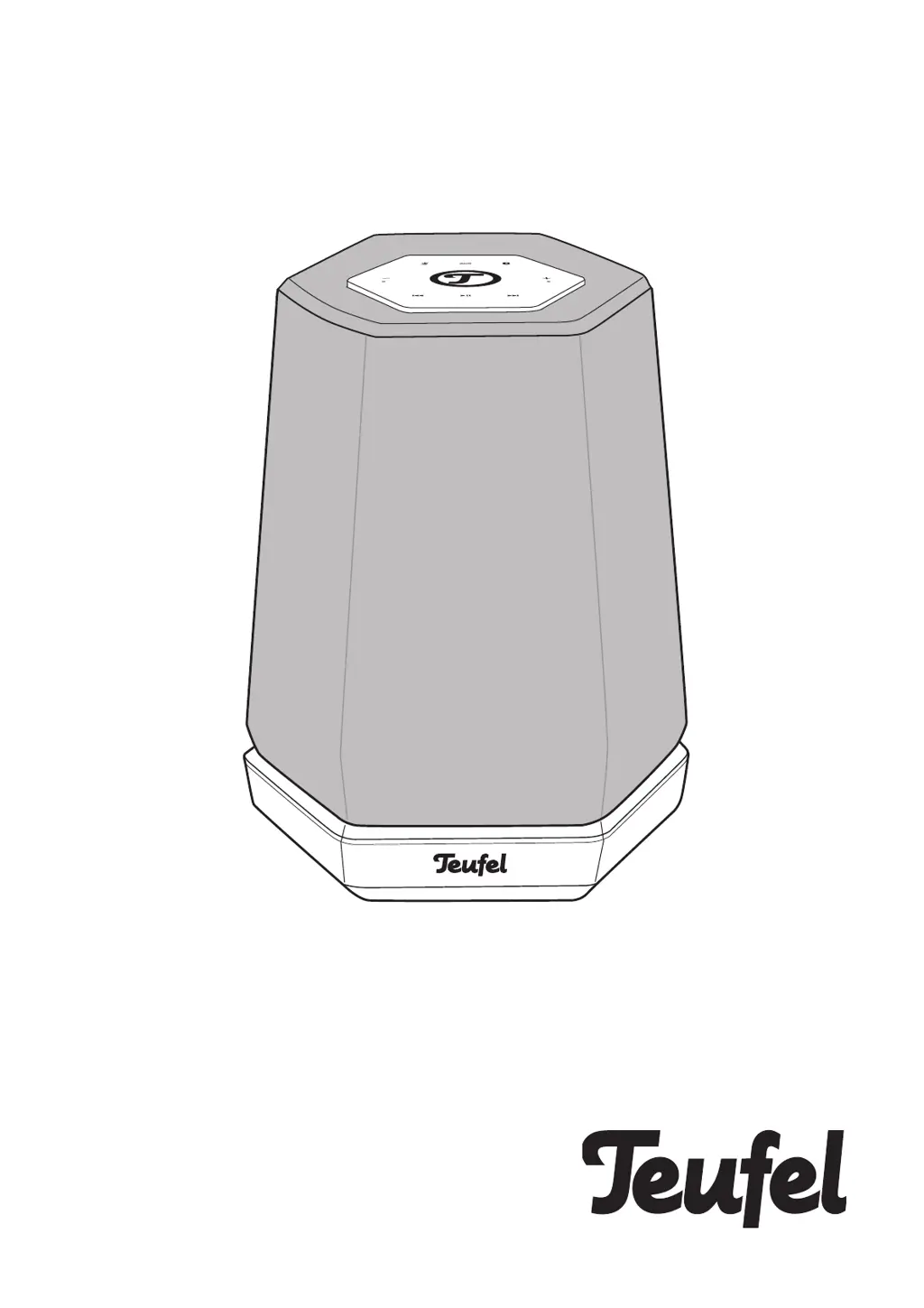
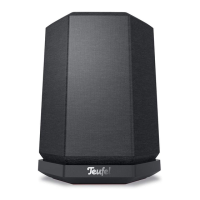
Teufel Holist M - User Manual

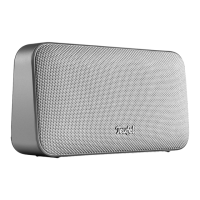
Teufel Holist M
24 pages
Print Icon
To Next Page IconTo Next Page
Loading...
Holist M
360° Speaker with Alexa Voice Service
Technical Description And User
Manual

Questions and Answers

  • J
    Joshua DavisJul 28, 2025
    How to reset Teufel Speakers?
    • J
      John WrightJul 28, 2025
      To reset your Teufel Speakers device: when the device is on, use a paper clip that has been bent straight to push the RESET button and hold it down until the device restarts (for at least 8 seconds).
  • D
    David AndersonAug 2, 2025
    What to do if my Teufel Holist M don't emit any sound?
    • C
      Christina AndrewsAug 2, 2025
      If your Teufel Speakers aren't emitting any sound, there could be a few reasons. First, ensure that you've selected the correct source. Next, check that the volume isn't set to “0” and increase it if necessary. Also, verify that the volume of any external player connected to the speakers isn't too low, and carefully increase it.
  • J
    Jordan GarciaAug 7, 2025
    Why does music playback skip or get interrupted on my Teufel Holist M?
    • R
      Richard KellyAug 7, 2025
      If music playback on your Teufel Speakers skips or is interrupted, it might be due to a weak or absent Wi-Fi signal. Try placing the Holist M closer to your router or experimenting with alternative locations. As a test, avoid using repeaters. If possible, use an audio stream with low resolution.
  • H
    Heidi HartAug 11, 2025
    What to do if the Teufel Holist app is not connected or fails to locate the configured device?
    • A
      andrea01Aug 12, 2025
      If you are experiencing issues with the Teufel Holist app not connecting or failing to locate your configured device, ensure that the Holist M and the Teufel Holist App are on the same Wi-Fi network. Try restarting your router. You can also briefly disconnect your Holist M from the power supply and then restart it.
  • W
    Wanda CollinsAug 17, 2025
    How to fix Teufel Holist M setup failure via app?
    • P
      Patrick MartinezAug 17, 2025
      If you're having trouble setting up your Teufel Speakers via the app, try restarting your router and your smartphone or tablet. Position the Holist M near your router and temporarily switch off any repeaters during the setup. Avoid using guest access on your router to connect the Holist M.
  • J
    Jacqueline SanchezAug 21, 2025
    Why is there no sound with Bluetooth on my Teufel Holist M Speakers?
    • S
      Susan SheltonAug 22, 2025
      If you're experiencing no sound with Bluetooth on your Teufel Speakers, first ensure that a Bluetooth connection has been established. If not, establish a connection. Then, on your external player, select “Teufel Holist” as the Bluetooth output device. Interference from other radio systems could also be the cause. Try setting up the Holist M and/or external player in another location or room.

Summary

General Information and Support

Notice, Trademarks, and Policies

Covers document notices, trademarks, Alexa privacy, and original packaging requirements.

Complaints and Contact Information

Details on filing complaints and customer service contact methods.

Safety, Usage, and Disposal

Proper Use and Safety Terms

Defines correct operation and explains safety signal terms like WARNING and CAUTION.

Comprehensive Safety Guidelines

General safety notes covering electrical, setup, operational hazards, and specific warnings.

Symbols and Disposal

Explains device symbols and the proper environmentally friendly disposal of old equipment.

Product Overview and Setup

Unpacking and Package Contents

Instructions for unpacking, listing package contents, and checking for damage.

Initial Setup and App Integration

Steps for initial setup, including installing and using the Teufel Holist app.

Amazon Alexa and Online Guide

Instructions for integrating Amazon Alexa and accessing the online Teufel guide.

Controls, Connections, and Operation

Device Interface and Ports

Details the top and bottom panel controls, ports, and indicators.

Speaker Placement and Connections

Guides for optimal location, analogue/power connections, and activation.

Core Operating Functions

Covers basic operations like source selection, volume adjustment, and Bluetooth pairing.

Advanced Operation and Playback

Explains bass/sound modes, Bluetooth playback, Spotify, and AUX playback.

Maintenance and Troubleshooting

Care, Cleaning, and Maintenance

Guidelines for cleaning the device and precautions against external damage.

Troubleshooting Common Issues

Solutions for problems like no sound, connection errors, and setup failures.

Technical Specifications

Lists product dimensions, voltage, radio bands, and declaration of conformity.

Teufel Holist M Specifications

General IconGeneral
BrandTeufel
ModelHolist M
CategorySpeakers
LanguageEnglish

Related product manuals