EasyManua.ls Logo

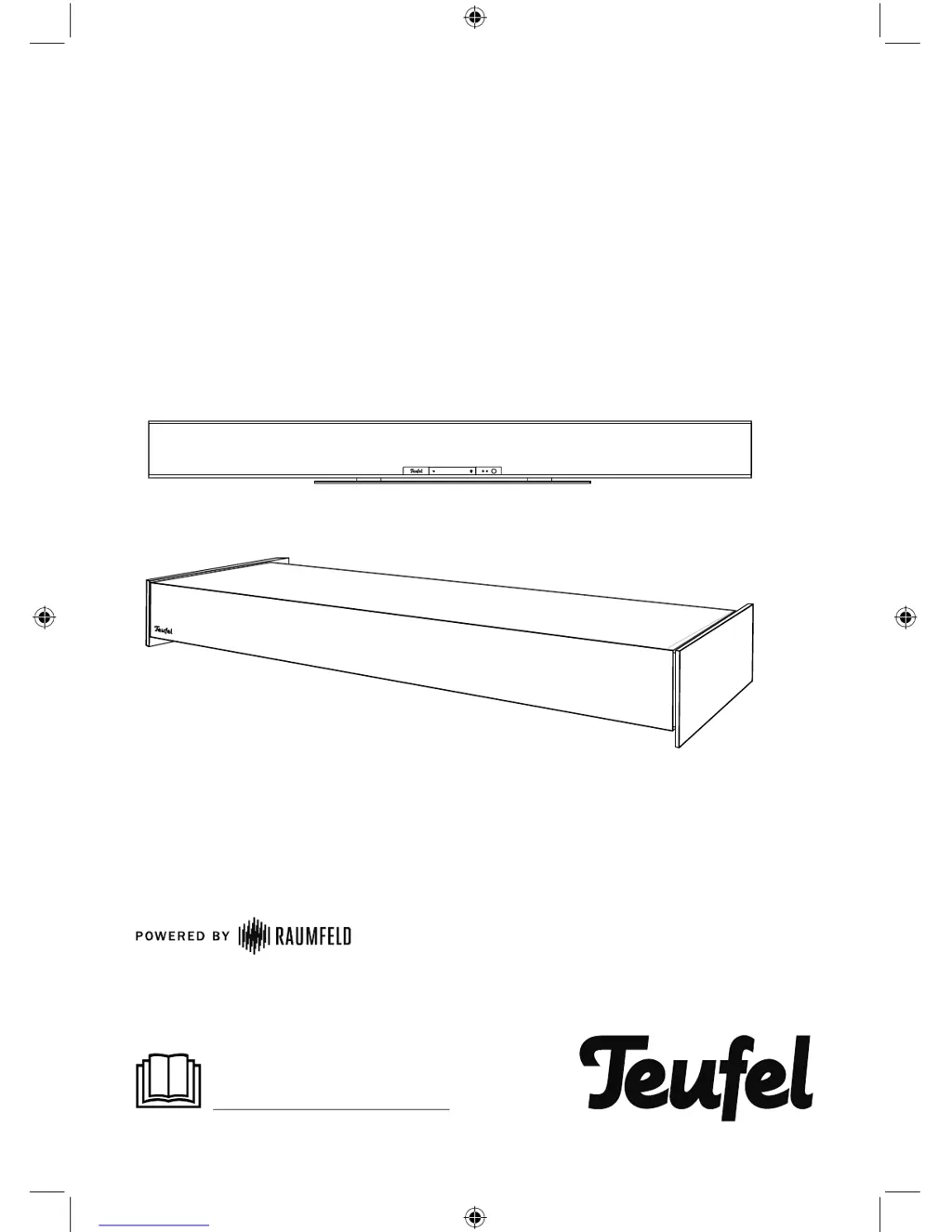
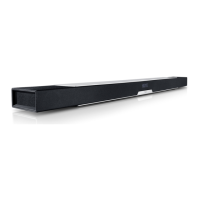
Teufel Soundbar - User Manual

Teufel Soundbar
16 pages
Print Icon
To Next Page IconTo Next Page
Loading...
Quick reference guide
For detailed online documentation,
please visit
http://manual.teufelaudio.com
Teufel Soundbar
195479_GB_20170619.indd 1 20.06.17 09:44

Questions and Answers

  • M
    Michael BrownJul 27, 2025
    How do I reset my Teufel Speakers soundbar?
    • O
      Olivia WashingtonJul 27, 2025
      To reset your Teufel Speakers soundbar: Notice: Resetting the device will erase all system configuration settings. When the device is on, use a straightened paper clip to push the reset button (18) and hold it down until the device restarts (at least 8 seconds).
  • S
    Steven FinleyAug 2, 2025
    Why does my Teufel Speakers music playback skip or get interrupted?
    • D
      Derrick EllisAug 2, 2025
      Skipping or interrupted music playback on your Teufel Speakers may occur if one or more devices have a weak or nonexistent Wi-Fi signal. To resolve this, try placing the devices closer to the router, experimenting with different setup locations, or connecting distant devices via Ethernet cable. You might also test the connection without using repeaters and, if possible, use a lower resolution audio stream.
  • M
    martinezdaltonAug 8, 2025
    What to do if the Teufel Soundbar app is not connected or fails to locate the configured streaming devices?
    • E
      Elizabeth ThompsonAug 8, 2025
      If the Teufel Speakers app isn't connecting or finding your streaming devices, ensure that both the Teufel streaming devices and your smart device, running the Teufel Raumfeld App, are on the same Wi-Fi network. Try restarting your router. Also, briefly disconnect your Teufel streaming devices from the power, and then restart them.
  • J
    john41Aug 14, 2025
    How to fix a Teufel Speakers subwoofer when the power LED doesn't illuminate?
    • R
      Robin LeachAug 14, 2025
      If the power LED on your Teufel Speakers subwoofer isn't lighting up, first ensure that the power cord is securely connected. If it is, the subwoofer fuse may be defective. To replace it: 1. Remove the mains cord. 2. Carefully pull out the fuse holder on the mains connector jack. 3. Push the old fuse down and out. Insert a new fuse (T 2.5 AL / 250 V). 4. Push the holder back in.
  • S
    Stephen MullinsAug 21, 2025
    What to do if Teufel Soundbar Speakers setup fails?
    • L
      Logan WilliamsAug 21, 2025
      If your Teufel Speakers setup fails, restart your router and your smartphone or tablet. Set up the device near your router and switch any repeaters off during the setup. If your router provides guest access, do not use it to connect your Teufel streaming devices.

Summary

General Notes and Information

Safety Precautions

Highlights essential safety notes from the enclosed brochure and this quick reference guide.

Soundbar Overview

Soundbar Ports and Buttons

Details the various input/output jacks, buttons, and their functions on the soundbar unit.

Wireless Remote Control

Remote Control Operation

Details the buttons and their functions on the wireless remote control for various operations.

Subwoofer Operation and Controls

Subwoofer Rear Panel

Describes the controls, inputs, power switch, and indicators on the subwoofer's rear panel.

Initial Setup

Connection Examples

TV to Soundbar Connections

Illustrates recommended HDMI ARC and alternative TV audio connection methods.

System Configuration

Teufel Raumfeld App Setup

Guides users through setting up the Teufel streaming system using the dedicated mobile app.

Subwoofer Pairing

Remote Control Initialization

Operation Modes

Troubleshooting

Teufel Soundbar Specifications

General IconGeneral
BrandTeufel
ModelSoundbar
CategorySpeakers
LanguageEnglish

Related product manuals