EasyManua.ls Logo

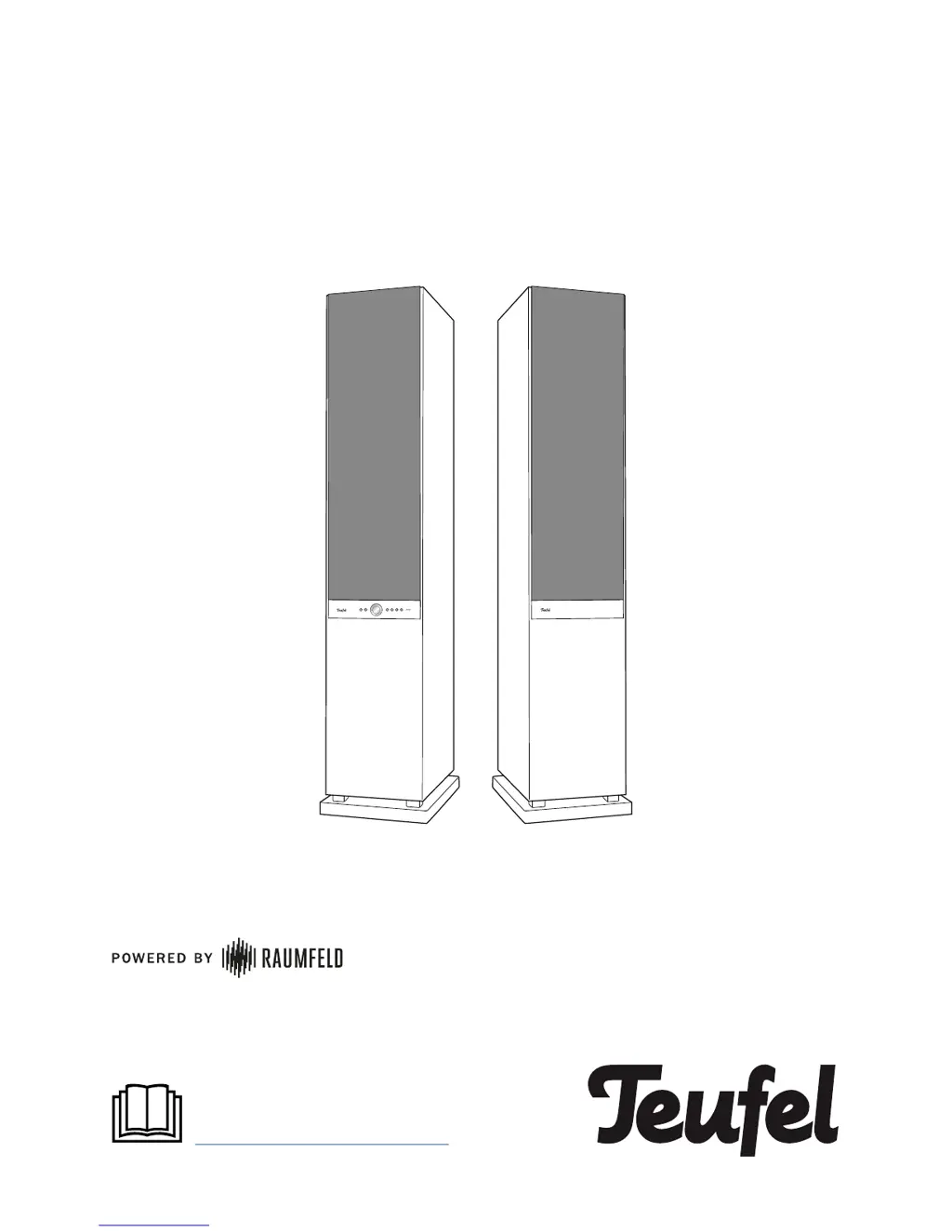
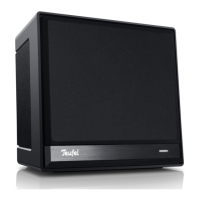
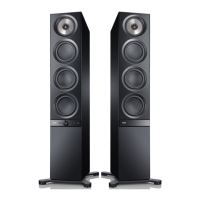
Teufel Stereo L - User Manual

Teufel Stereo L
12 pages
Print Icon
To Next Page IconTo Next Page
Loading...
Teufel Stereo L
Quick reference guide
For detailed online documentation,
please visit
http://manual.teufelaudio.com

Questions and Answers

  • R
    Roberta HammondJul 27, 2025
    Why does music playback skip or get interrupted on my Teufel Stereo L?
    • D
      Derek BuckleyJul 27, 2025
      Music playback on your Teufel Speakers might skip or get interrupted if one or more devices have a weak or nonexistent Wi-Fi signal. To resolve this, try placing the devices closer to the router, explore different setup locations, or connect distant devices using an Ethernet cable. If you're experiencing issues with multi-room systems that include three or more devices, it's recommended to connect at least one device via Ethernet cable and designate it as the host. Also, test the system without using repeaters, and if possible, opt for an audio stream with a lower resolution.
  • M
    Mary OrozcoAug 2, 2025
    What to do if the Teufel Raumfeld app is not connected or fails to locate the configured streaming devices?
    • I
      iwilliamsAug 2, 2025
      If the Teufel Raumfeld app isn't connecting or can't find your configured streaming devices, ensure that both the Teufel streaming devices and your smart device are connected to the same Wi-Fi network. Try restarting your router. As well, briefly disconnect your Teufel streaming devices from the power supply before restarting them.
  • O
    osantiagoAug 9, 2025
    What to do if setup fails for Teufel Stereo L?
    • J
      Joseph BakerAug 9, 2025
      If the setup for your Teufel Speakers fails, restart your router and your smartphone or tablet. During setup, position the device near your router and temporarily disable any repeaters. If your router offers guest access, avoid using it to connect your Teufel streaming devices.
  • H
    Harry CervantesAug 14, 2025
    How to reset Teufel device?
    • D
      David HallSep 12, 2025
      To reset your Teufel device, switch it on, then use a straightened paper clip to push and hold the reset button until the device restarts. This should take at least 8 seconds.
  • K
    Kayla MckinneyAug 20, 2025
    How to fix the control LED if it is not illuminated on Teufel Speakers?
    • M
      malikevansAug 20, 2025
      If the control LED on your Teufel Speakers isn't lit, it could be due to a defective fuse in the active speaker or a power supply issue. Here's what to check: * **Fuse Replacement:** 1. Remove the mains cord. 2. Carefully pull out the fuse holder on the mains connector jack. 3. Push the old fuse down and out. Insert a new fuse (T 1.25 A / 250 V). 4. Push the holder back. * **Power Supply:** Ensure the speaker is receiving power by verifying the mains cord is securely connected and the mains switch on the back is turned on.

Summary

General Notes and Information

Safety Precautions

Advises reading safety notes in the brochure and this guide for safe and reliable operation.

Active Speaker Controls

Front Side Operation

Details the functions of buttons and controls on the front of the active speaker.

Back Side Top Connections

Describes the ports and buttons located on the top of the back side of the active speaker.

Active Speaker Power and Passive Connection

Back Side Bottom Power Details

Details the power connector jack, fuse, and main power switch on the back.

Setup and Preparations

Getting Started Guide

Speaker Operation

Bluetooth Connectivity Guide

Troubleshooting Common Issues

Advanced Troubleshooting

Teufel Stereo L Specifications

General IconGeneral
Enclosure TypeBass Reflex
Frequency Response45 Hz - 22 kHz
Impedance4-8 Ohms
Woofer Size165 mm
Tweeter Size25 mm

Related product manuals