Connections
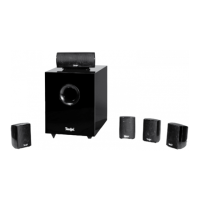
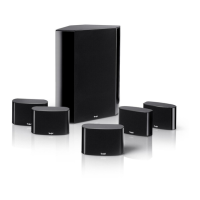
You can connect the Concept P system to any
modern Dolby Digital/DTS 5.1/6.1/7.1 AV receiver/
amplifier for a 5.1 setup with an active subwoofer.
If your AV receiver is 6.1/7.1, simply ignore the
Rear Centre Out(s).
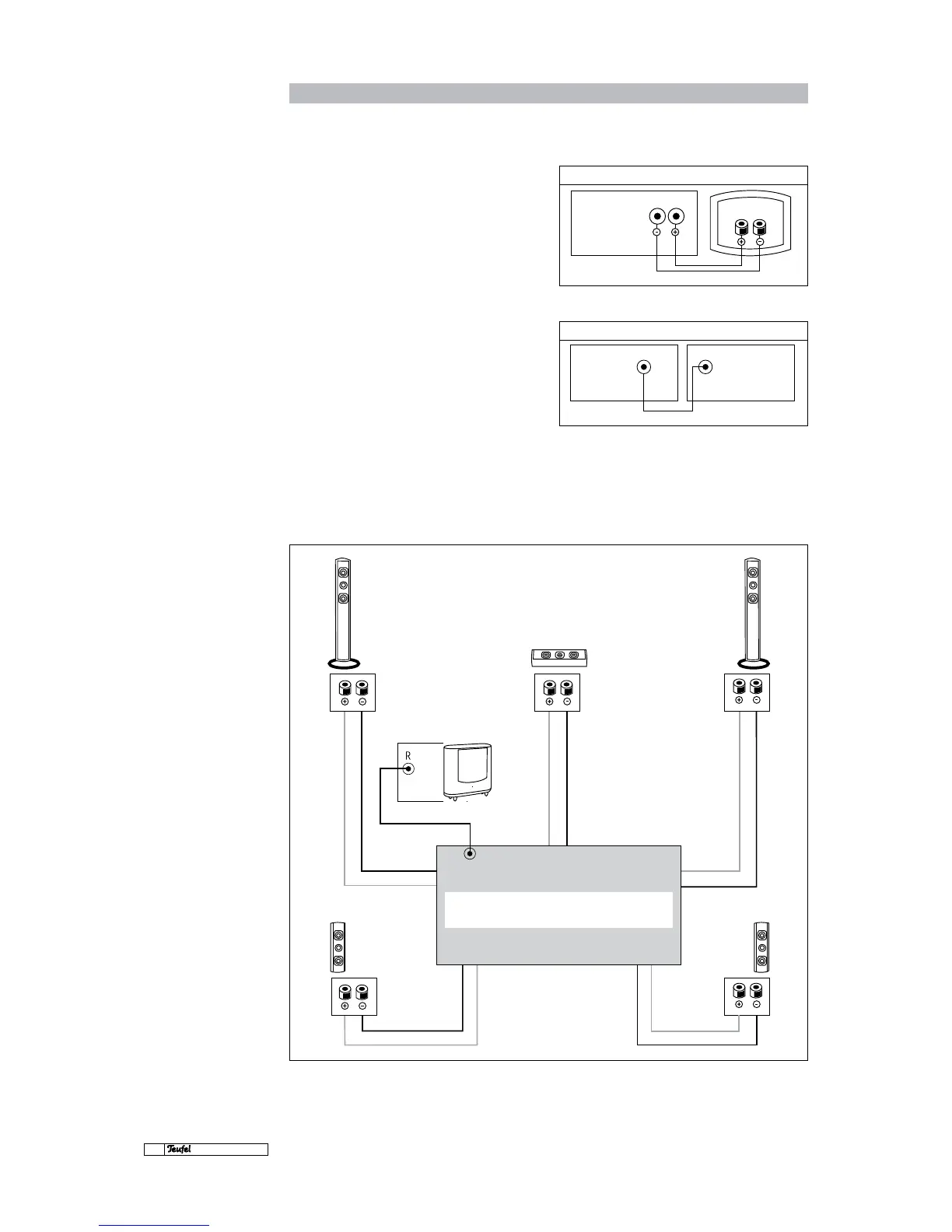
Connect the front, centre and rear speakers as
shown in the diagram.
Connect the subwoofer output (Sub Out) of your
Dolby Digital/DTS AV receiver to the right Line
Input (R) of the subwoofer using a mono RCA ca-
ble. In this setup, the left input (Line Input L) is
not connected. If you want to feed the Sub Out
signal to both of the subwoofer's inputs for an
additional bass boost, use a Y adapter (see Acces-
sories, p. 6).
Connecting
the speakers to a 5.1 AV
surround receiver
AV receiver
Speaker output
Teufel
connection panel
Front, centre and rear speakers
Subwoofer
RCA line output RCA line input
SW out Input R
AV receiver Subwoofer
Centre


 To Next Page