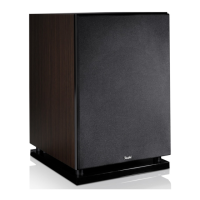
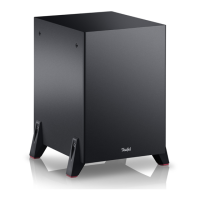
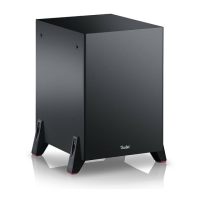
12 • Universal Subwoofer T6
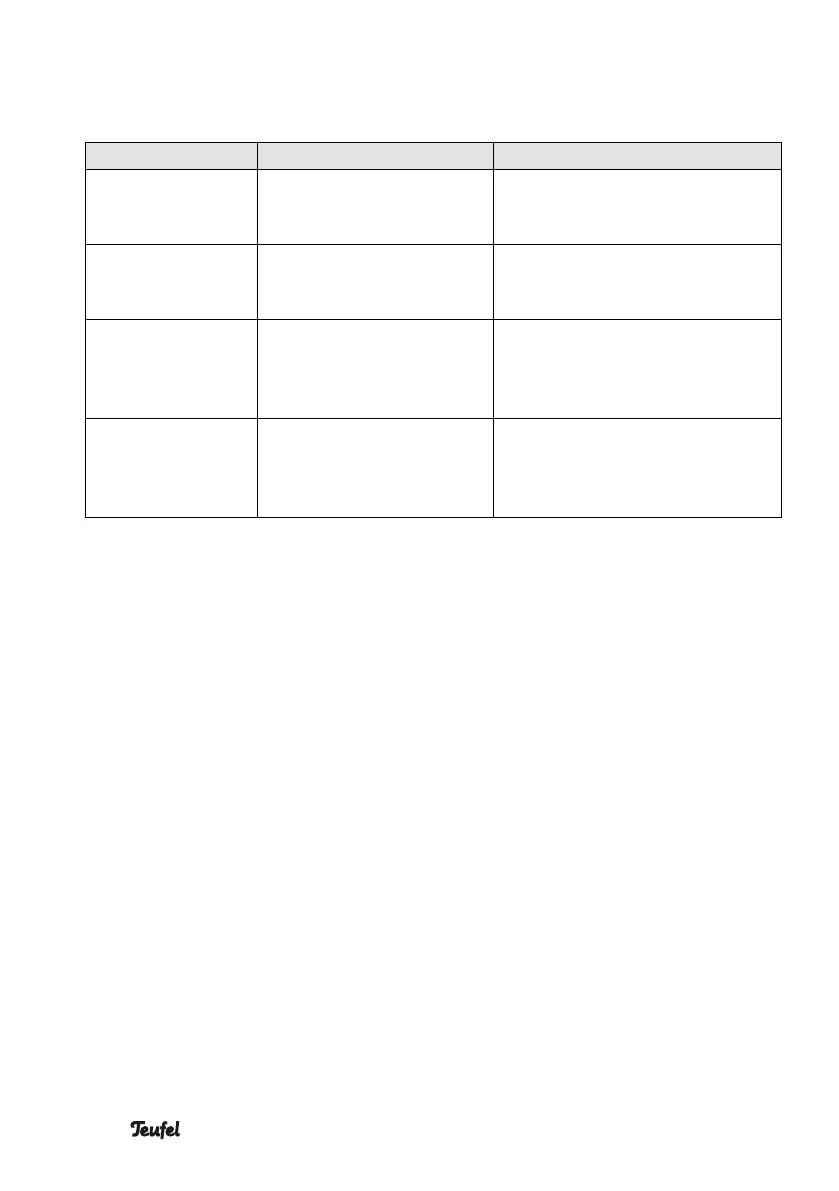
Reaction to the actuation of the operational controls
Button/switch Status LED Meaning
Briefly push the
PAIRING button (5).
Flashes in white. Pairing mode. Device is
searching for a compatible
soundbar.
Push and hold the
PAIRING button (5).
Flashes alternating
between red and white.
Subwoofer is reset to the
factory default and switches to
pairing mode afterwards.
Change the
setting of the
ROOM PLACE-
MENT switch (6).
Pulses in white once. This indicates the switching
process.
Change the
volume with the
SUB VOLUME
LEVEL control (7).
+10 dB: 100 % brightness
0 dB: 60 % brightness
–10 dB: 20 % brightness
This indicates the set volume.
The subwoofer should be
„easily heard“. However, it
should not drone.
Other functions
Standby
The subwoofer automatically
switches to standby if
– the connected soundbar is
switched to standby or switched
off;
– the subwoofer was switched on
manually, but there’s no connec-
tion to a soundbar. The switch to
standby occurs 10 minutes after
manual activation.
Automatic activation
Switching on the connected soundbar
also activates the subwoofer.
Actuating any operational control also
activates the subwoofer.


 To Next Page