EasyManua.ls Logo

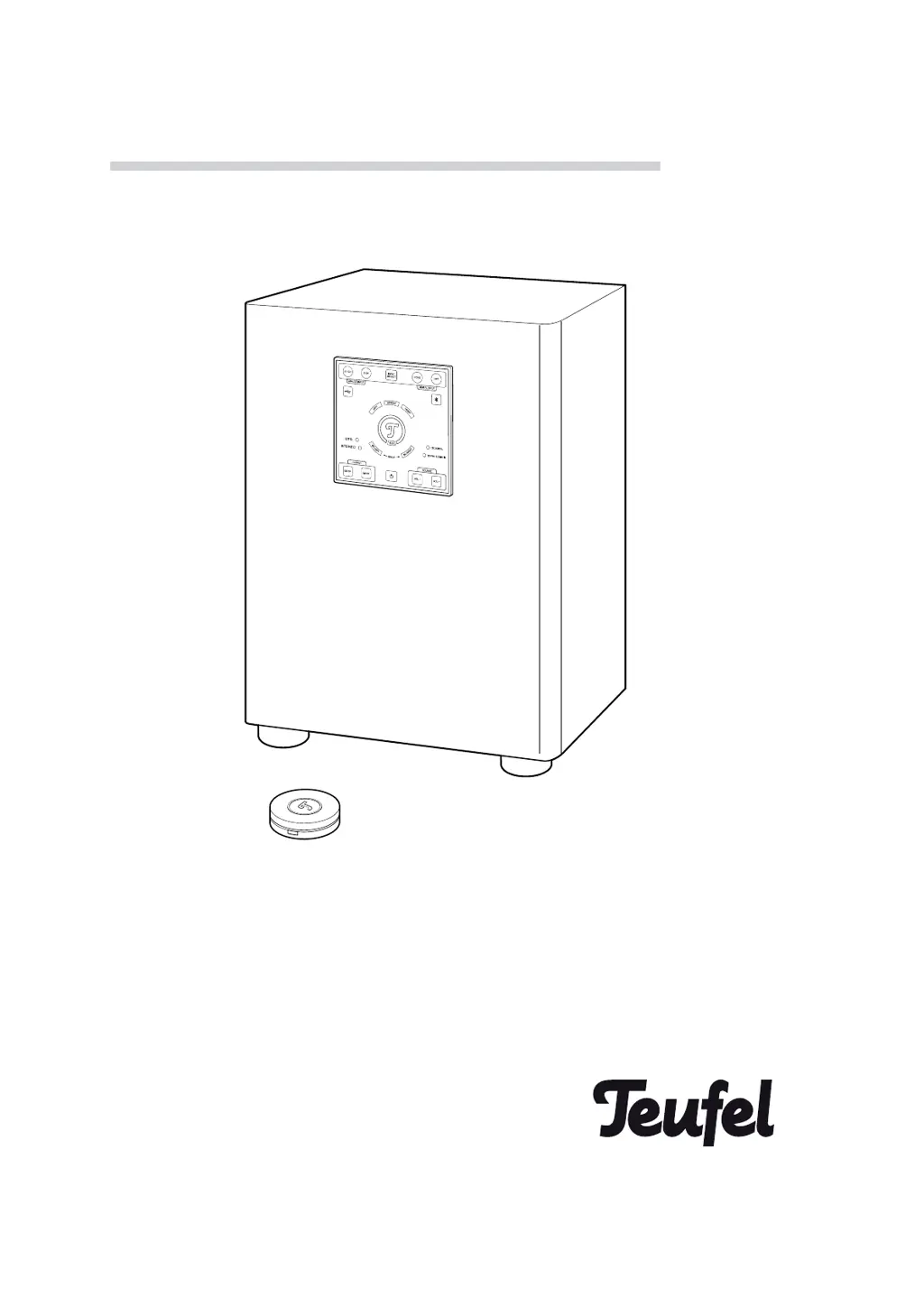
Teufel Concept E 450 Digital - User Manual

Teufel Concept E 450 Digital
20 pages
Print Icon
To Next Page IconTo Next Page
Loading...
Technical description and instruction manual
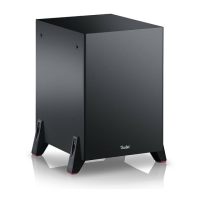
Active subwoofer CM 2014 SW
Concept E 450 Digital

Questions and Answers

  • M
    Michaela HerreraJul 28, 2025
    How to fix Teufel Concept E 450 Digital when it doesn't emit any sound?
    • R
      Robert GrahamJul 28, 2025
      If your Teufel Subwoofer isn't producing any sound, it could be due to a few reasons. First, check if the volume is set to “0” and increase it. Another possibility is that the input signal is too weak, so try increasing the volume on your external player. Finally, ensure that you have selected the correct input on your device.
  • E
    Emily NguyenAug 2, 2025
    Why does my Teufel Concept E 450 Digital Subwoofer hum?
    • A
      Angela LoveAug 2, 2025
      If your Teufel Subwoofer is humming, it might be due to power supply issues. Try using a line filter connected to the unit. Alternatively, the humming could be caused by a multiple socket strip. In this case, use a different multiple socket strip or connect the subwoofer directly to the wall socket. Inserting the mains plug in the socket the other way around may also help.
  • M
    Michael RobinsonAug 6, 2025
    What to do if the Teufel Concept E 450 Digital Subwoofer remote control does not work?
    • A
      Allen FrostAug 6, 2025
      If the remote control for your Teufel Subwoofer isn't working, there might be a simple fix. First, ensure that there is a connection between the remote control and the device. If not, establish a connection. Also, check the batteries. If they are empty, replace them with new ones.
  • U
    usuttonAug 11, 2025
    Why are not all speakers active on my Teufel Concept E 450 Digital?
    • K
      kdeanAug 12, 2025
      If not all speakers are active on your Teufel Subwoofer, it might be because the output has been set to 2.1 CH. To resolve this, switch the output to 5.1 CH.
  • T
    Thomas JacksonAug 16, 2025
    What to do if the audio source is not played back on Teufel Concept E 450 Digital Subwoofer?
    • S
      Sharon LeonAug 16, 2025
      If the audio source is not played back on your Teufel Subwoofer, it could be due to an inappropriate digital output format set on the player. To fix this, set the digital output format to “PCM” in the setup menu of your player.
  • C
    Christina AllisonAug 21, 2025
    What to do if playback is noisy on Teufel Subwoofer?
    • J
      Jaime HansenAug 21, 2025
      To address noisy playback on your Teufel Subwoofer, ensure that the external player emits a clear signal to the device.

Summary

General Notes and Information

Contact

Provides contact details for customer service and support.

Proper use

Details the intended use of the device and manufacturer liability.

For your safety

Signal terms

Explains warning symbols used in the manual for risk assessment.

Safety notes

Crucial safety precautions for electrical, setup, and operational handling.

Explanation of symbols

Overview

Product Contents

Lists all items included in the product package.

Operational controls and connections

Describes the control panel and its functions for device operation.

Setup panel

Remote control

Back side

Preparation

Unpacking

Instructions for safely unpacking the subwoofer unit.

Setup notes

Guidelines for optimal placement and environmental conditions for setup.

Setup as a PC sound system

Specific instructions for configuring the system as a PC sound solution.

Connecting

Connecting external players

Guides on connecting various external audio sources like PCs, Blu-ray players, and MP3 players.

Connection examples

Connecting satellite speakers

Connection to the grid

Instructions for connecting the device to the main power socket.

Remote control

Changing the batteries

Procedure for replacing batteries in the remote control.

Pairing of the remote control

Steps to re-establish connection between remote and device.

Operation

Switching the device on;to standby

How to activate and deactivate the device or put it in standby mode.

Selecting an input

Guide to choosing the audio input source for the system.

Bluetooth pairing

Selecting an output

Audio format

Setting the volume

Setting the system volume

Instructions for adjusting the overall volume of the system.

Setting the volume of the individual speakers

How to adjust the volume for each speaker independently.

Mute

Function to temporarily silence or unmute the audio output.

Setup

Procedure for setting individual speaker volumes and making permanent adjustments.

Cleaning & Maintenance

Environmental protection

Guidelines for responsible disposal of batteries and the unit.

Troubleshooting

Technical data

Teufel Concept E 450 Digital Specifications

General IconGeneral
Product colorBlack
RMS rated power- W
Recommended usagePC
Remotely operatedYes
Audio output channels5.1 channels
Amplifier output power700 W
Amplification device form factorBuilt-in
Satellite speaker type2-way
Number of satellite speakers4
Satellite speaker peak power120 W
Satellite speaker tweeter diameter0.75 \
Satellite speaker mid-range driver diameter3.15 \
Center speaker RMS power60 W
Center speaker impedance8 Ω
Center speaker tweeters quantity1
Subwoofer typePassive subwoofer
Power sourceAC
AC input voltage100-230 V

Related product manuals