6 • Concept E 450 Digital
Product Contents
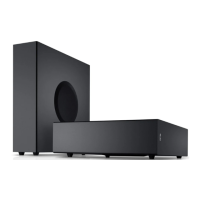
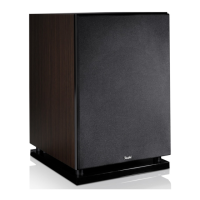
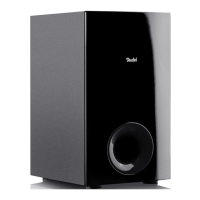
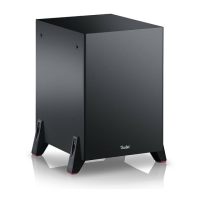
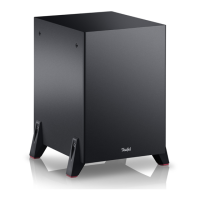
1 x subwoofer CM 2014 SW
1x remote control including batteries
1x USB cable (2 m)
1x speaker cable, 2 x 1 mm
2
, 30 m
The satellite speakers are delivered in separate
packaging. Here you can also find the corresponding
instruction manual.
• Check that all items have been delivered and that
nothing is damaged. If the delivery is incomplete
or exhibits transport damages, please contact our
service team (see page 3).
• Never start up a damaged device.
Overview
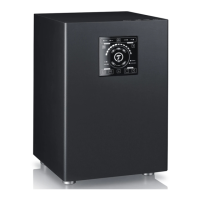
Operational controls and connections
12 3 45
6
8
7
13
11 1012
Item Name Description
1 5.1 CH “Line In” input is active
2 2 CH “Analogue In” input is active
3 Input Select Select the input
4 COAX
“Digital In Coaxial” input is
active
5OPT
“Digital In Optical” input is
active
6 Select Bluetooth as the input
7
DTS
STEREO
Digital
Audio format of
the input signal
8
Pro Logic II
LED illuminates if 5.1 CH
is set as the output (12),
but if the input signal con-
sists of fewer channels (the
Concept E 450 Digital gener-
ates an upmix)
9 VOL – / + Set the volume
10
Switch the device on/to
standby
11 2.1 CH
Playback: only front speakers
+ subwoofer
12 5.1 CH Playback: all speakers
13 Select USB as the input
Control panel
AAA
AAA
9


 To Next Page