8 • Concept E 450 Digital
Preparation
Unpacking
• Carefully open the box and lift the subwoofer with
the EPE foam parts out without touching the dia-
phragms in the subwoofer base.
Setup notes
NOTICE
If the device is subjected to warm tempera-
tures after being cold (e.g. after transport),
condensation may occur inside of it.
– In this case, wait at least 2 hours before
you connect and activate it.
Our website contains comprehensive
notes for correct setup.
• Select a stable, level base.
• Make sure that the environment is clean and free
from dust.
• Make sure that the speakers are firmly positioned
to prevent vibrations.
• Select a location away from heat sources and direct
sunlight.
• Lay the connector cables so that they do not pose a
tripping hazard.
• Do not place any heavy objects on the cables or the
speakers.
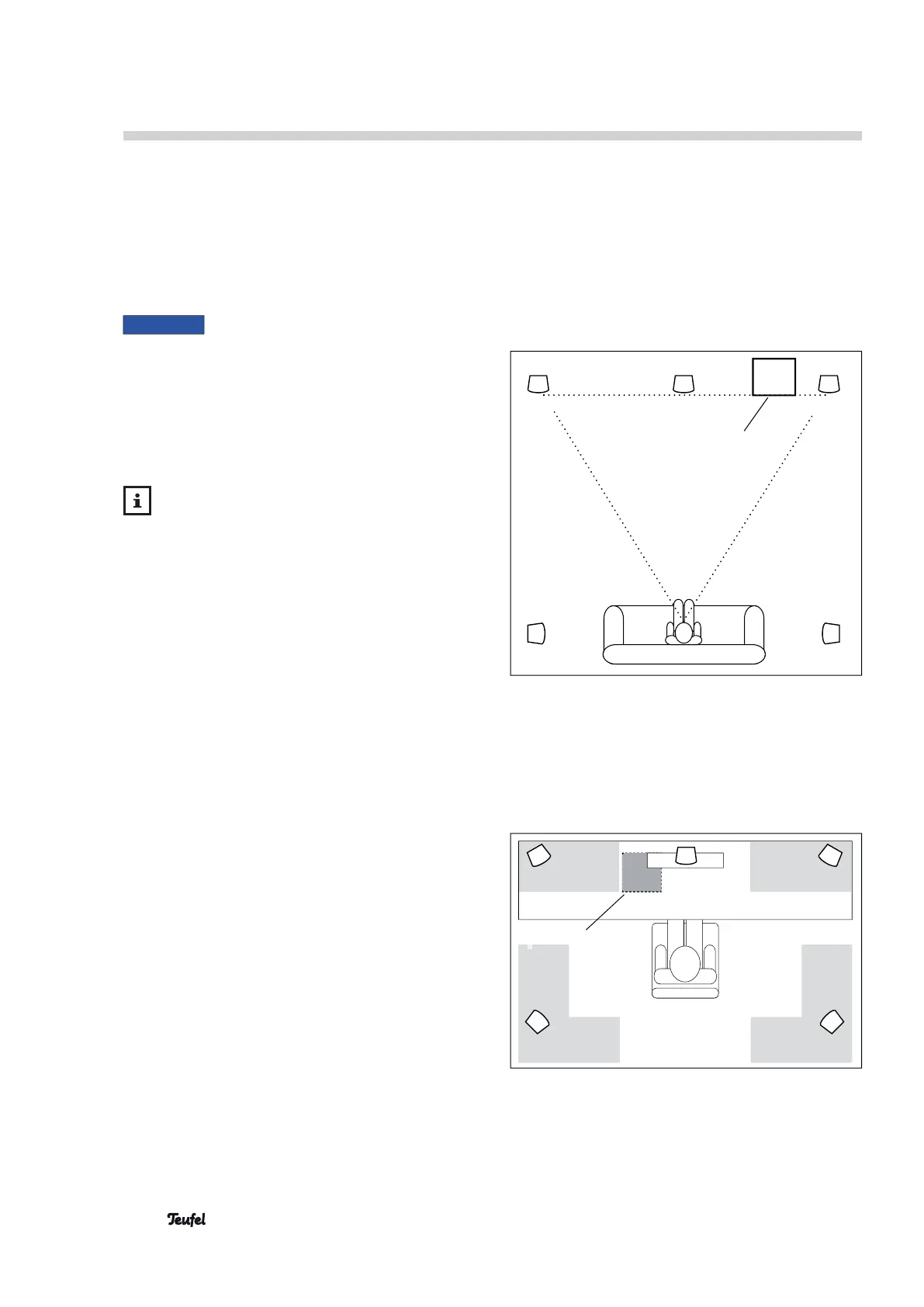
• Set up the satellite speakers such that they are at
an equal distance from the listener on both the left
and right side (if possible) or mount them on the
wall.
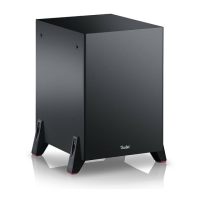
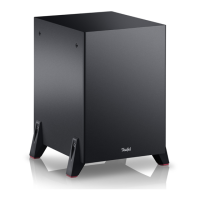
• The location of the subwoofer can be freely se-
lected and does not influence the other speakers.
However, do not set it up in the corner of the room
as this may result in uncontrollable frequency rises.
A location between the satellite speakers is often
ideal.
Setup as a PC sound system
• When using the device as a PC sound system,
concentrating on emitting sound directly at the PC
workstation is advisable, that is, the area where the
monitor and listener are located.
• Please position the speakers within the grey areas.
Setup in a living area
Stereo
triangle
CM 2014 SW
Front Center Front
Surround
Surround
Set up as PC sound system
Front Front
Center
Surround Surround
CM 2014 SW


 To Next Page