9
4. Playback
(1) After all devices are connected properly, press the Playback button on
the remote control to enter the playback preview menu.
(2) You will see the status bar showing the file list with current/total
index. Select your desired file and press OK to start playback.
(3) You will see the progress bar on the bottom, and you can press ▲▼ to
adjust the output volume, or ◄► to Fast forward/rewind.
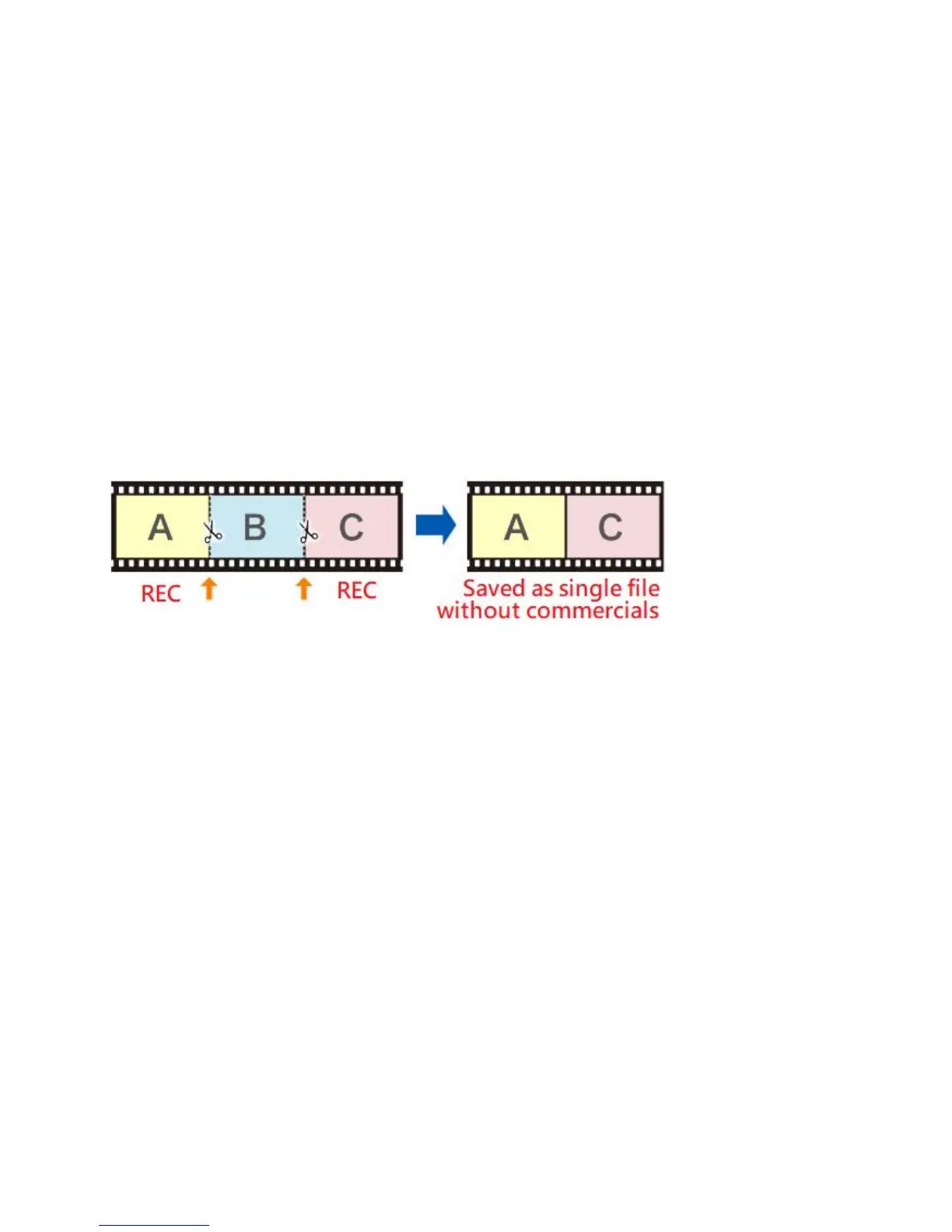
5. Pause Recording
Press “OK” button during recording to PAUSE, recording time on the top
of left corner is flashing, press “OK” button again to continue recording.
PAUSE recording can save you from recording unimportant sections &
save memory space.


 To Next Page