20
5. Firmware Upgrade
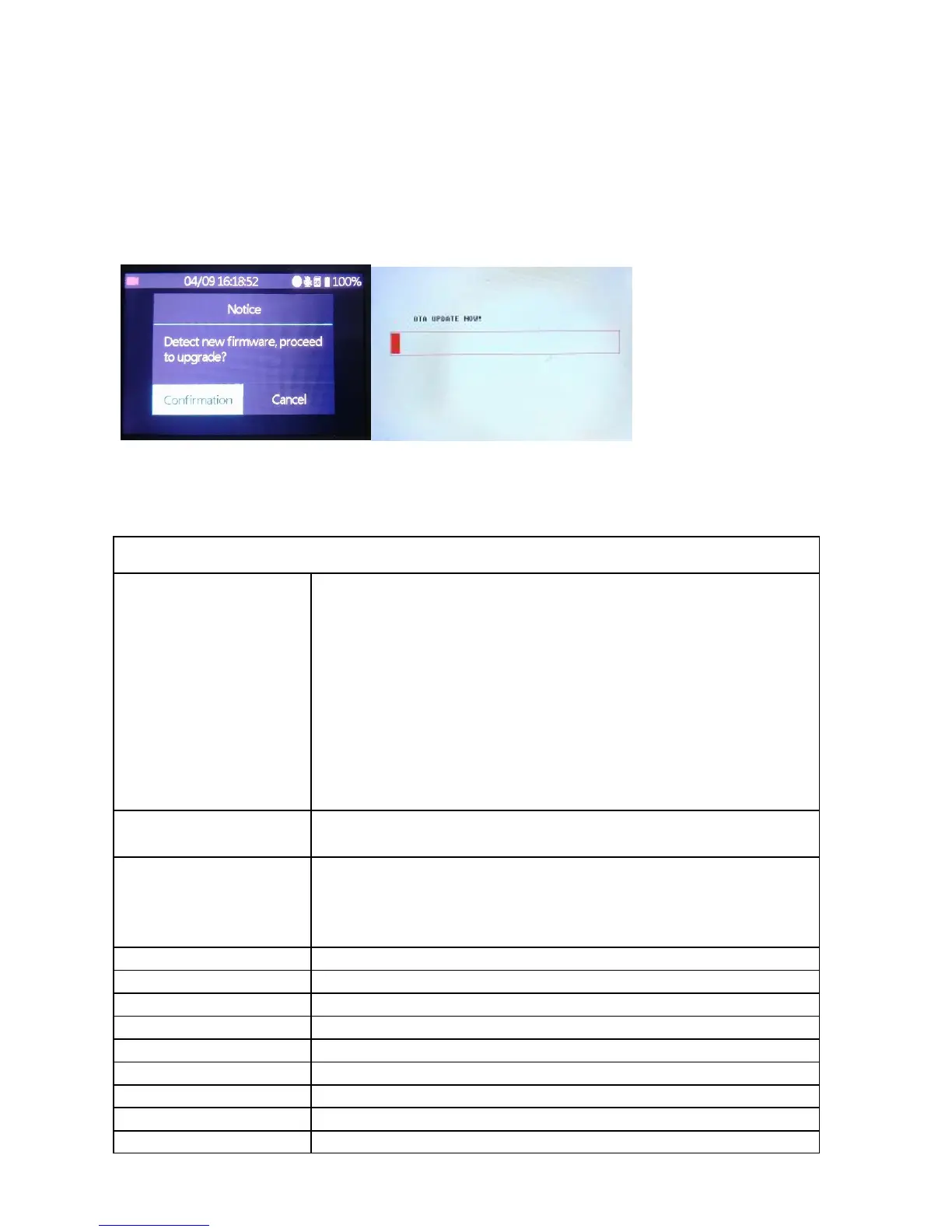
(1) Put new firmware files on the root path into a SD card or USB Flash Drive,
then insert into the Recorder
(2) Turn on the Recorder, the new firmware dialog pops up, select
Confirmation to start. (For USB Flash Drive, go to Firmware Upgrade in
setting & start upgrade manually)
(3) DO NOT unplug the SD card/USB Flash Drive till the upgrade process
finished.
(4) After the upgrade completed, it will delete the file to avoid upgrade
again and reboot automatically.
Product Specifications
HDMI, Micro USB, Earphone, Speaker


 To Next Page