6
storage of PC or streams video to PC.
12. LCD Screen: LCD screen for preview/playback.
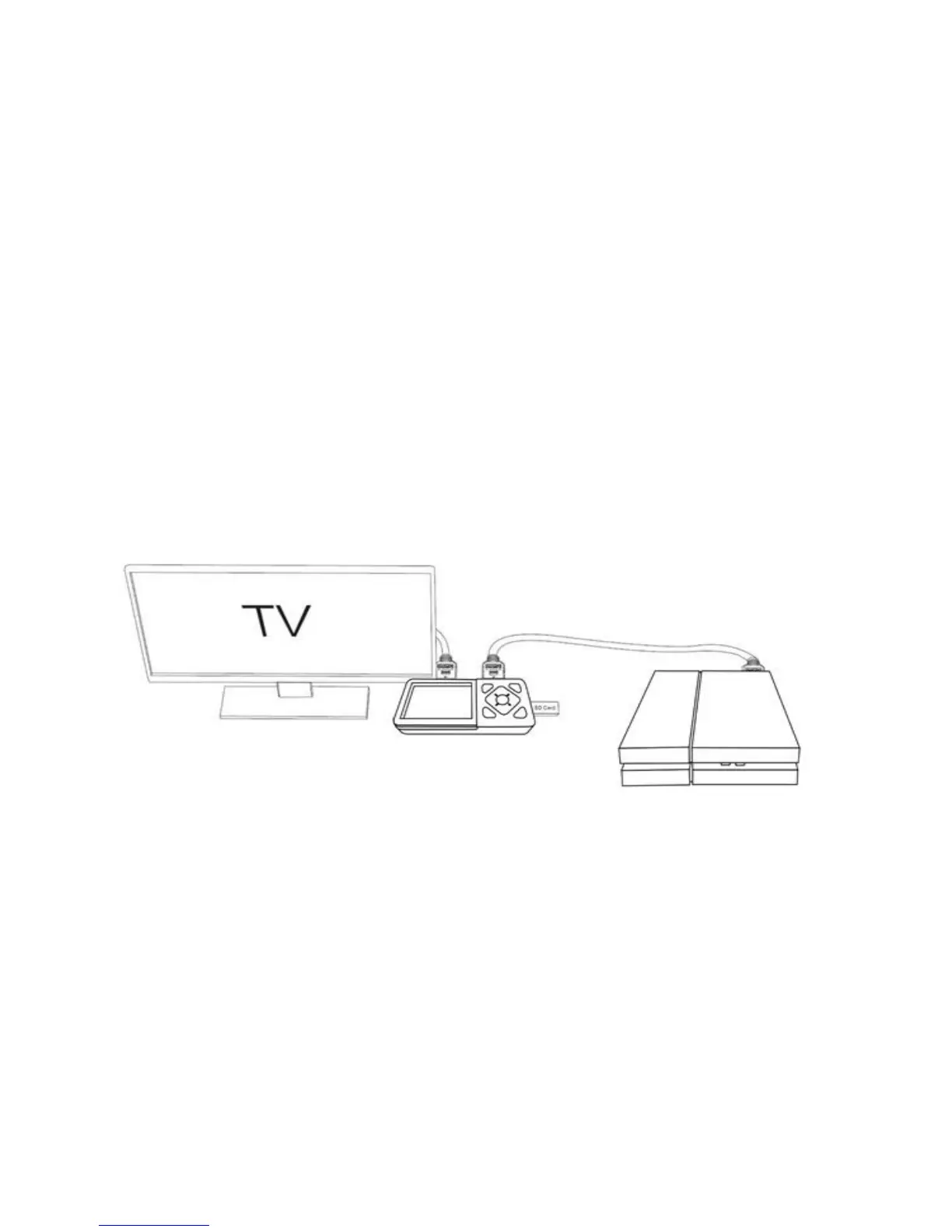
Connection Instruction and installation (Standalone Mode)
1. Installation
(1) Connect power adapter to DC jack
○
5 of HD60 Video Recorder
(2) Connect video source (PS, XBox, Blu-ray player,etc ) to HD60 Video Recorder by
HDMI in
○
8 or AV in
○
7
(3) Connect HD60 Video Recorder from HDMI OUT
○
9 to TV with HDMI cable.
(4) Plug the USB storage device into the USB
○
10 or insert SD card to
○
4
of HD60 Video Recorder
2. Set up Menu
Press Menu button to browse the menu setting as below.


 To Next Page