8
Note:
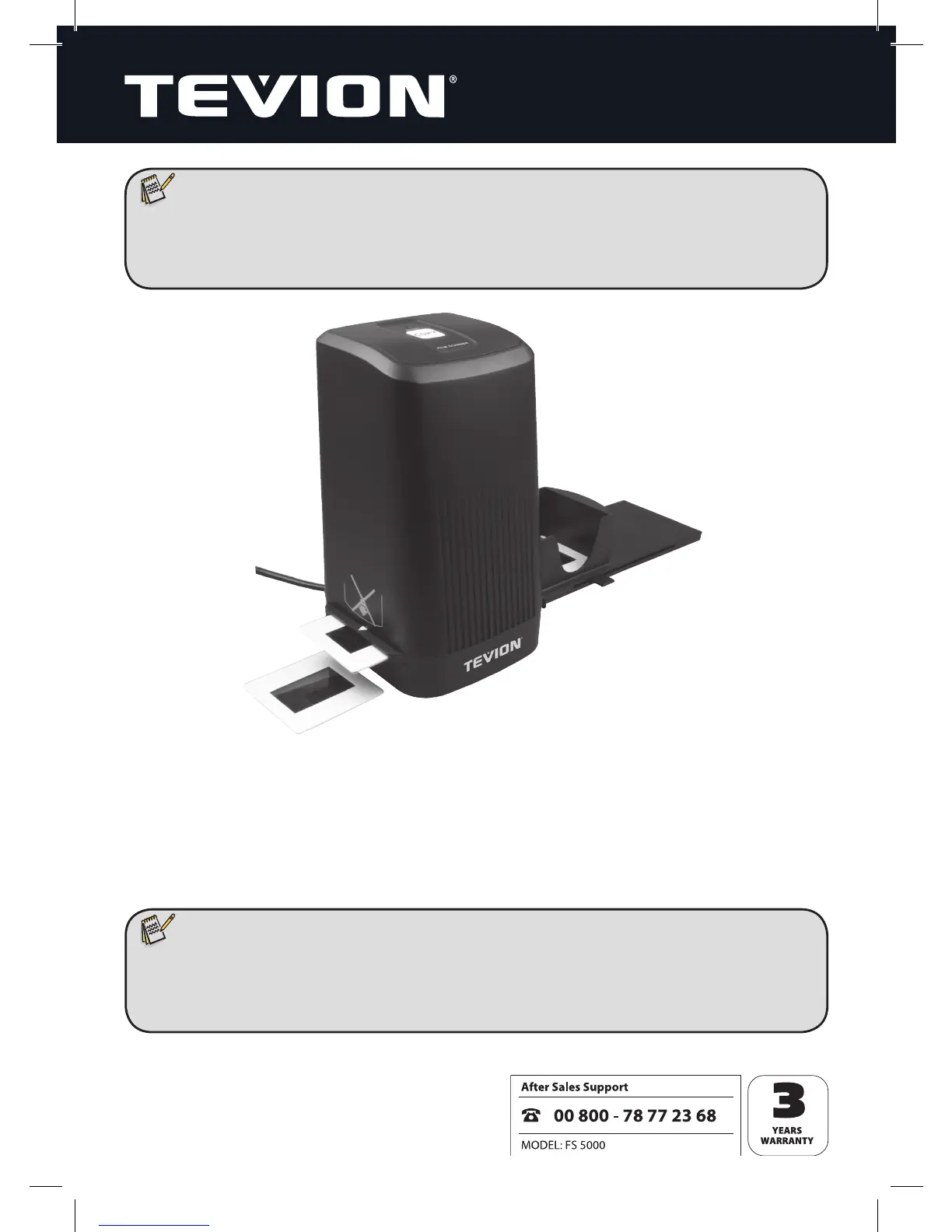
• If the slide feeder is inserted into the scanner from the wrong side you will
damage the scanner’s protective aps! Such damage cannot be repaired
under warranty!
Slides placed in the bay are pushed into the scanner one by one using the lever loca-
ted on the side of the slide feeder. To do this, rst push the lever away from the scan-
ner all the way until it stops. Then move the lever carefully back towards the scanner.
The Film located inside the scanner is then removed from the unit, and a new slide is
pushed into the scanner’s viewing area.
Note:
• Be sure to push a new slide slowly into the scanner. Doing this too abruptly
can cause the mechanism to jam. If this happens, pull the lever all the way
back and try again.



 To Next Page