17
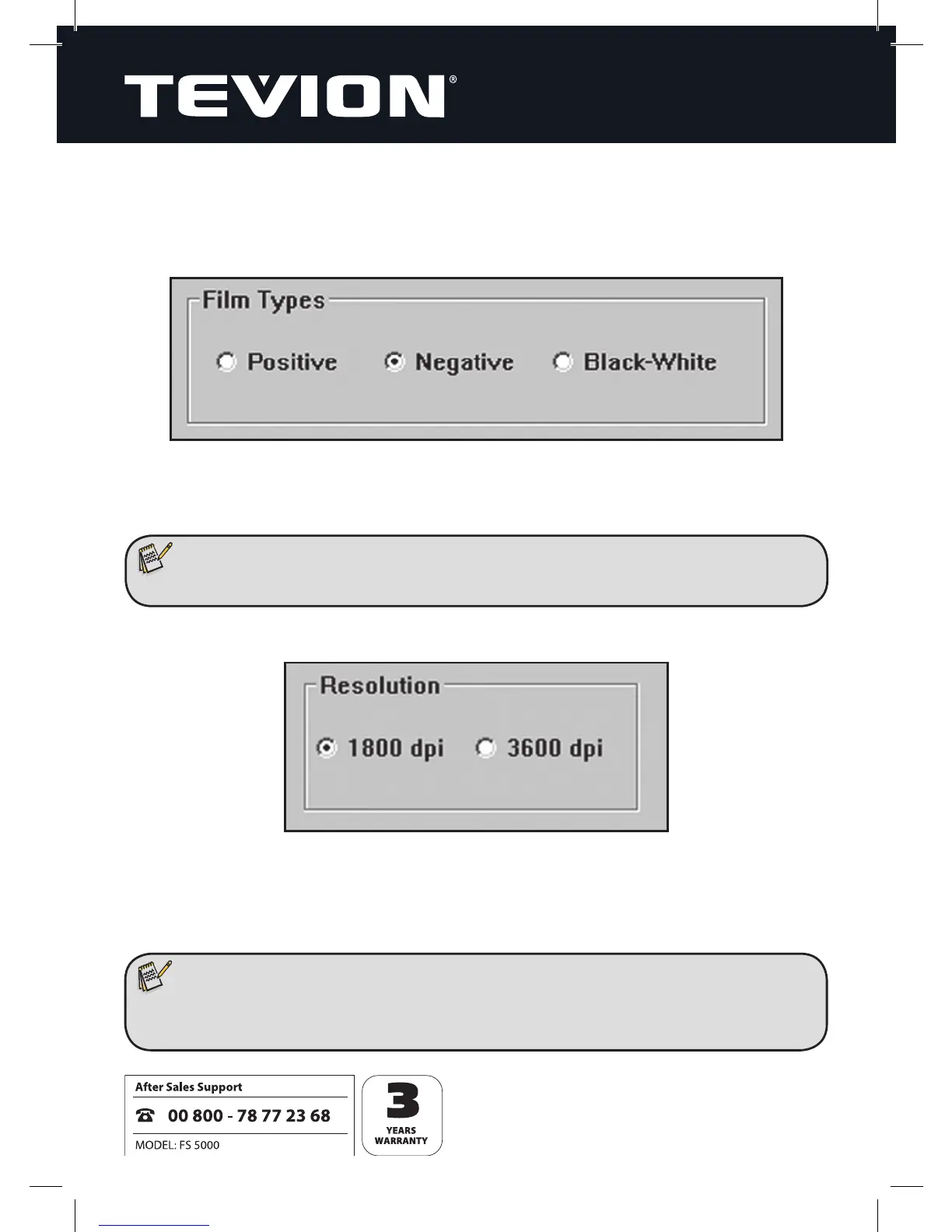
The preview window then presents you with the following setting options:
Film Types
1) Positive: to scan in slides.
2) Negative: to scan in colour negatives.
3) Black-White: to scan in black-and-white negatives.
Resolution
1) 1800 dpi: This corresponds to the physical resolution of the scanner: images are
captured with 2.592 x 1.728 pixels.
2) 3600 dpi: The scanned image is interpolated to produce a higher resolution. Images
are captured with 5.184 x 3.456 pixels.
Note:
• Upon scanning in, negatives are converted immediately into positive images.
Note:
• Images captured with 3600 dpi have a higher resolution, but interpolation
does impair quality to an extent.


 To Next Page