14
9. Connecting the Film Scanner to your computer
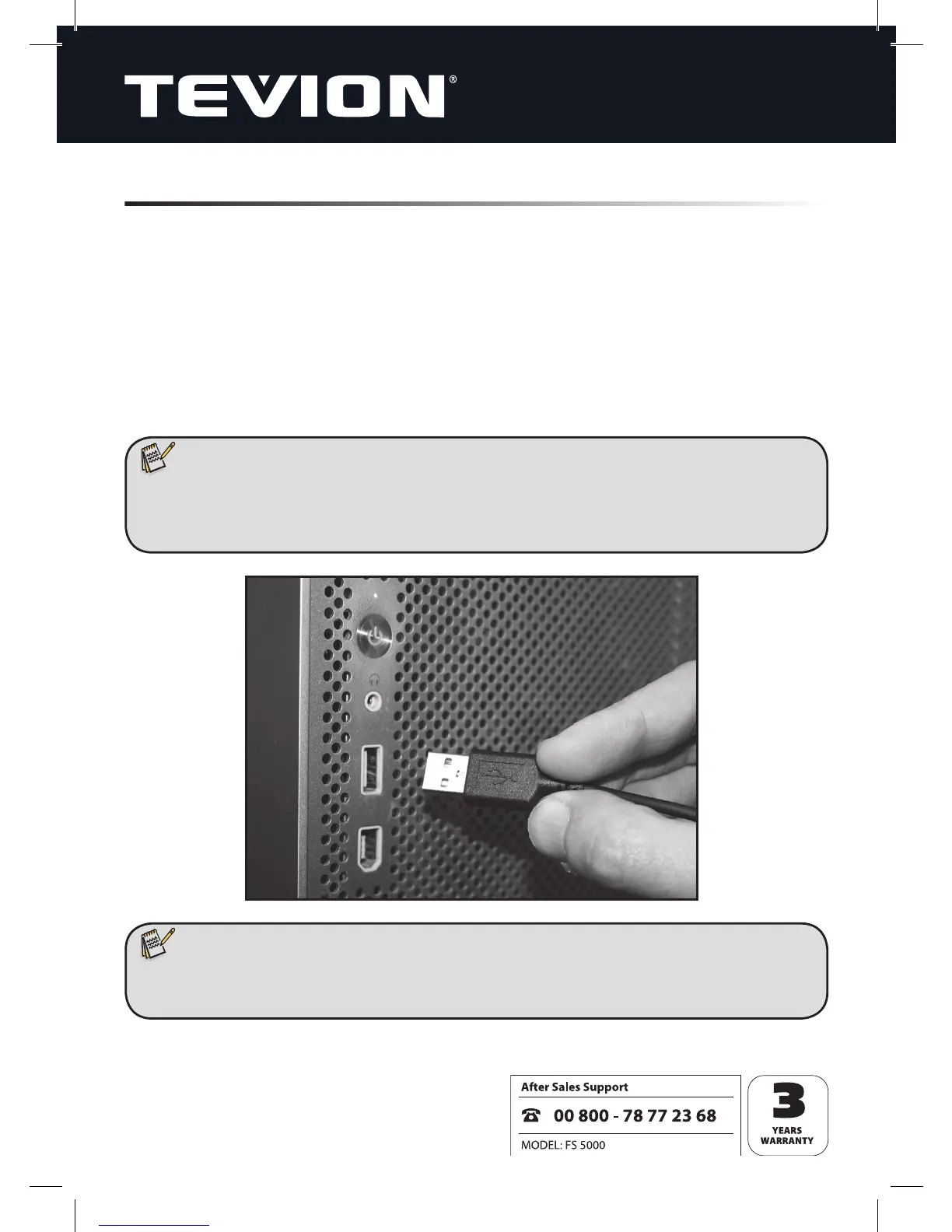
Plug the scanner’s connector cable into one of your computer’s USB ports. The power
LED on the scanner will then light up in green.
The transparency scanner will only work on a USB port that supports USB 2.0. On desk-
top computers, such connection ports are usually located on the rear side. In the case
of laptops and notebooks, you may have to try out various USB ports to nd a suitable
one. Because the USB systems on portable computers often do not carry suffi cient
power, it may be necessary to use a USB hub with its own power supply.
Note:
• When used for the rst time, the transparency scanner should be connected
without an original-image holder inserted, as the unit starts by calibrating
itself.
Note:
• If “Error message 10” appears on the screen during installation of the scanner,
leave the unit plugged in and re-boot the computer.


 To Next Page