13
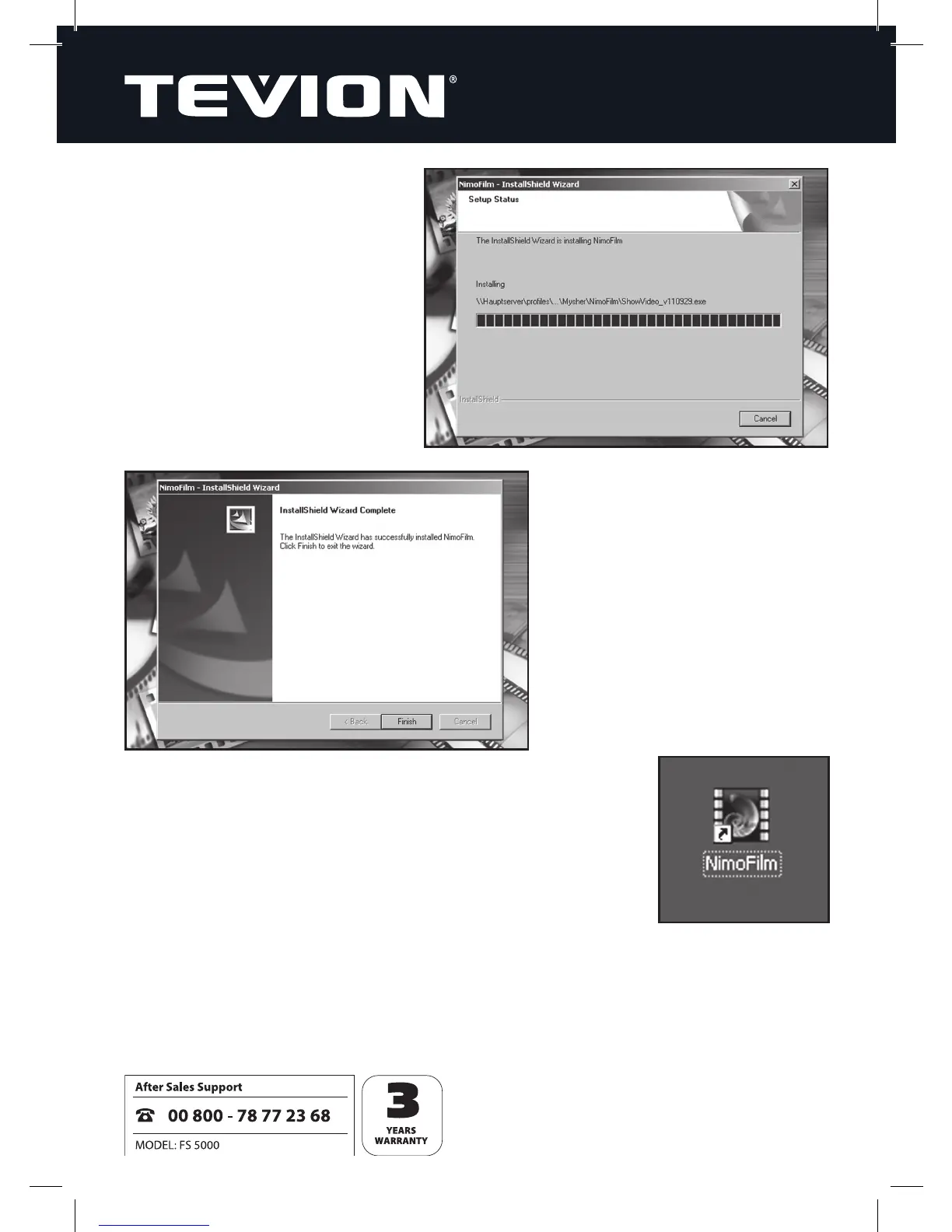
7. The installation procedure is then
carried out.
8.
To complete the installation,
click “Finish”, then remove the
installation CD from your drive
and re-boot the computer.
9. Once installed, the software automatically puts a
“NimoFilm” symbol on your desktop.


 To Next Page