10
8. Installing the software
The program NimoFilm must be installed before using the Film Scanner.
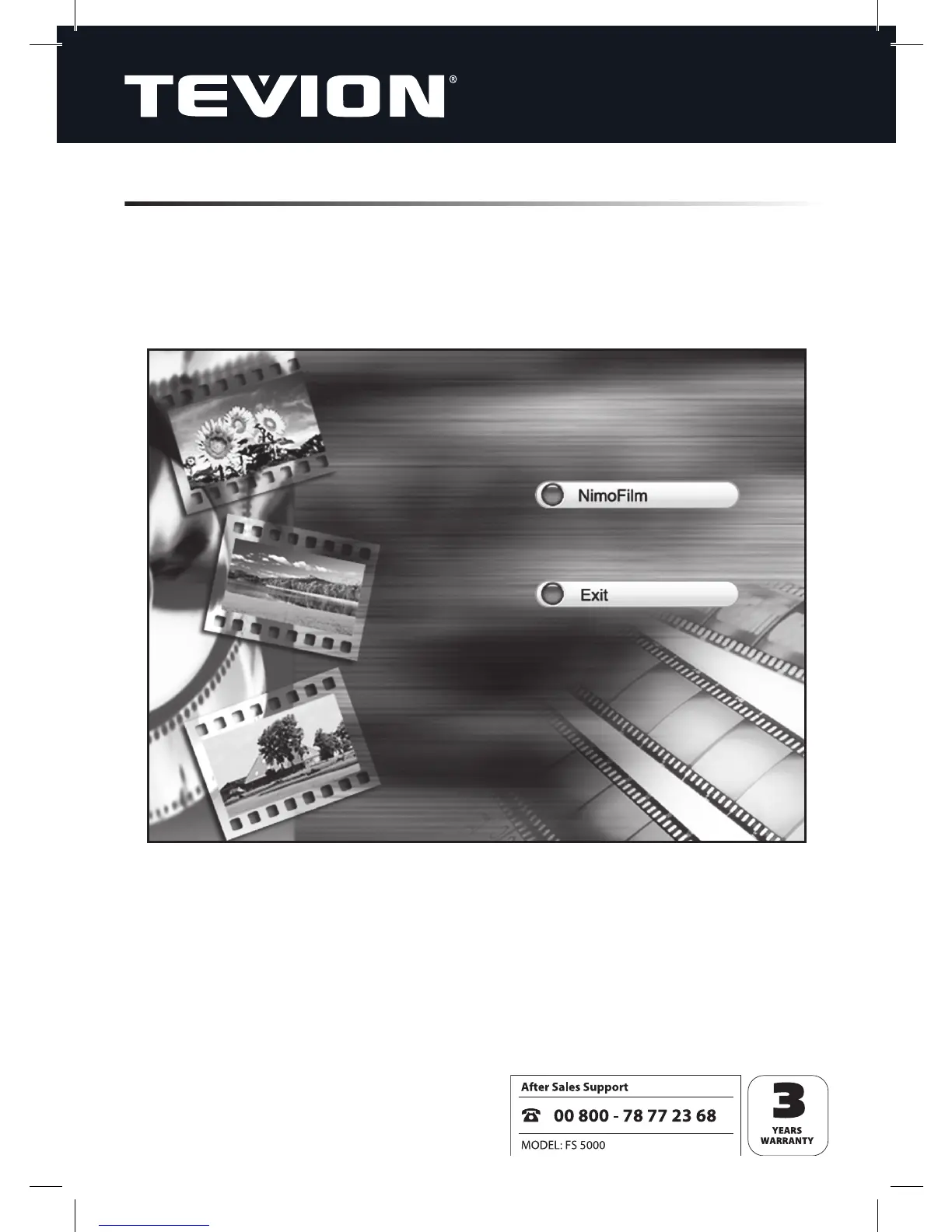
Place the installation CD in your CD/DVD drive, and the installation CD menu will
appear automatically.
When the start-up screen appears, select “NimoFilm” to install the software.
You will then be given general instructions for installing the software under Windows
XP, Vista and 7 (varies slightly from system to system).


 To Next Page