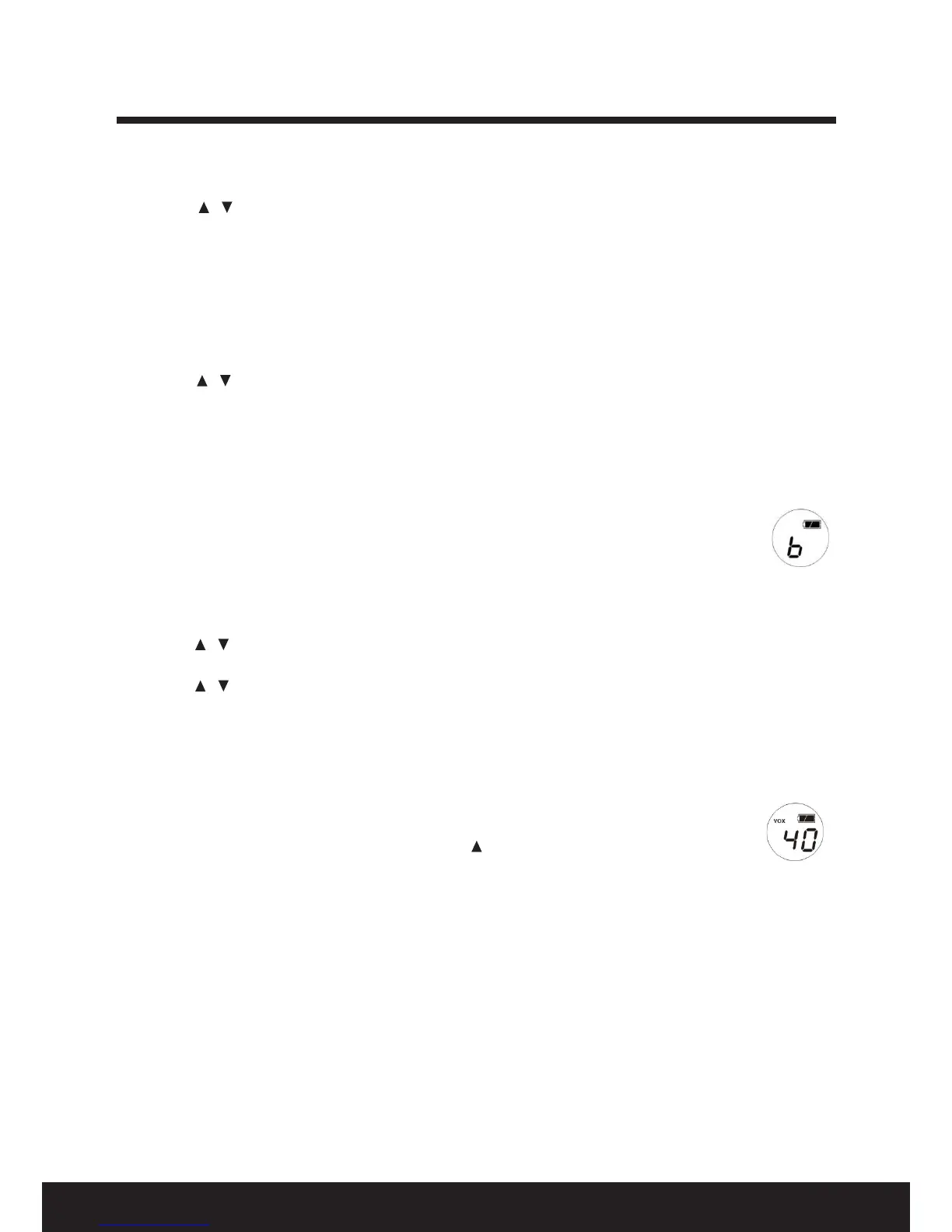
7
After Sales Support TEL: 1300 886 649
Selecting a channel
1. Press the / key to select the channel (1-40).
2. When switching to the desired channel number, press the FUNCTION key to conrm.
NOTE: The last channel number can be recalled.
Selecting a sub-code
1. Press the FUNCTION key twice within one second to enter the CTCSS sub-code setting (this will reduce
the incidence of other users sharing the two-way radio communications channel). The screen will
display as illustrated in Fig. 4, page 4. One second later, it will be blinking and show the current sub-
code (Fig. 5, page 4).
2. Press the / key to select sub-code 00/01-38.
3. Press the FUNCTION key again one more time to conrm and return to the main screen.
4. If the sub-code is not conrmed after two seconds, the setting will be conrmed automatically and
will return to main the screen.
5. There is no sub-code in Channels 5 and 35 under Australian regulations.
NOTE:•Nosub-codeisshownonthemainscreen.
•Channelandsub-codeareindependentlymemorised.Thelastchannelandsub-code
will be memorised if the unit is switched o accurately.
•Ifthechannelandsub-codeareoccupied,abusyindicator“b”willbeshownonthe
screen (Fig. 9). Press any key to return to show the channel. When it is not busy, it will
revert to the normal two-way radio main screen (Fig. 2).
Automatic channel scan
1. Press the / key for two seconds to start the channel scan. The channel number will change, it will
stop scanning when it nds a channel where transmission is taking place.
2. Press the / key again to stop the channel scan.
Auto squelch (SQ)
Auto squelch control eliminates unwanted interference during communication; you do not need to
activate it.
VOX function
VOX is the voice activating transmission function. You can talk and communicate with the
other user without holding the PTT button down.
1. Press and hold the FUNCTION key, then press the / VOX key to activate the VOX function,
the VOX icon shows on the screen (Fig. 10).
2. Repeat the same to exit from VOX mode and close the VOX function.
Monitor function
Activate the monitor function during weak transmission to receive all signals in the same channel.
1. Press and hold the FUNCTION key, then press the CALL/MON key to activate the monitor (MON)
function.
2. Press the same again to exit MON mode.
Function set-up


 To Next Page