Chapter 1: Number Sense Section 2: Rational Numbers
Topics in Algebra 1 © 2001 Texas Instruments Teacher Notes 1-21
Activities (continued)
Scoring:
When a row or
column adds up to 1, it
disappears, and the player
scores 2 points.
The game automatically
ends if the screen is full,
or you press
á
QUIT
â
to
stop.
Slide (continued)
3. Follow your instructions. For example, students can play:
•
Until the screen fills up (no time limit).
•
Until a certain amount of time has expired (highest score
wins).
•
Until a certain score has been reached
(first student to
reach the score wins).
•
Repeatedly over a period of time (days, weeks, etc.) for
tracking improvement of high scores.
4. Record the level they played.
5. Record their scores.
6. Write on the worksheet a paragraph in which they describe
the
Slide
activity and the strategy for playing.
Scoring:
Students get
two attempts to solve
each problem. They earn
2 points for a correct
answer on the first try, 1
point for a correct answer
on the second try.
They can earn up to 10
points.
Tips:
Tell students that
they can:
•
Change the answer
before they press
b
by pressing
:
and re-entering
the answer.
•
Press
á
n/d
â
to move
between the numerator
and denominator.
Note:
Unsimplified
fractions are counted as
correct.
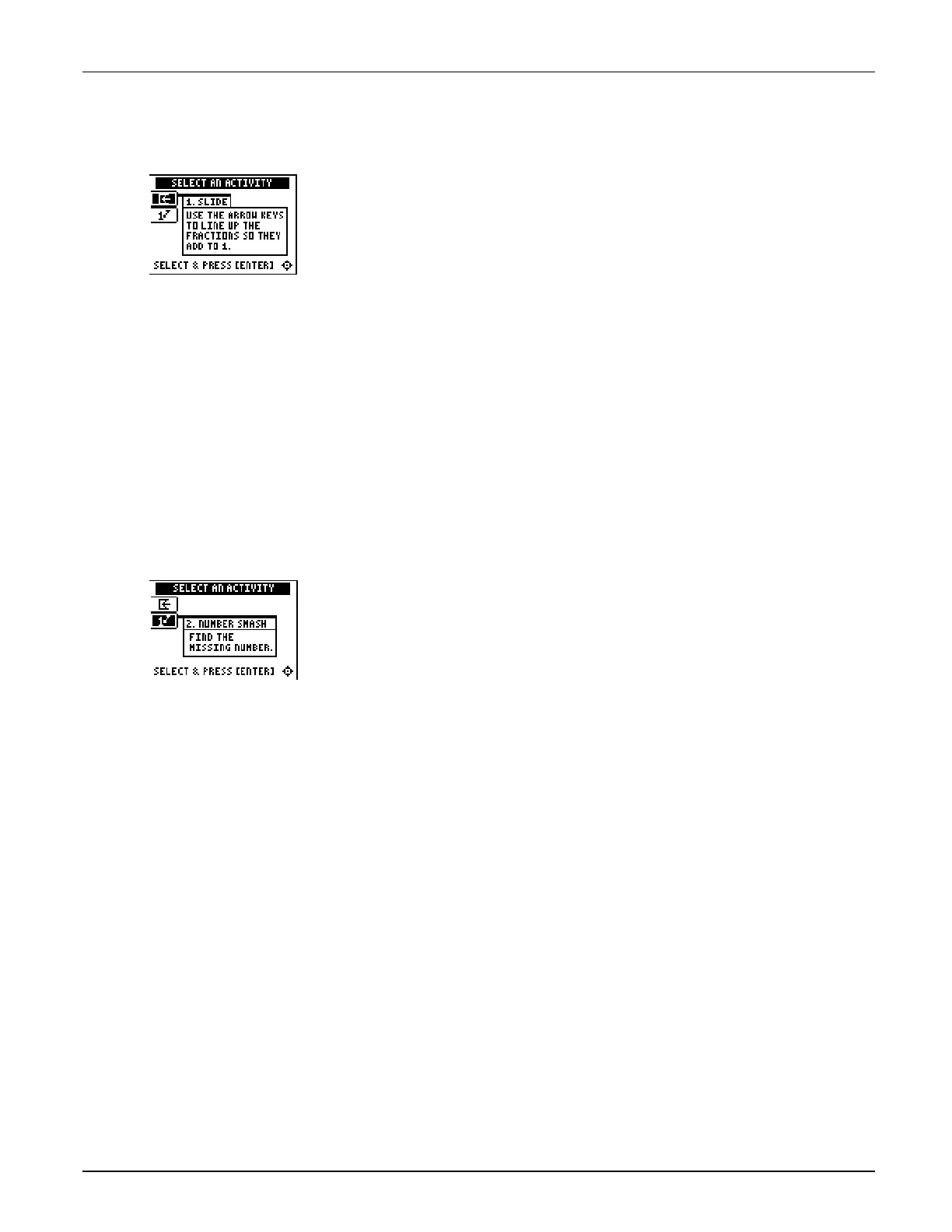
Number Smash
Tell students to:
1. Highlight a level (bronze = least difficult; gold = most
difficult), and press
b
to select it.
2. Press
á
+
â
,
á
N
â
,
á
¦
â
, or
á
÷
â
to select the operation that they want
to practice.
3. Enter the missing number (press Ì for negative numbers),
and press
b
. As they play the activity, they should write
each number sentence and its solution on the worksheet,
showing all their work. If the missing number is a mixed
number or fraction, tell them:
•
To enter a mixed number, enter the whole number, press
á
UNIT
â
, and then enter the fraction.
•
To enter a fraction, press
á
n/d
â
and enter the numerator.
Press
á
n/d
â
again and enter the denominator.
If the answer is incorrect, the correct answer is displayed;
press any key to resume play.
4. Record the level and operation they played.
5. Record their scores.



 To Next Page
 Loading...













