EasyManua.ls Logo

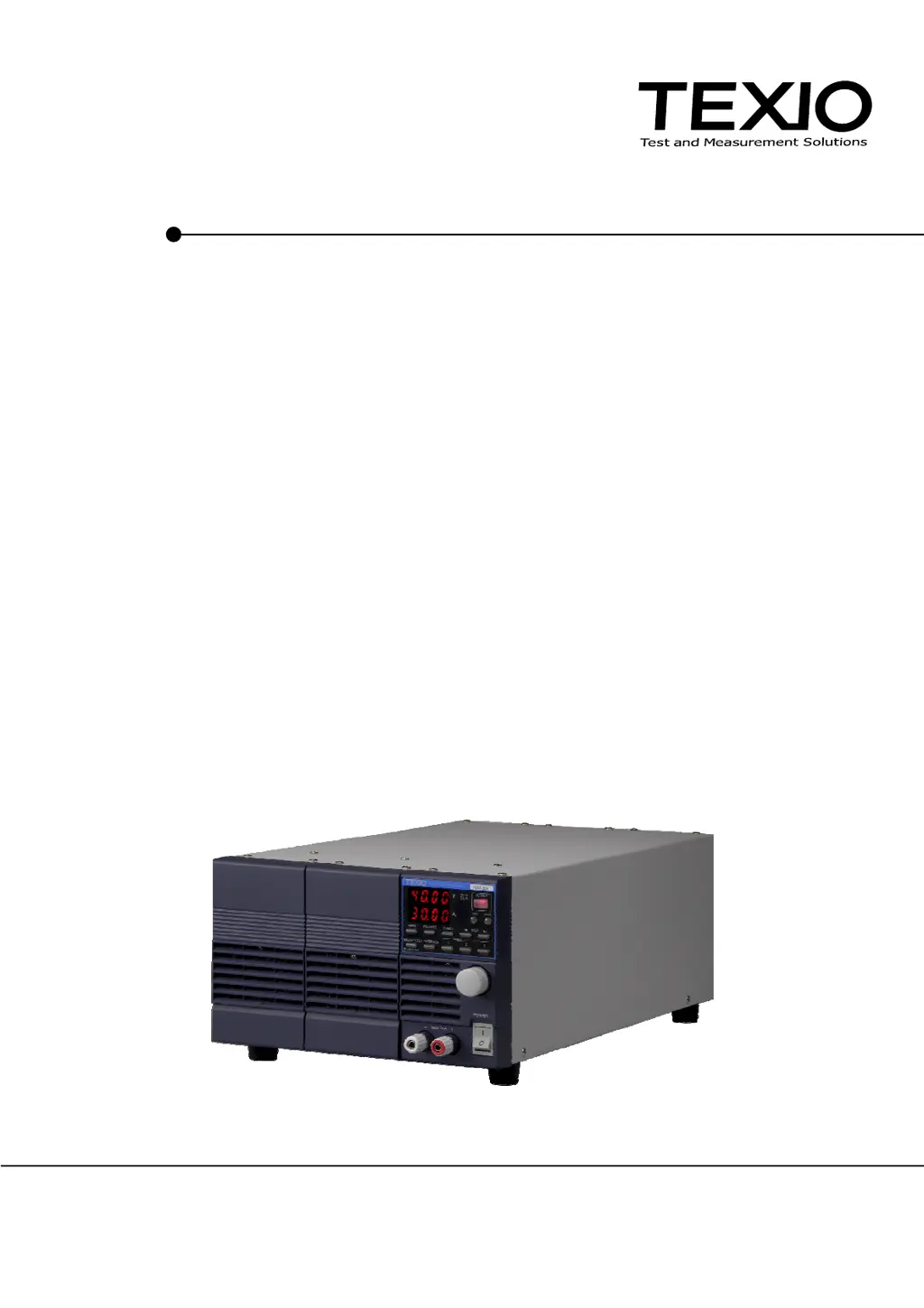
TEXIO PS-A Series - User Manual

TEXIO PS-A Series
116 pages
Print Icon
To Next Page IconTo Next Page
Loading...
INSTRUCTION MANUAL
REGULATED DC POWER SUPPLY
PS-A SERIES
PS6-66A PS6-133A
PS10-40A PS10-80A PS10-120A
PS20-20A PS20-40A PS20-60A
PS40-10A PS40-20A PS40-30A
PS60-6.6A PS60-13.3A PS60-20A
OPTIONAL INTERFACE UNITS FOR
PS-A SERIES
IF-71RS IF-70GU IF-70PS
B71-0024-30

Table of Contents

Questions and Answers

  • R
    Robert MillerAug 16, 2025
    Why TEXIO PS-A shows “AL?” when it is used?
    • O
      oriveraAug 16, 2025
      If the TEXIO Power Supply unit displays “AL?”, it may be due to objects blocking the front grill or rear exhaust. Maintain at least 30 cm of clear space around the front and rear panels. Alternatively, the dust filter may be dirty. Try replacing or cleaning the internal dust filter. If the problem persists after cleaning, recalibration or repair of the unit may be required.
  • P
    Phillip HayesAug 22, 2025
    What to do if TEXIO PS-A output voltage is unstable?
    • J
      James CurryAug 22, 2025
      If the output voltage of your TEXIO Power Supply is unstable or has excessive noise, first, adjust the AC input voltage to address potential commercial frequency noises. If the issue persists, check for strong magnetic or electrical fields nearby. If such fields are present, move the unit away from the source and twist the wires to minimize interference.
  • C
    Cesar CarrAug 26, 2025
    What to do if TEXIO Power Supply shows “AL?” when the output is turned on?
    • C
      Christopher DominguezAug 26, 2025
      If your TEXIO Power Supply displays “AL?” when the output is turned on, ensure that the remote sensing terminal is properly connected to the load. Also, verify that the short bar connecting the output terminal and the remote sensing terminal is securely in place.
  • K
    kevindavisAug 28, 2025
    Why TEXIO Power Supply shows “AL?” when front output terminals are used?
    • J
      Joe OrtizAug 28, 2025
      If the TEXIO Power Supply unit displays “AL?” when using the front output terminals, it indicates that the current flowing to the load exceeds 20A. To resolve this, ensure the current from the front output terminals is 20A or less. For higher current applications, use the rear output terminals.
  • P
    patricia19Aug 31, 2025
    What to do if TEXIO Power Supply voltage does not fall after turning off?
    • U
      uthompsonAug 31, 2025
      If the voltage on your TEXIO Power Supply doesn't decrease after turning off the output, it could be due to a capacitive load. Use a voltmeter to check the voltage at the output terminals before touching them. Alternatively, the Output HI-R function might be enabled. Disable the Output HI-R function.
  • D
    donalddavisSep 3, 2025
    Why TEXIO Power Supply shows “P-oF” when turned on?
    • E
      Erica AndradeSep 3, 2025
      If your TEXIO Power Supply displays “P-oF” when turned on, it indicates that SW1-1 of the external analog board is switched on. To fix this, switch off the external analog board SW1-1.
  • R
    Ryan RiosSep 6, 2025
    What to do if no voltage output from TEXIO Power Supply, even when output is on?
    • M
      Madison ClarkSep 6, 2025
      If there is no voltage output from your TEXIO Power Supply, even when the output is turned on, check if the current is set to 0.00 A in CC mode. If so, increase the set current.
  • K
    Kevin ClarkSep 9, 2025
    Why TEXIO PS-A Power Supply shows “ScAn Err” in parallel master-slave connection?
    • M
      Michelle FrenchSep 10, 2025
      If your TEXIO Power Supply displays “ScAn Err” when the POWER switch is thrown in parallel master-slave connection, it could be due to: 1. The wrong number of power units has been set. Correct the setting for the number of power units. 2. The dedicated cable is not connected to the J1 connector on the rear panel. Connect the dedicated cable to the J1 connector on the rear panel, ensuring you only use the dedicated cable.
  • J
    Jason ZamoraSep 10, 2025
    What to do if TEXIO PS-A is not turned on?
    • L
      lynnfriedmanSep 12, 2025
      If your TEXIO Power Supply isn't turning on (the front panel LED is off), first ensure the AC cable is securely connected and not broken; replace the cable if necessary. Also, check that the AC input voltage is within the acceptable range of 100VAC to 240VAC, 50Hz to 60Hz, and adjust if needed. If the fuse has blown, please contact our service center.
  • P
    Pamela HarrisSep 12, 2025
    Why no voltage output from TEXIO PS-A in serial master-slave connection?
    • Z
      zsheppardSep 12, 2025
      If there is no voltage output from your TEXIO Power Supply in serial master-slave connection, ensure the dedicated cable is connected to the J1 connector on the rear panel. Make sure to only use the dedicated cable.

TEXIO PS-A Series Specifications

General IconGeneral
BrandTEXIO
ModelPS-A Series
CategoryPower Supply
LanguageEnglish

Related product manuals