THE ADVANCED SWITCHING SYSTEM
THE GIGRIG G3 USER MANUAL
2.6. NAVIGATING THE DEEP EDIT MENU
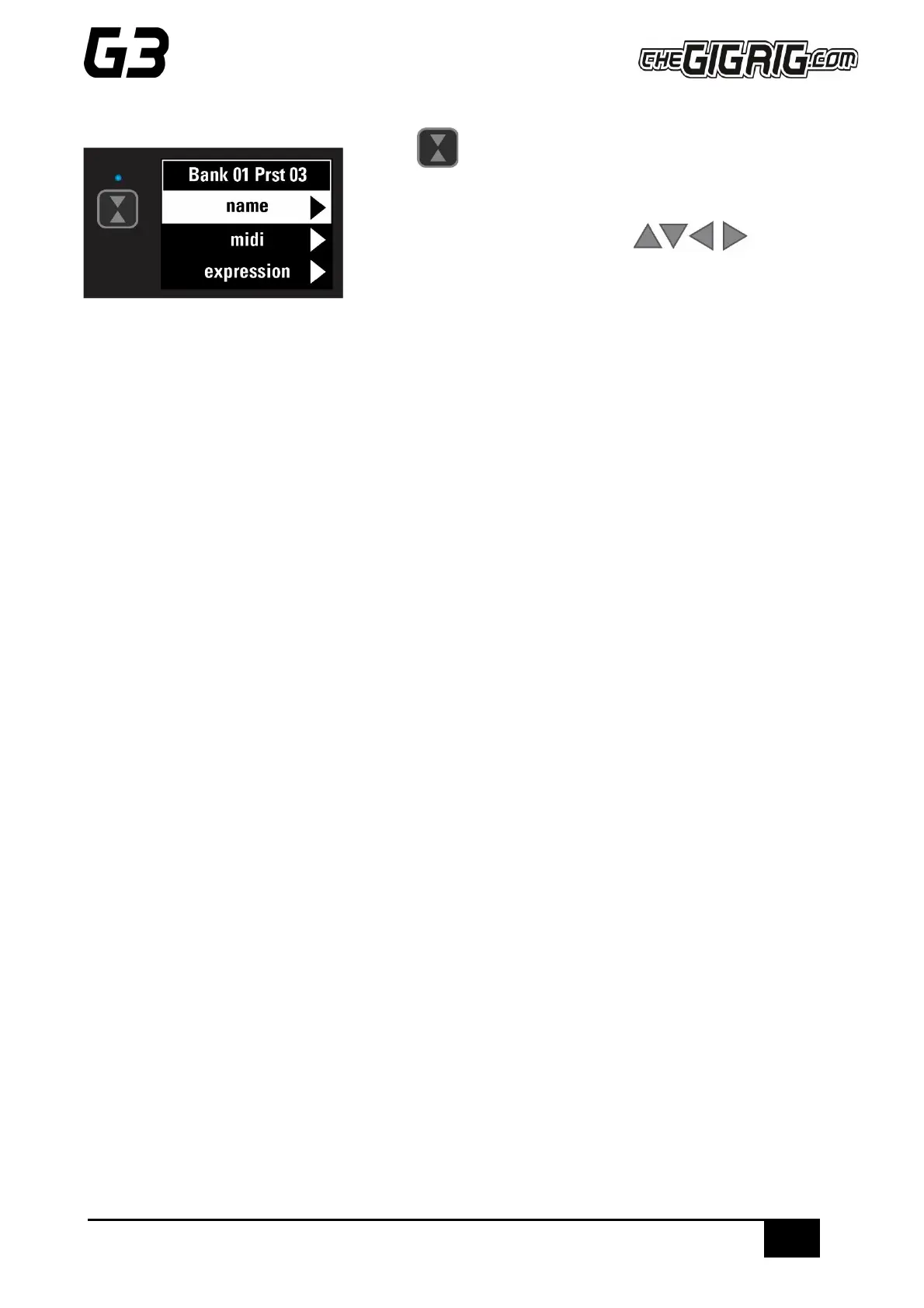
Press the button on the left-hand side of the LCD screen to access
the DEEP EDIT MENU.
To navigate through the Deep Edit Menu, use
footswitches 1,2,3 & 4 which correspond to Up, Down, Back,
Scroll/Enter respectively.
Editing menu options include:
MIDI, PARALLEL & WET/DRY SIGNAL PATHS, DELAY/REVERB TRAILS, PRESET NAMES, BLUETOOTH
SOFTWARE UPDATES, STOMPBOX MODES, PRESET BANK COPY & PASTE, SCREEN BRIGHTNESS, etc.
The Editing menu in G3 has been designed to be as intuitive as possible, but for additional guidance please
refer to the full manual.


 To Next Page