WARNING:
Before performing any maintenance, always unplug the ClearSolution
™
G2 Filter
from the power source.
Watch a video of the ClearSolution™ G2 Filter maintenance
online @ www.thepondguy.com/clearsolutionG2
Tools Required:
• Soft, damp cloth
• #2 Phillips Screwdriver
• Replacement UV Bulb
• Replacement Filter Media Pads
• Replacement Quartz Sleeve if yours is cracked or damaged
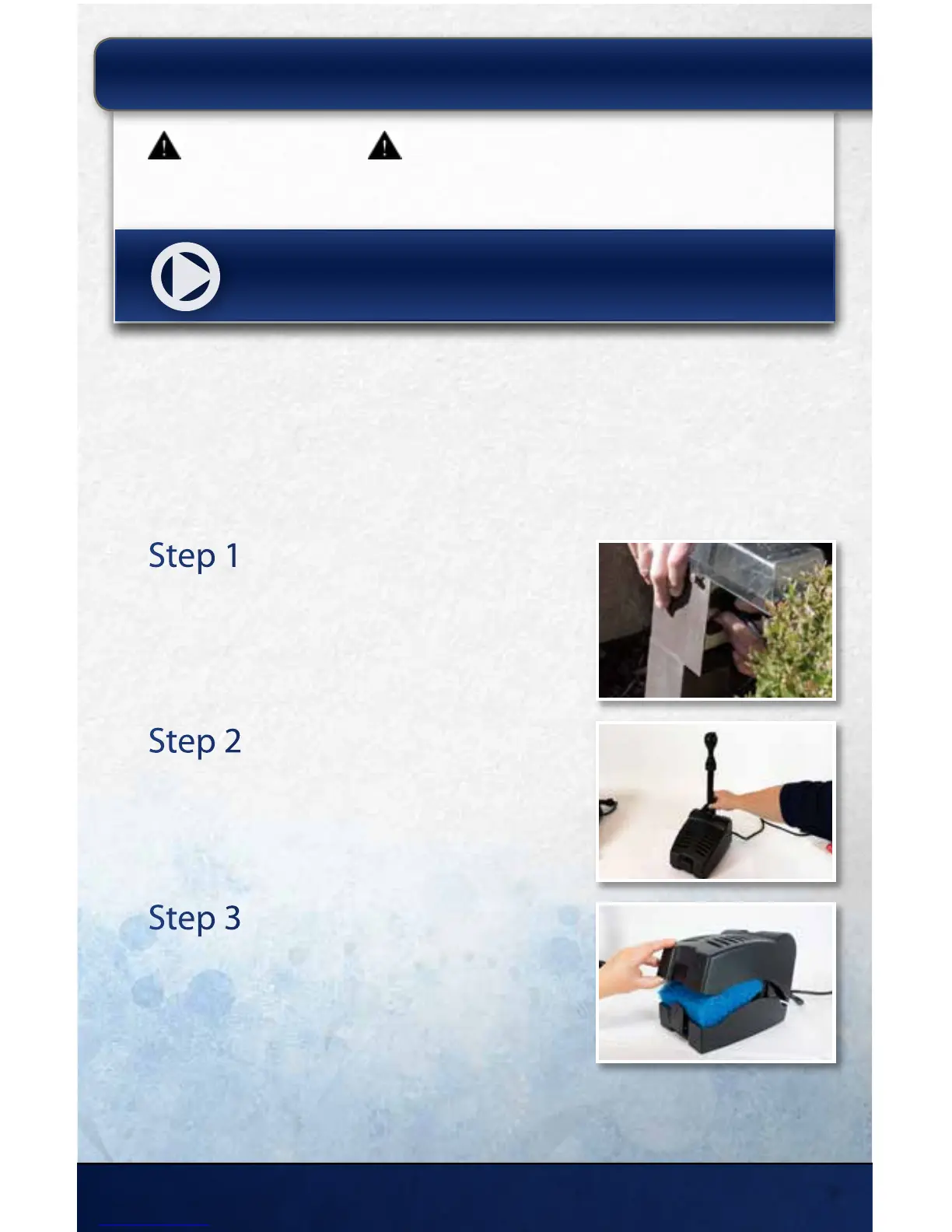
Step 1
Unplug UV and Pump
Unplug the UV and pump, disconnect any plumbing
and remove the unit from the pond.
Step 2
Remove Fountain Assembly
Unscrew the diverter and fountain assembly from the
unit.
Step 3
Remove Intake Cover
Unlock and remove the intake cover to expose the
lter media.
MAINTAINING YOUR CLEARSOLUTION
™
FILTER:
15425 Chets Way | Armada, MI 48005
7



 To Next Page