— E7 —
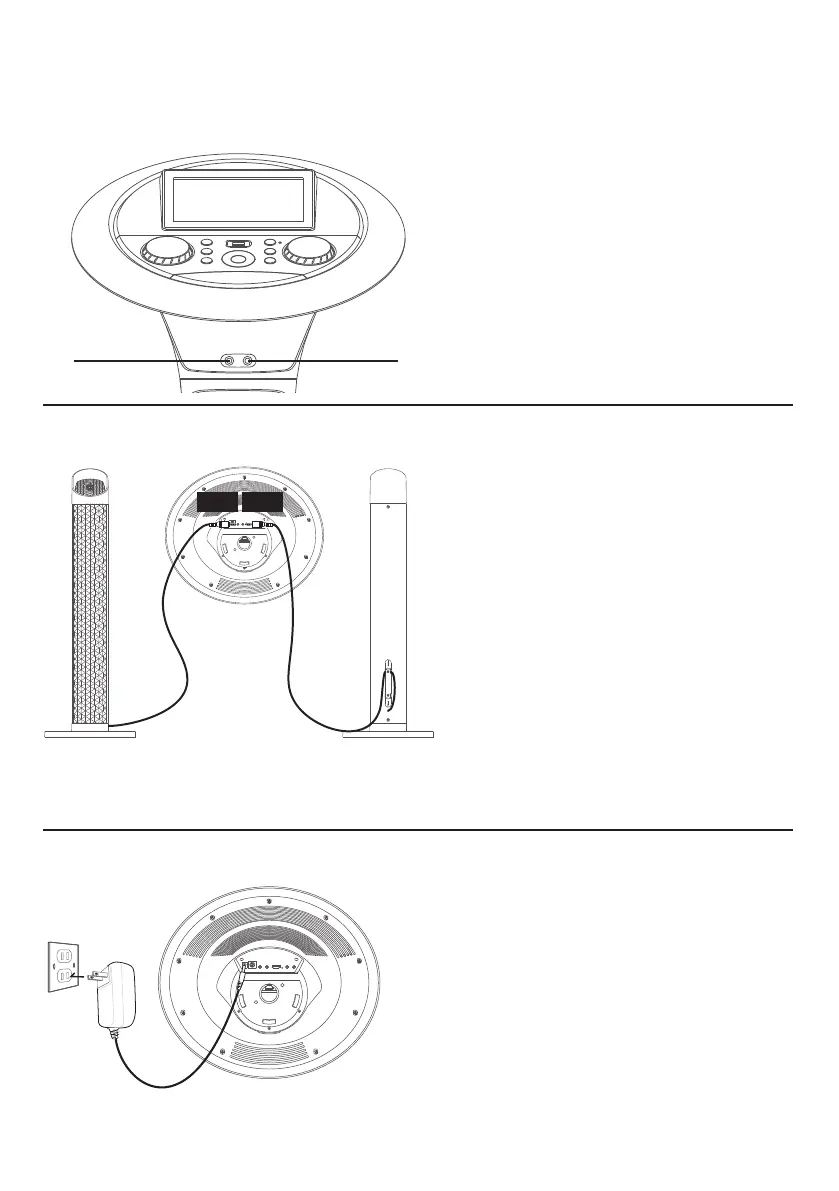
Connecting the Microphone(s)
Microphones:
Connect a microphone into Mic jack 1
u
as well as Mic jack 2
v
(when desired).
Note: Do not drop or tap the Mic as
damage to the Mic or speakers may occur.
Do not twirl the microphone cord as it will
cause damage to the encased wiring.
u
v
Connections
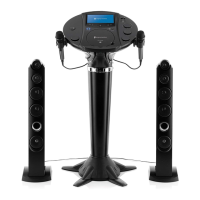
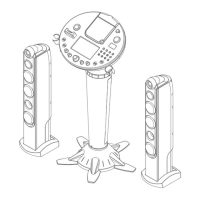
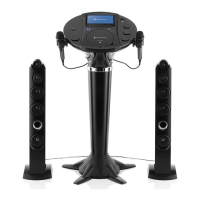
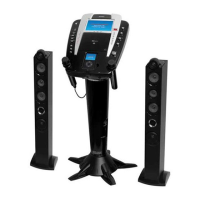
Connecting the Tower Speakers
1
To protect the speakers, make
sure the unit is off and the MUSIC
VOLUME and MIC VOLUME.
controls are set to minimum.
2
Connect the Right and Left Tower
Speakers to the jacks on back of
the unit as illustrated.
3
Turn the power on and slowly
raise the MUSIC VOLUME and
MIC VOLUME controls to a
comfortable level.
NOTE: You can use the cord management
clamps to manage cords.
Right Tower
Speaker Jack
Left Tower
Speaker Jack
1
Insert the DC plug of the adapter
into the DC IN Jack located on the
main unit.
2
Insert the AC adapter into a
conveniently located AC outlet
having 120V AC, 60Hz.
3
Secure the power cord into the
pre-installed Power Cord Clamps.
Connecting to AC Power


 To Next Page