EasyManua.ls Logo

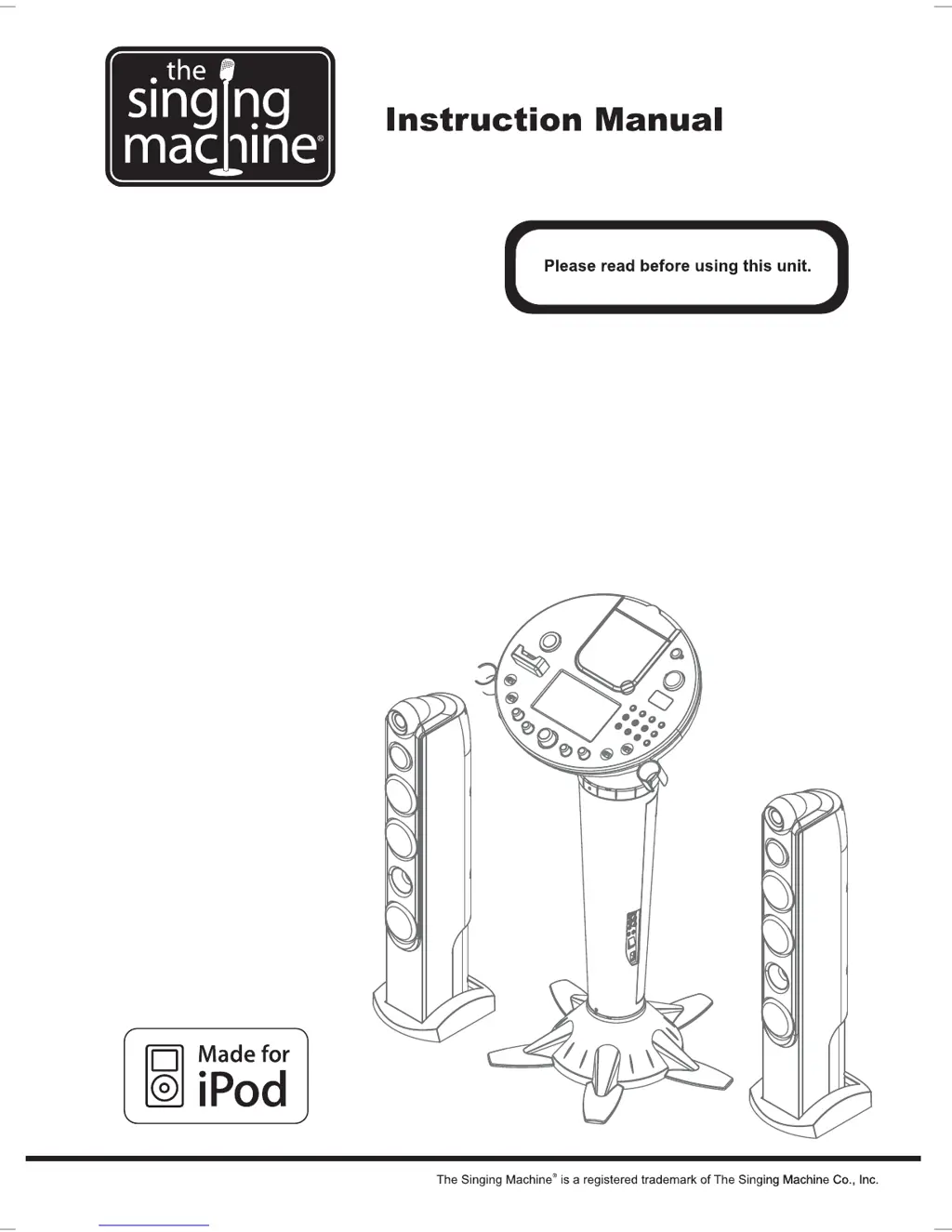
The Singing Machine iSM-1028 - User Manual

The Singing Machine iSM-1028
24 pages
Print Icon
To Next Page IconTo Next Page
Loading...
iSM-1028 X
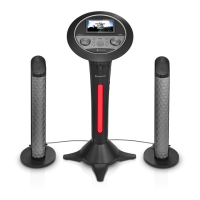
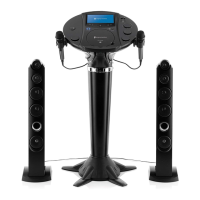
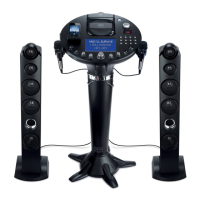
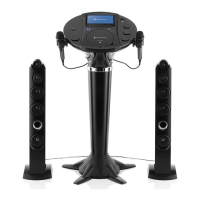
Pedestal CDG karaoke system with built-in
7" TFT LCD color monitor, iPod docking
and AM/FM radio

Questions and Answers

  • J
    Jared KelleyAug 14, 2025
    What to do if no song lyrics appear on the TV screen with The Singing Machine Karaoke System?
    • L
      Lisa BrennanAug 15, 2025
      If your Singing Machine Karaoke System displays no song lyrics on the TV screen, ensure the video cable is correctly connected from the system's VIDEO OUT to the TV's VIDEO IN. Also, use your TV remote to select the correct VIDEO input. If your TV lacks a video line input, connect the system's VIDEO OUT to the VIDEO IN on your VCR/DVD player and ensure you are playing a CDG. Check that the CDG indicator is lit and the disc is clean. Ensure that you have selected the correct source on your TV using the TV remote.
  • K
    Katie WilliamsAug 18, 2025
    Why is there no sound coming from The Singing Machine iSM-1028?
    • P
      patricia91Aug 18, 2025
      If your Singing Machine Karaoke System has no sound, first, increase the volume. Also, if you are using a TV or PA system, make sure that it is turned on and the volume is turned up. Finally, ensure that the AUX OUT jacks are properly connected as described on the “Audio Connection” page.
  • J
    John VincentAug 21, 2025
    How to troubleshoot CD PLAYER errors on The Singing Machine iSM-1028 Karaoke System?
    • O
      Oscar CaseAug 21, 2025
      If your Singing Machine Karaoke System CD player isn't working normally, displaying symbols like “ ”, “ ”, or “ “, make sure the disc is inserted correctly, clean, and not scratched or warped. Use only standard discs. Clean the lens with a CD lens cleaner. If moisture has formed inside, wait 20-30 minutes for it to dry out. As a last resort, disconnect the machine from the power source for 30 seconds to reset it.
  • C
    Christina TurnerAug 25, 2025
    How to fix no sound from the mic on The Singing Machine Karaoke System?
    • S
      Scott WalkerAug 26, 2025
      If there is no sound from the microphone on your Singing Machine Karaoke System, adjust the mic volume to the maximum level, then readjust to a comfortable level. Also, ensure that the microphone is switched on using the ON/OFF switch located on the microphone itself.
  • J
    Jonathan BrownAug 28, 2025
    What to do if The Singing Machine iSM-1028 has no power when plugged in?
    • A
      andersontimothyAug 28, 2025
      If your Singing Machine Karaoke System has no power when plugged in, check the AC outlet with another working appliance to ensure it has power. Make sure the AC plug is securely connected to the back of the unit. Also, ensure that the connections under the monitor are secure and connected by lifting the monitor from the pedestal.
  • D
    Derrick MelendezAug 31, 2025
    Why does the music cut out when singing on The Singing Machine iSM-1028 Karaoke System?
    • S
      Sean MartinezAug 31, 2025
      If you experience music or vocals cutting out while playing a CDG and singing with the microphone on your Singing Machine Karaoke System, adjust the AVC (Automatic Voice Control) to the minimum setting. Also, ensure you are playing a track that includes both music and vocals, not a music-only track.
  • J
    Jason BennettSep 3, 2025
    Why is The Singing Machine Karaoke System playing music too fast?
    • A
      Angela JonesSep 3, 2025
      If the music and vocals are playing at a high speed on your Singing Machine Karaoke System, adjust the key control to 0.
  • M
    myersjordanSep 7, 2025
    How to fix only music or vocals playing on The Singing Machine Karaoke System?
    • B
      bowmannicholasSep 7, 2025
      If you find that only music or vocals play while playing a CDG track with both on your Singing Machine Karaoke System, adjust the balance to the midpoint.
  • M
    Michael GarciaSep 12, 2025
    Why The Singing Machine iSM-1028 Karaoke System has no power when turned on?
    • J
      James BarnettSep 12, 2025
      If your Singing Machine Karaoke System has no power when the ON/OFF button is on, ensure the power plug is securely inserted into the AC outlet.

Summary

Important Safety Instructions

Installation

Pedestal Assembly Steps

Instructions for attaching the pedestal base and tightening screws.

Control Panel Assembly Steps

Steps for connecting the control panel and securing it with screws.

Tower Speaker Installation

Tower Speaker to Stand Attachment

Guide for attaching the speaker unit to its stand.

Making the Connections

iPod Docking Compatibility

List of iPod models compatible with the docking station.

iPod Docking Procedure

Steps for properly docking an iPod for playback and charging.

Karaoke Functions

Trouble Shooting Guide

The Singing Machine iSM-1028 Specifications

General IconGeneral
Product TypeKaraoke System
Microphone TypeDynamic
Number of Microphones1
ConnectivityBluetooth, AUX
DisplayYes
Power SourceAC Adapter
Disc CompatibilityCD+G
Display TypeLCD
Microphone Input1/4"
Audio OutputRCA
Speaker Output5 Watts

Related product manuals